
Workforce Management & Time Tracking Solutions
Start with the work record you need to trust: from tracked time and activity context to project review and export.
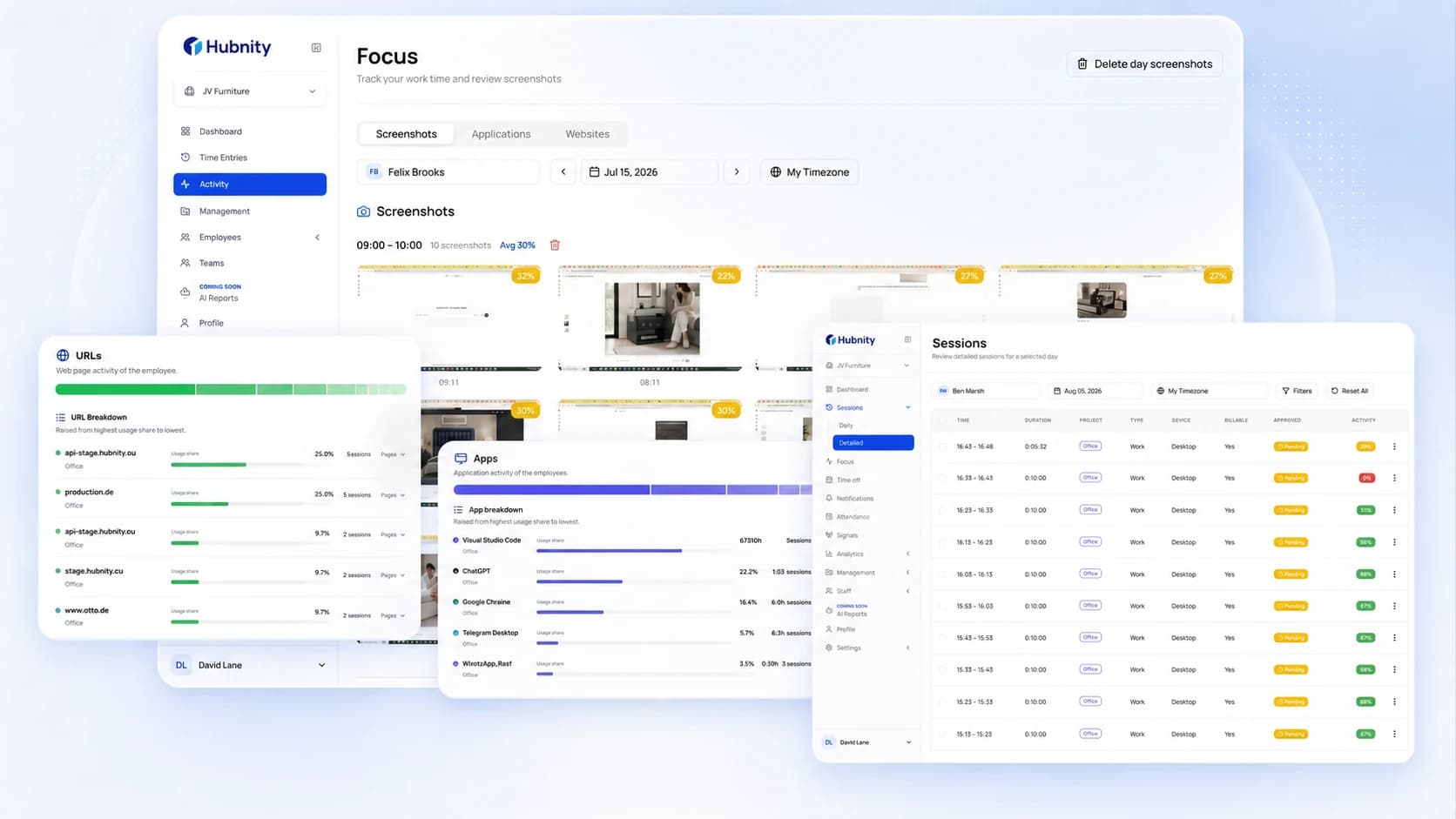
Solution map
Start with the outcome you need.
Browse the complete Hubnity solution map. Each card shows whether the workflow is available now, partially available, or planned.
For individuals
Personal tracking
Personal time records and checks built from the same tracked work data.
For daily operations
Time and attendance
Time entries, activity context, reports, and location workflows for daily operations.
Core workflowTime TrackingTrack time for projects, review entries, and prepare approved records for export.Open solutionField visibilityGPS Time TrackingCapture location context for mobile work and field operations.Open solutionWork contextEmployee MonitoringReview enabled screenshots, apps, URLs, idle time, and activity context alongside tracked work.Open solutionActivity trendsProductivity MonitoringUse activity patterns and explainable signals to support a clearer review conversation.Open solution
For managers
Planning and delivery
Project and task workflows that connect delivery work to tracked time.
ExecutionTask ManagementConnect project tasks and delivery work to recorded time in one workflow.Open solutionDelivery workflowProject ManagementKeep project work, members, budgets, and tracked time connected for delivery review.Open solutionCoverageStaff SchedulingSchedule planning is planned for a future Hubnity release.Coming soon RotationsShift PlanningShift patterns and coverage planning are planned for a future Hubnity release.Coming soon Team availabilityLeave ManagementLeave balances and leave approvals are planned for a future Hubnity release.Coming soon OperationsWorkforce ManagementManage teams, members, roles, invitations, and project membership from one organization workspace.Open solution
For finance teams
Finance and reporting
Project cost, billable reporting, approvals, and exports based on reviewed time data.
BillingInvoicingCreate client invoices from recorded time, update their status, and keep billing connected to client budgets.Open solutionPayroll handoffPayrollPayroll calculation and payment workflows are planned for a future Hubnity release.Coming soon Cost controlBudget ManagementCompare project budgets, rates, spent values, and tracked work before cost variance grows.Open solutionInsightsWorkforce AnalyticsReview team work patterns and project-focus signals through advanced analytics.Open solution
One connected platform
Build around the record your team needs to trust.
Begin with one confirmed workflow, then connect tracking, project context, review, and export as your team needs them.
01
Choose the record you need
Start with the time, project, or report record that your team needs to review.
02
Match the confirmed workflow
Connect the available mix of time entries, activity context, projects, client rates, approvals, and reports.
03
Hand off a clearer record
Move approved time into the next operational workflow with available PDF and CSV exports.
A practical starting point
Choose the clearest record first. Hubnity keeps time, project context, review, and reporting ready to connect.
One reviewable work record
Decision support
Pick the workflow by the record you need to trust
Choose by job-to-be-done, not by menu label
Keep existing product URLs stable
Connect time, project, review, and export workflows
FAQ
Questions about choosing a Hubnity workflow
Compare common use cases and choose the workflow that gives your team the clearest record.
A Hubnity solution page connects a business question to confirmed Hubnity workflows: time entries, activity context, reports, project delivery, approvals, and exports.
Start with the record you need to review: time entries, activity context, project delivery, client billing preparation, or an export-ready report.
No. Solution pages guide buyers to the right workflow while product pages stay focused on the specific feature, software category, and setup details.
Yes. Teams can connect time entries, enabled activity context, projects, client rates, approvals, and available reports in one workspace.