
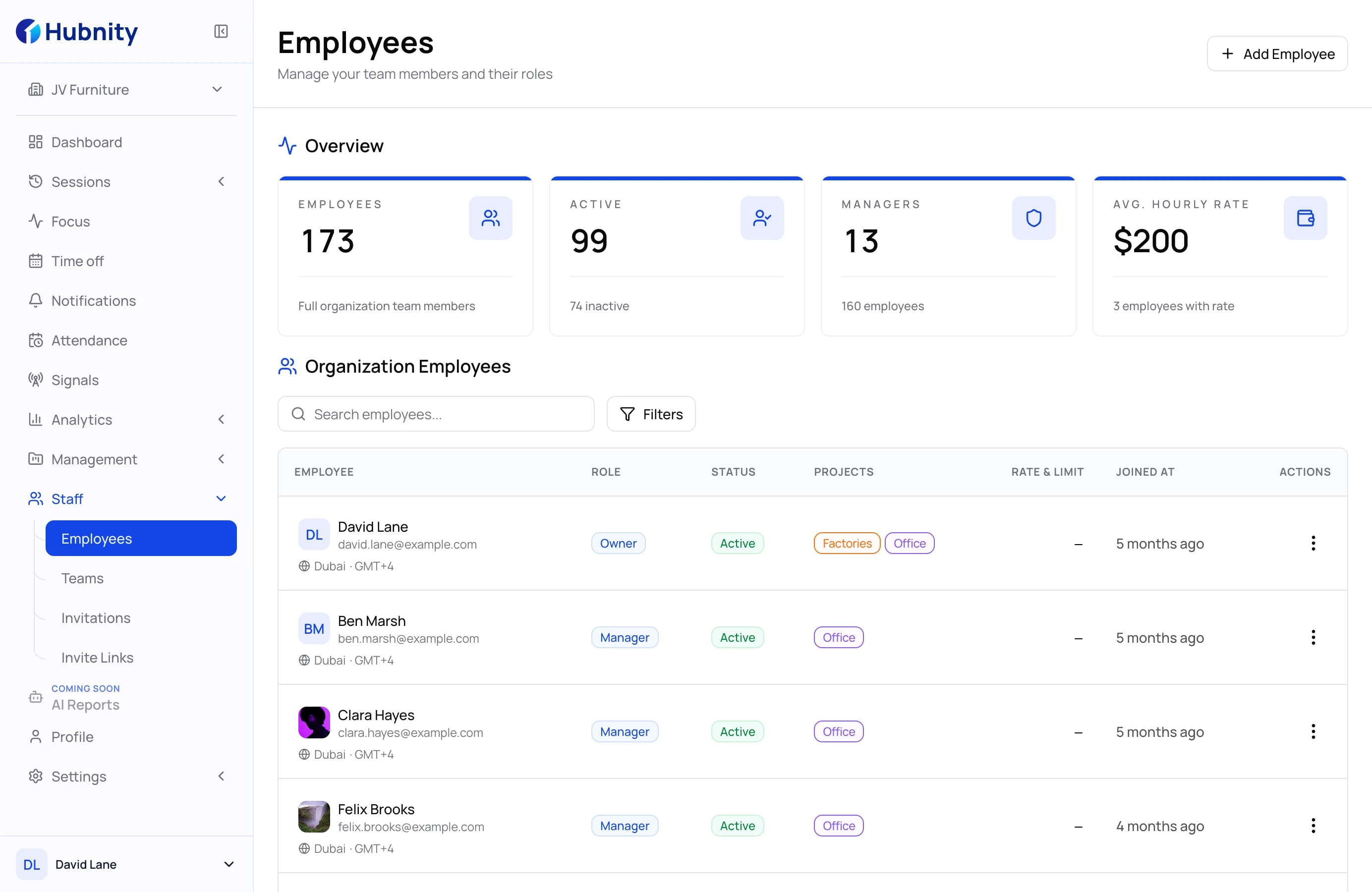
Set up the workspace and invite your team
Create an organization, invite teammates, and connect them to the teams and projects where they will record work.
See when work is tracked, which context is captured, and how teams review each record before it reaches payroll or reporting.
Tracking principles
Everyone can understand what is recorded, which settings apply, and how the final work record can be reviewed.
Visible session state
The desktop timer shows when a work session is running and which organization and project receive the record.
Organization controls
Organization settings control screenshots, app tracking, screenshot frequency, idle timeout, and idle-time handling.
Review before export
Time entries and enabled activity context remain available for review before approval and export.
How it works
Start with the right organization and project context, then move through tracking, review, approval, and export.
Create an organization, invite teammates, and connect them to the teams and projects where they will record work.
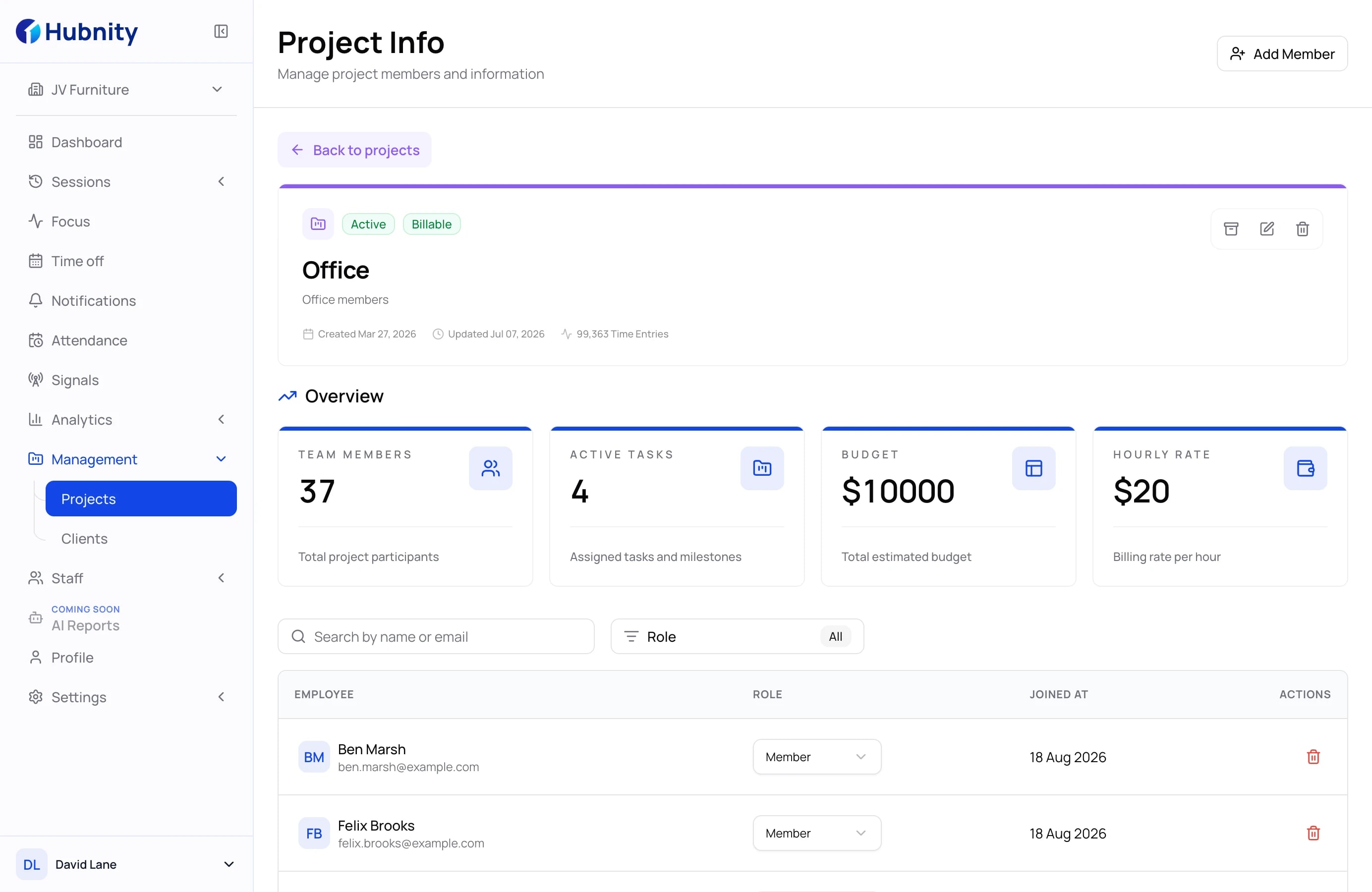
Members select an organization and project before tracking so the resulting time entry starts with the right work context.
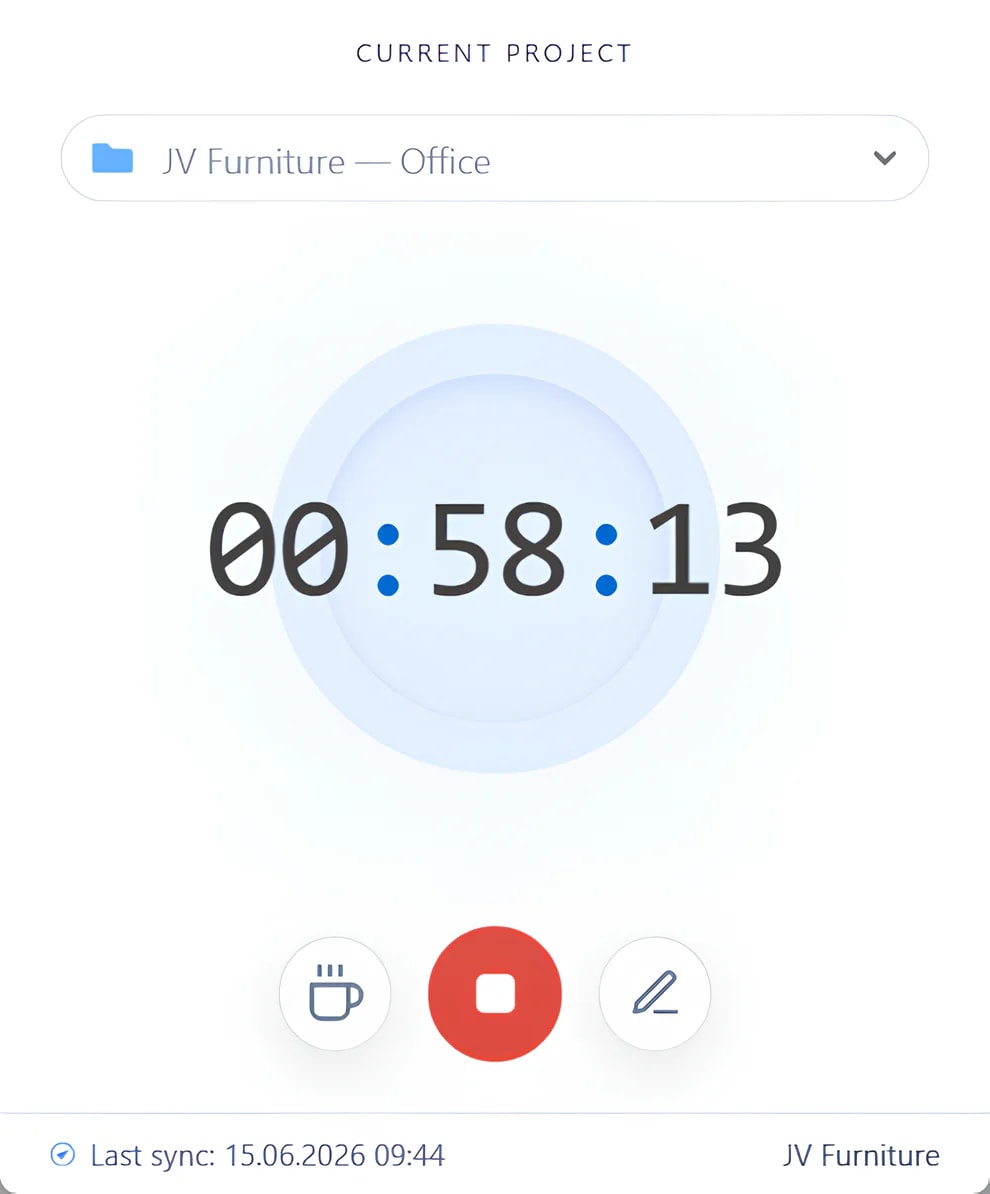
The desktop app records a visible work session, while manual entries remain available when time needs to be added or corrected separately.
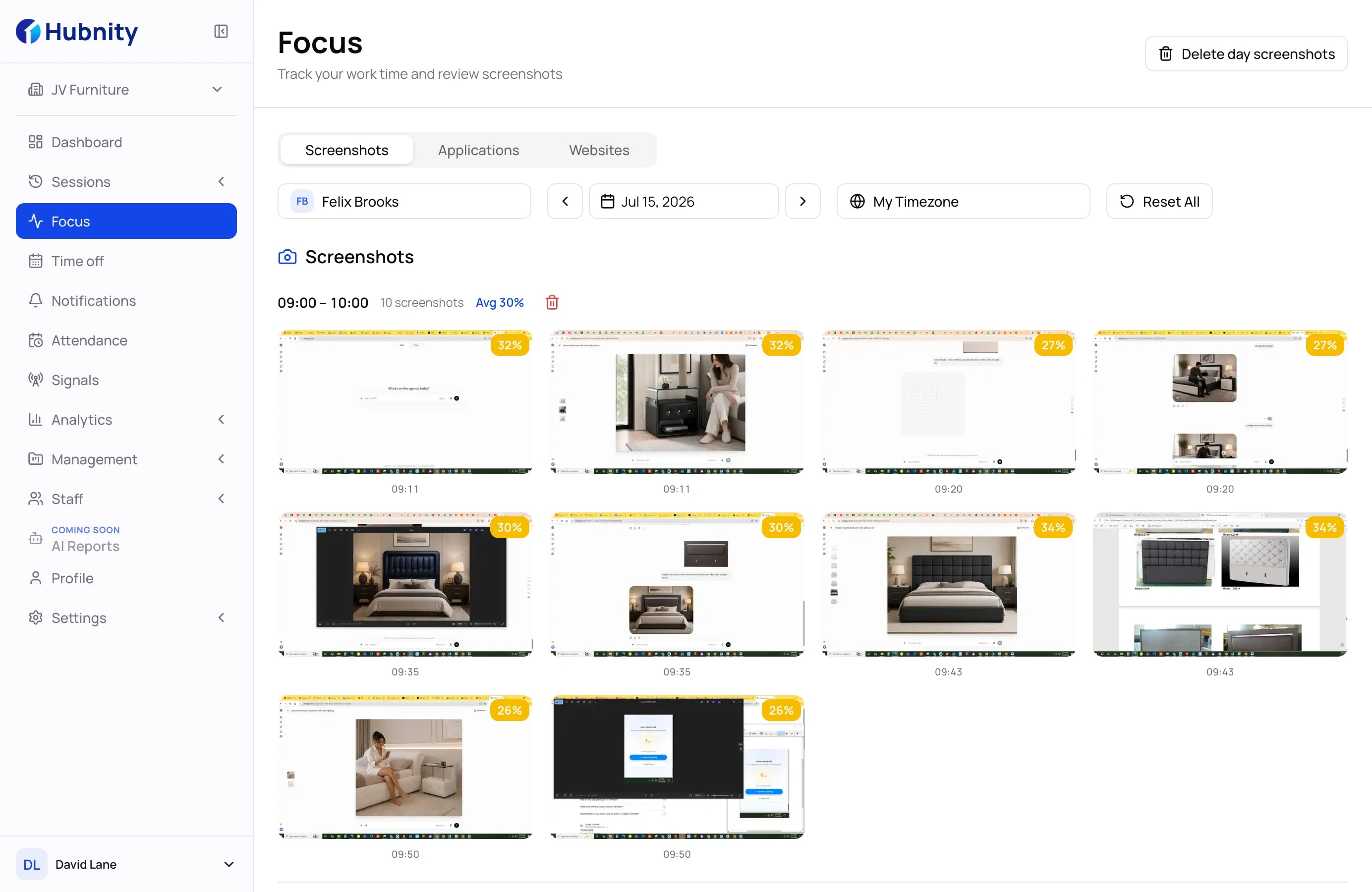
Depending on organization settings, Hubnity can add periodic screenshots, app and active-window context, activity levels, and idle records.
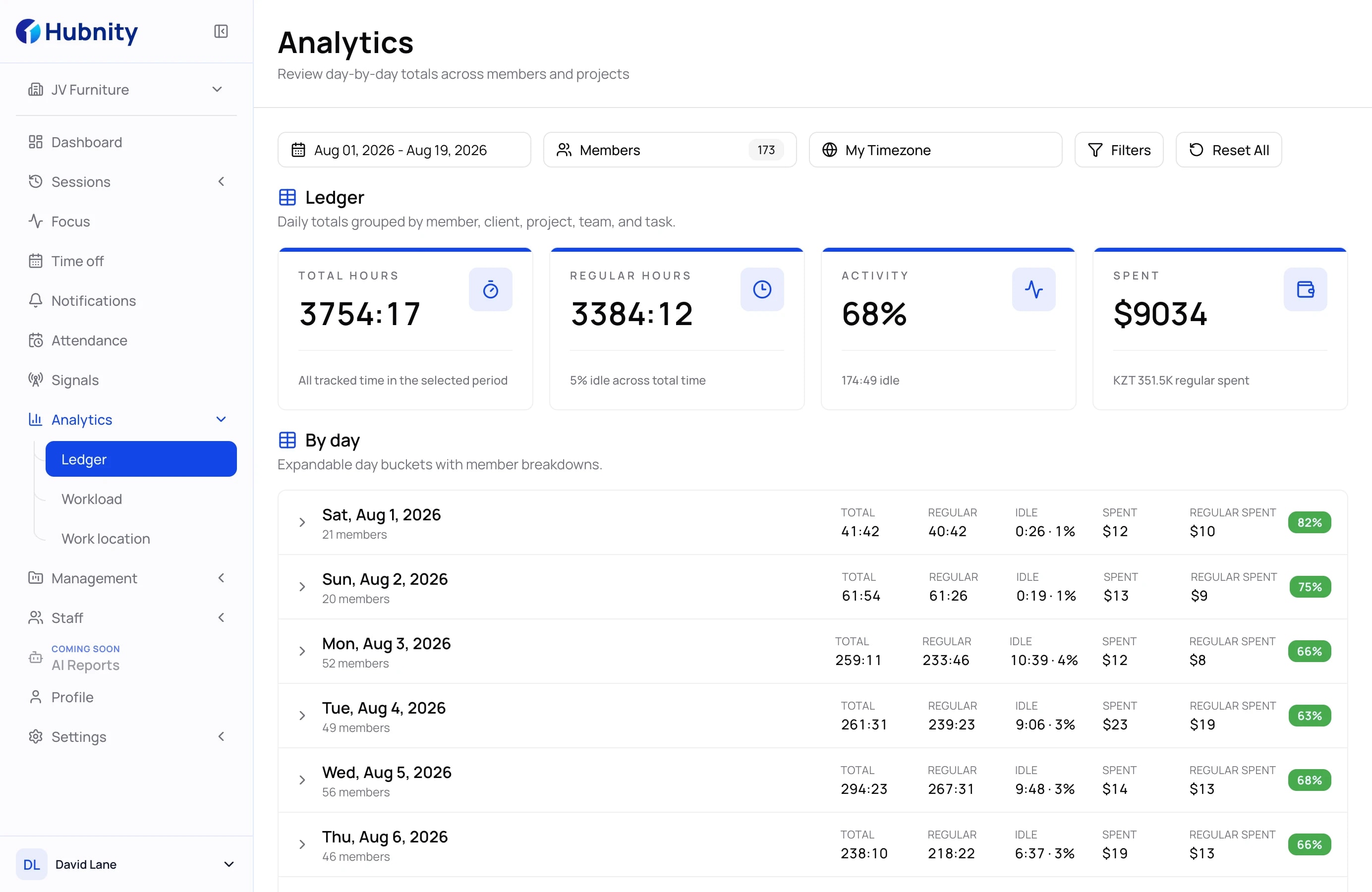
Managers can review time and enabled activity context, approve records, and export available reports as PDF or CSV.
Administrator controls
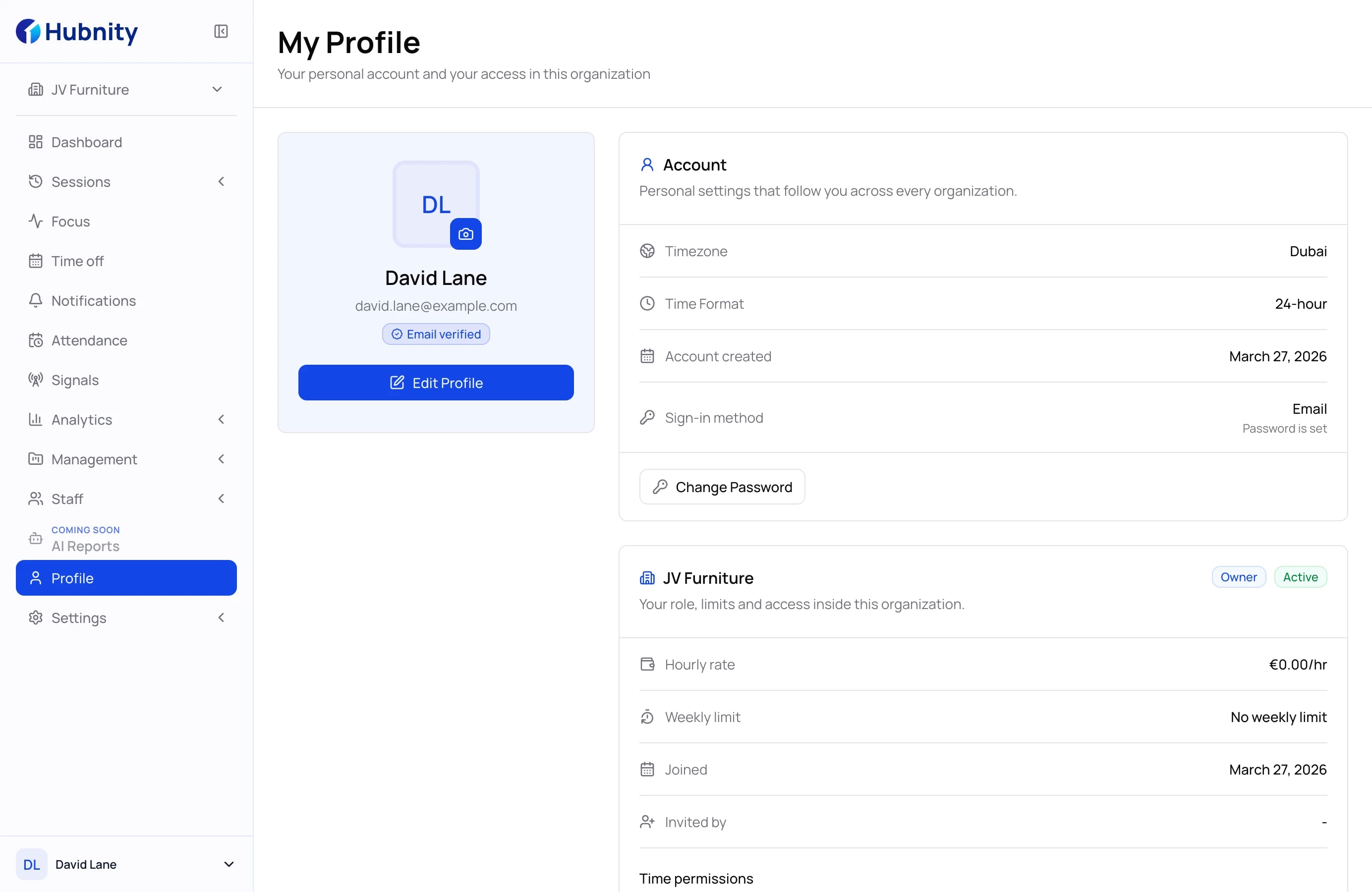
Hubnity exposes organization and member settings for screenshots, app tracking, screenshot frequency, and idle-time rules.
Screenshots
Enable or disable
Periodic screen captures
Screenshot frequency
Organization setting
Captures per 10 minutes
App tracking
Enable or disable
App and active-window context
Idle timeout
Organization setting
Inactivity threshold
Idle-time handling
Always, prompt, or never
How recorded idle time is kept
Member settings
Override or reset
Member-level tracking rules
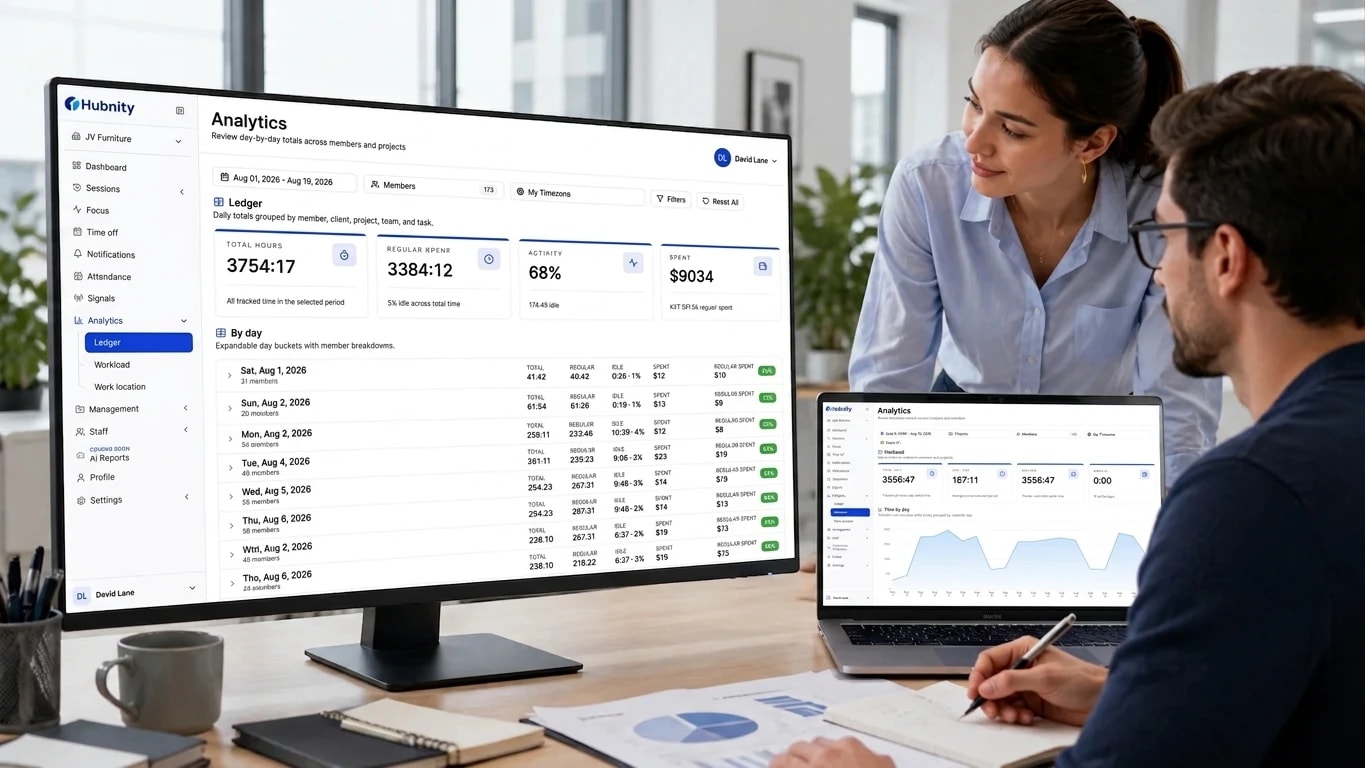
Review access
Privacy built in
VISIBLE
The desktop timer shows its running state and the selected organization and project for the current session.
CONFIGURABLE
Administrators can enable or disable screenshots and app tracking instead of applying every available signal by default.
EXPLICIT
When screenshots are enabled, the organization controls how many captures are taken in each ten-minute interval.
POLICY
Teams set an idle timeout and choose whether recorded idle time is always kept, confirmed with a prompt, or removed.
Privacy guardrails
Hubnity can provide proof of work, but it should never feel like hidden personal monitoring.
Administrators can enable the feature and configure capture frequency.
The feature is periodic screen capture, not webcam video.
Administrators can enable app and active-window context for tracked work.
The current settings do not define custom productivity categories.
Teams can configure the timeout and how recorded idle time is handled.
Idle handling is not presented as an unexplained productivity penalty.
Activity levels can provide high-level work-session context.
Hubnity does not log keystrokes or read typed content.
Configurable screenshots · Configurable app tracking · Explicit idle rules · Member-level settings
Team outcomes
For members
Employees can review the time and activity data available to them and confirm that work is connected to the right project.
For managers
Managers can review hours and the activity context enabled by their organization before approving the record.
For operations
Approved records and PDF or CSV exports give finance and delivery teams a cleaner handoff for their next workflow.
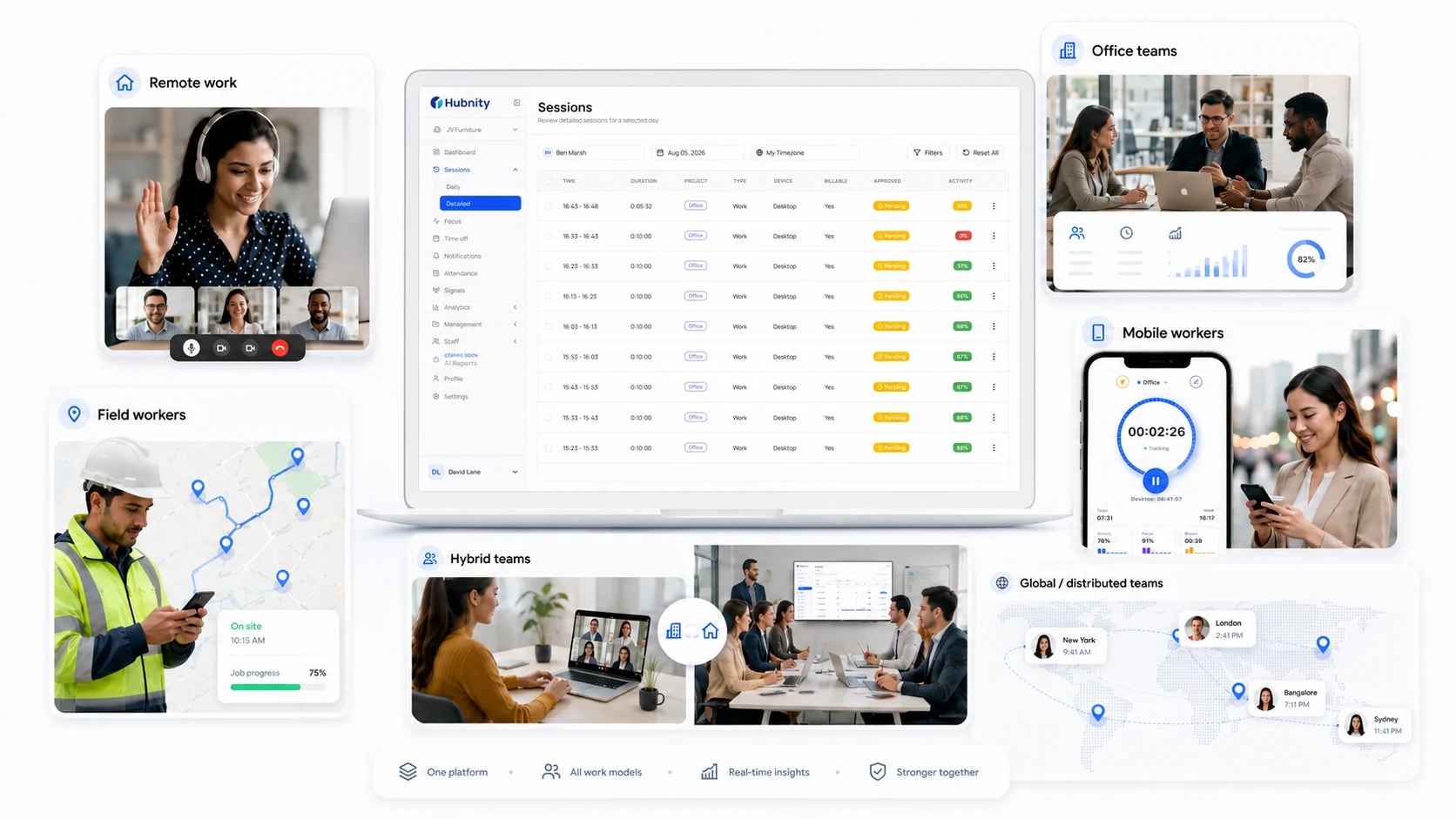
Honest answers about how Hubnity works, what it captures, and what stays private.
Hubnity creates work records from supported timer sessions and manual entries. Additional activity context follows the settings enabled for the organization.
Hubnity records time for selected work and can add periodic screenshots, app and active-window context, activity levels, and idle records when those settings apply.
Yes. Organization settings control screenshots, app tracking, screenshot frequency, idle timeout, and idle-time handling. Member settings can also be overridden or reset.
Members can review the time entries and activity data available to them in their Hubnity workspace.
The desktop timer shows its current running state together with the selected organization and project.
Organizations can configure the idle timeout and choose whether recorded idle time is always kept, confirmed through a prompt, or removed.
Hubnity provides desktop downloads for Windows, macOS, and Linux.
The tracking controls implemented in Hubnity do not include webcam video or keystroke logging.
The desktop app is designed for ongoing work sessions. Actual resource use depends on the device and on which tracking features are enabled.