
Time Reporting Software for Teams
Review hours, project costs, and team performance in one focused reporting workspace.
- View plan details
- Explore plans
- Privacy resources
Reporting views
Transform work data into actionable insights.
Move through the reporting views your team needs without crowding every option into one navigation row.
Report view · 01 / 06
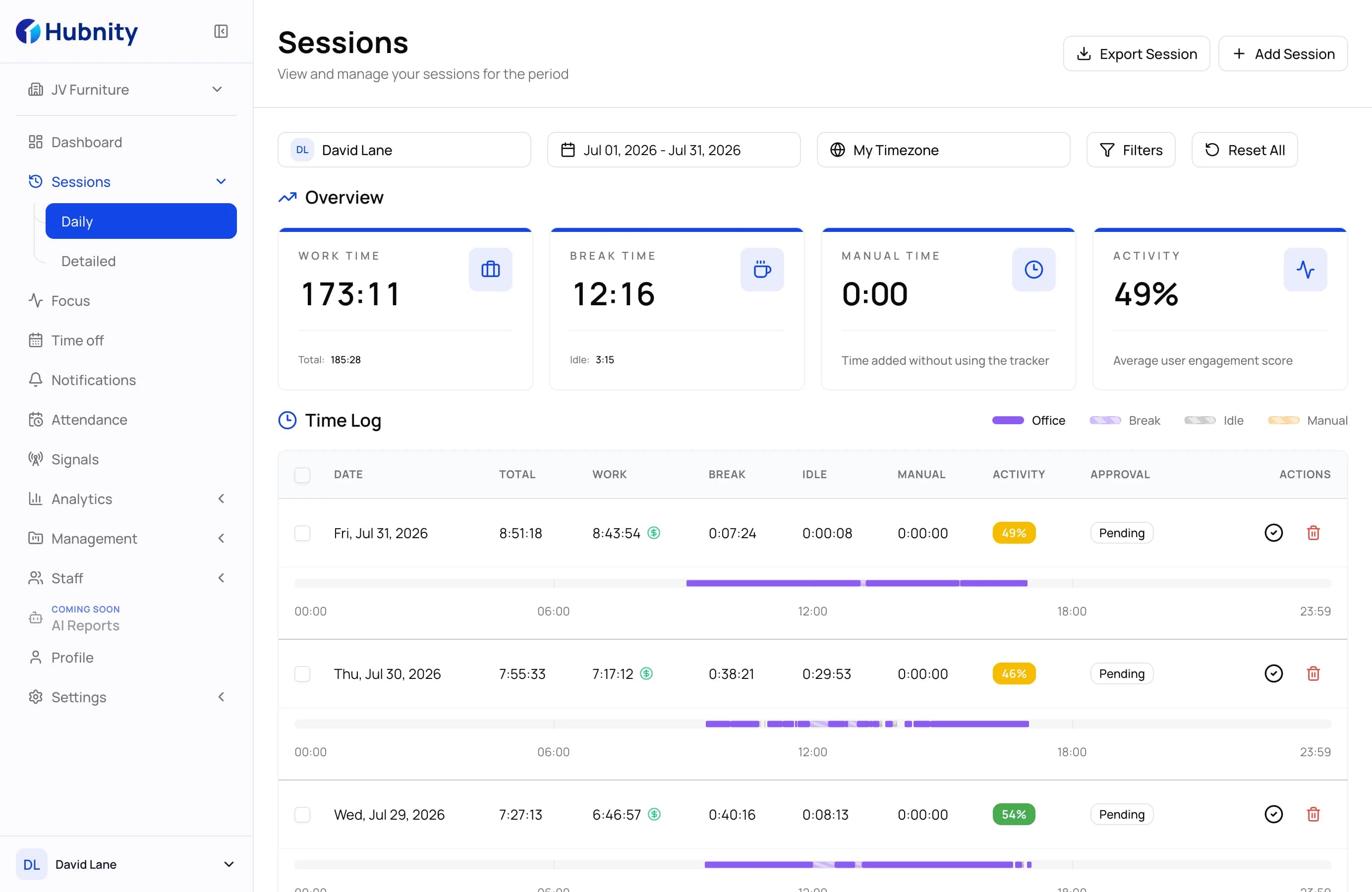
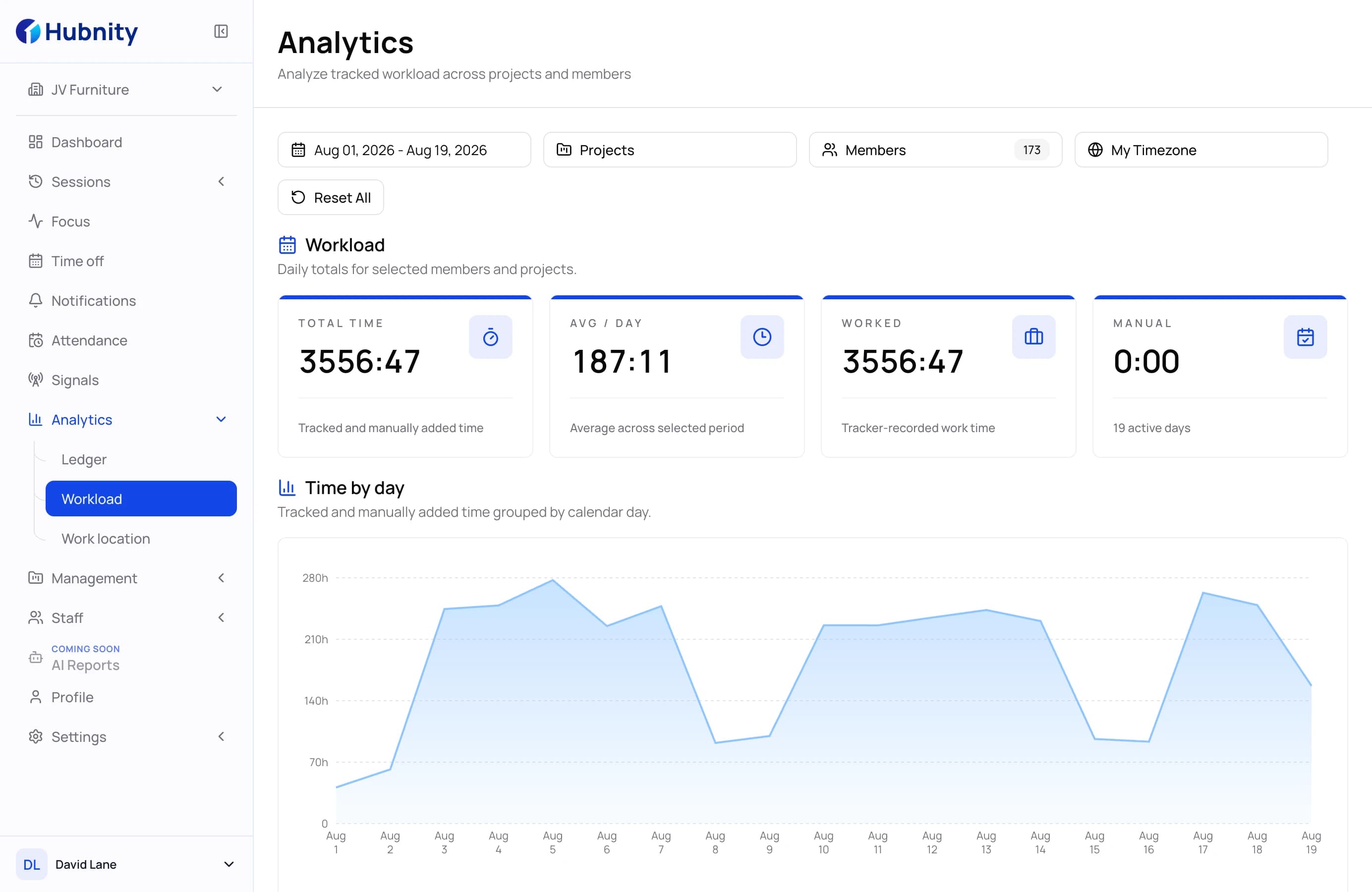
Team Performance
Review daily time totals across selected members and projects in one reporting view.
- Compare reported time by member
- Open day-level breakdowns
- Keep project context visible
Report view · 02 / 06
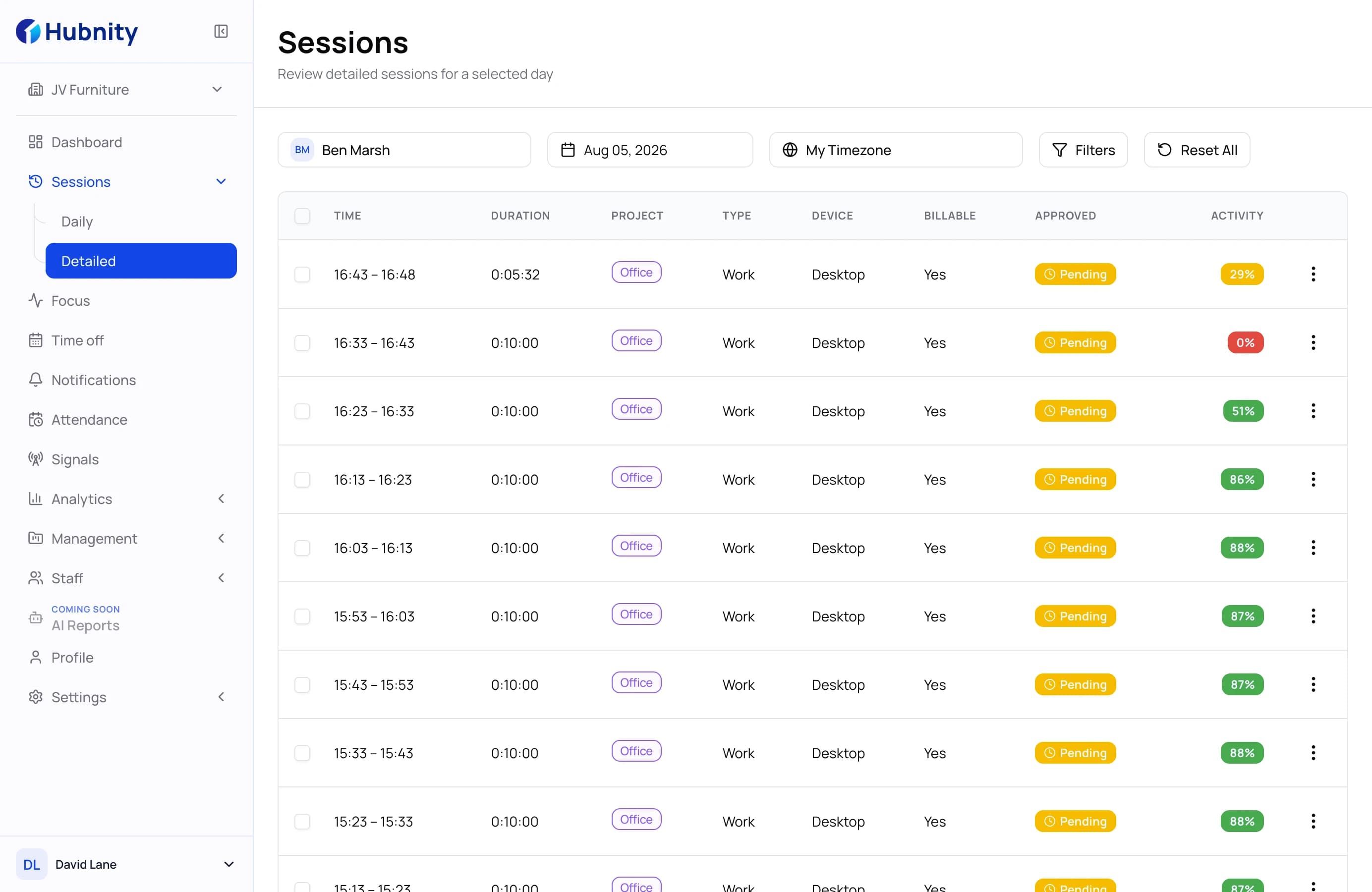
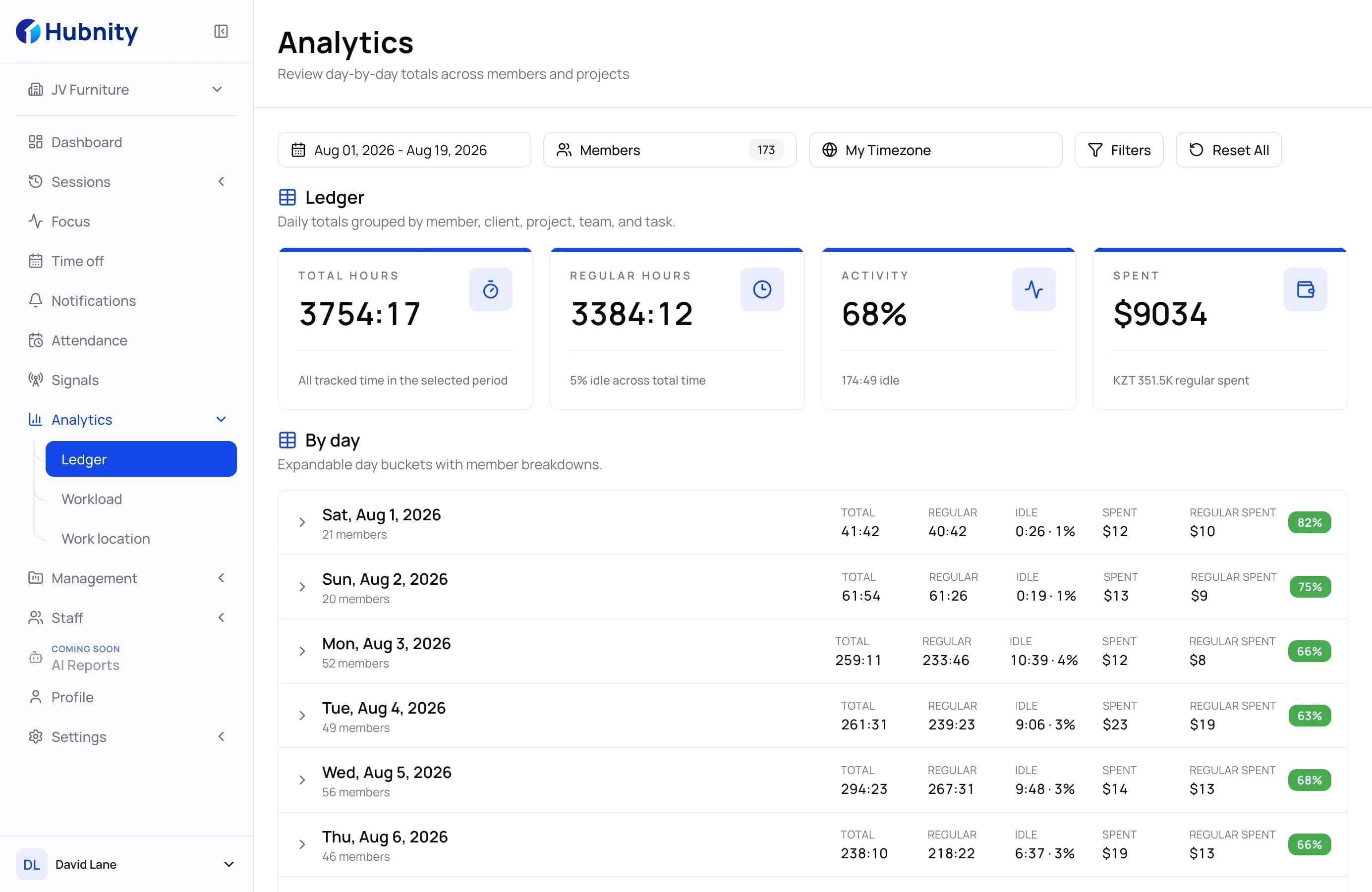
Time and activity
Review worked, break, idle, manual, and activity time in the same record.
- Separate worked and non-work time
- Review daily totals for a selected period
- Keep records ready for follow-up
Report view · 03 / 06
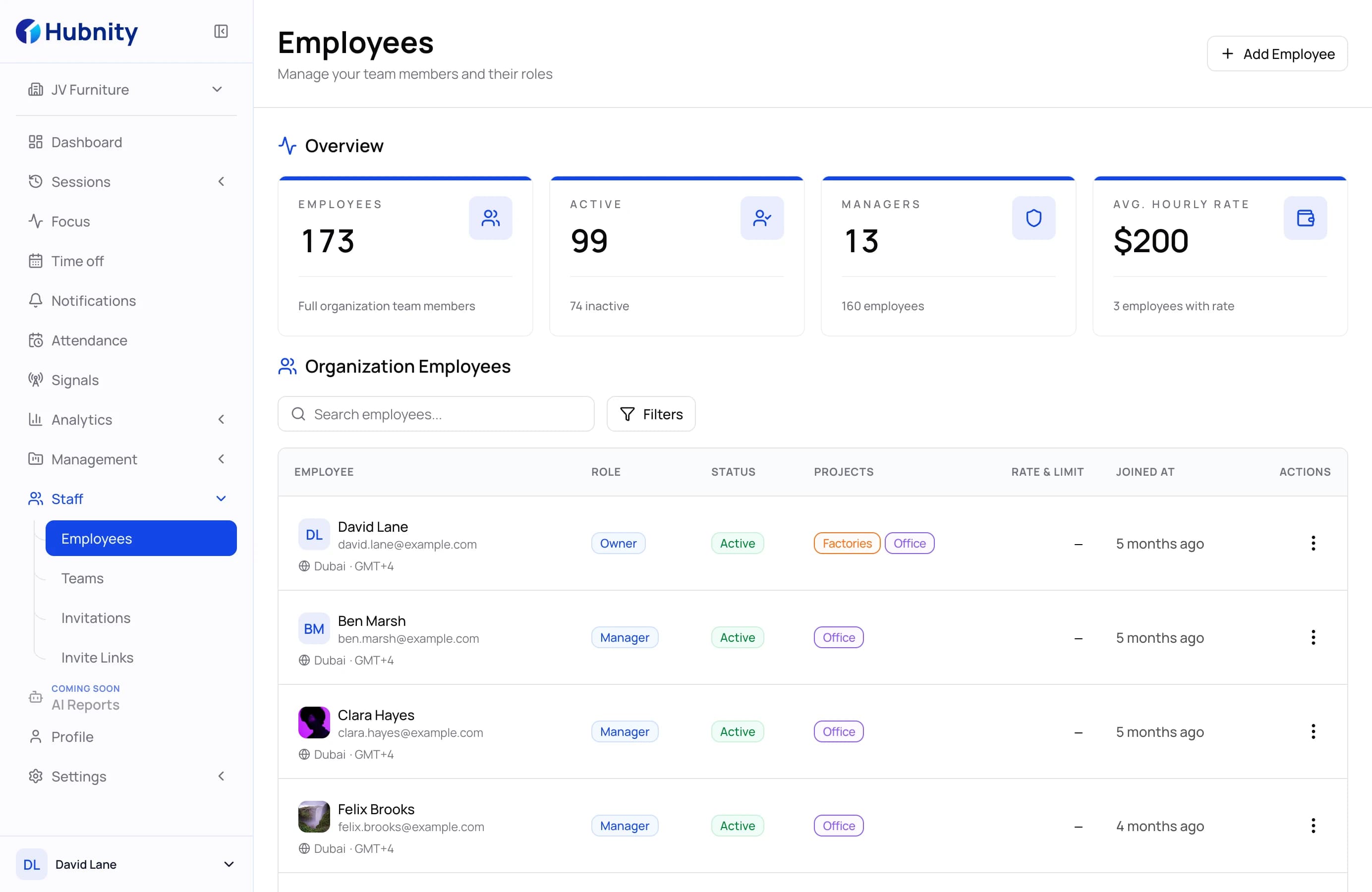
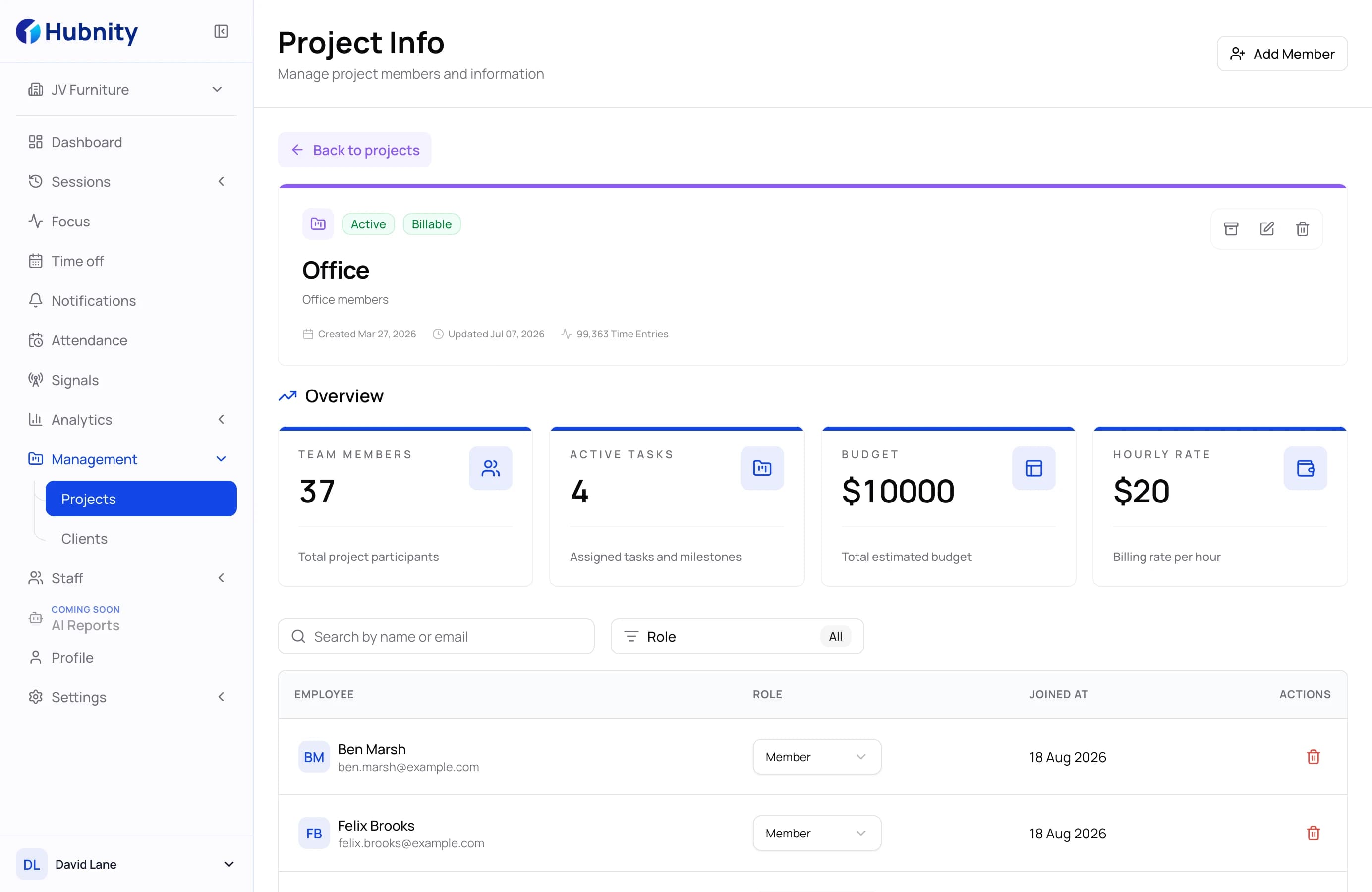
Project reporting
Keep reported time connected to the client, project, team, and task where it was recorded.
- Filter by project and client
- Review billable time when needed
- Connect time to task context
Report view · 04 / 06
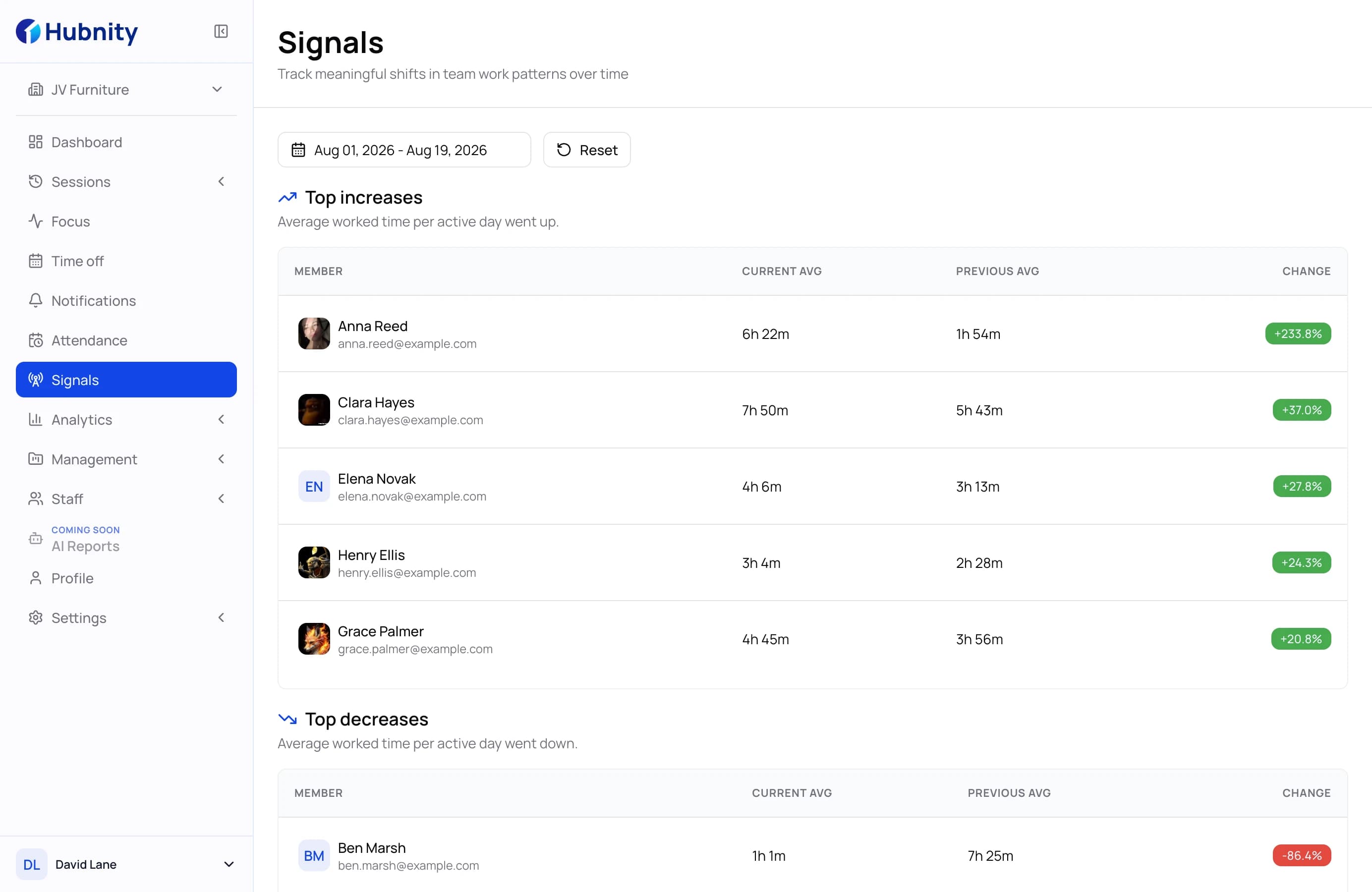
Work patterns
Use activity and time records to start a more informed review conversation.
- Review activity alongside time
- Compare selected periods
- Recognize recurring patterns
Report view · 05 / 06
Project and member filters
Narrow reports to the projects and people that matter for the current review.
- Select members and projects
- Choose a reporting period
- Keep the view focused
Report view · 06 / 06
Export-ready reports
Export the selected timesheet report as PDF or CSV for the next workflow.
- Prepare a ready-to-share PDF
- Download a CSV for analysis
- Use the selected report filters
Reporting workflow
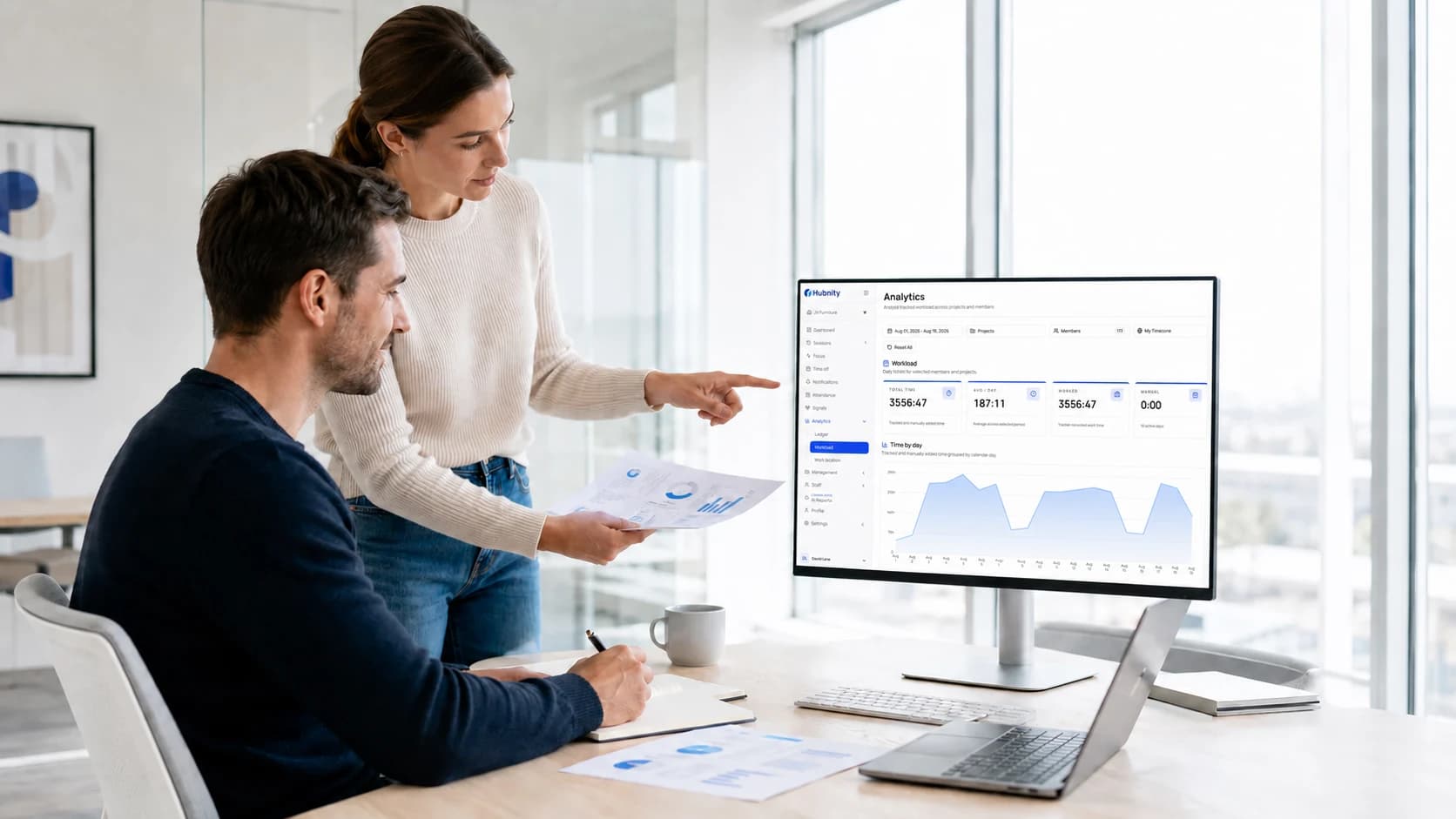
Create reports in minutes, not hours.
Build custom reports, review team performance, and share useful insights through one clear workflow.
- 01
Select the reporting scope
Choose the date range, members, and projects you need to review.
- 02
Review the recorded time
Compare worked, break, idle, manual, and activity time in the selected period.
- 03
Open the relevant detail
Use daily summaries or detailed timesheets to see the member and project context behind a total.
- 04
Export the reviewed record
Download the available report as PDF or CSV for payroll preparation, analysis, or stakeholder review.
Everything You Need To Master Reporting
Explore best practices, reporting strategies, productivity frameworks, and advanced analytics guides designed for modern teams.
Reporting Fundamentals
Learn the foundations of modern reporting and build reliable performance dashboards.
Read guide →Team Productivity Metrics
Understand the KPIs that reveal how your team performs every day.
Explore metrics →Executive Dashboards
Create leadership dashboards with meaningful business insights.
View dashboard tips →Report exports
Prepare a PDF or CSV record for the next review or analysis step.
Learn automation →Focused reporting
Use the available date, member, project, and task filters to focus the report.
Customize reports →Performance Reviews
Use reporting data to improve decision-making and team growth.
Read case study →Time reporting questions, answered
Find clear answers about filters, team reports, sharing, and reviewable productivity insights.
You can review tracked hours, project and task context, worked, break, idle, manual, and activity time in one reporting view.
Yes. Use the available date, member, project, client, team, task, activity, idle, and billable filters to focus the report.
Hubnity provides daily summaries and detailed timesheet reports. Daily summaries can be expanded to review member-level records.
Yes. Filter the relevant timesheet records, then export the available report as PDF or CSV for internal review, payroll preparation, or a client conversation.
No. The reporting workspace is designed to be simple: choose what you want to review, apply filters, and get a clear visual overview.
It keeps the time and activity context together, helping managers review a workday and decide what needs a follow-up conversation.