
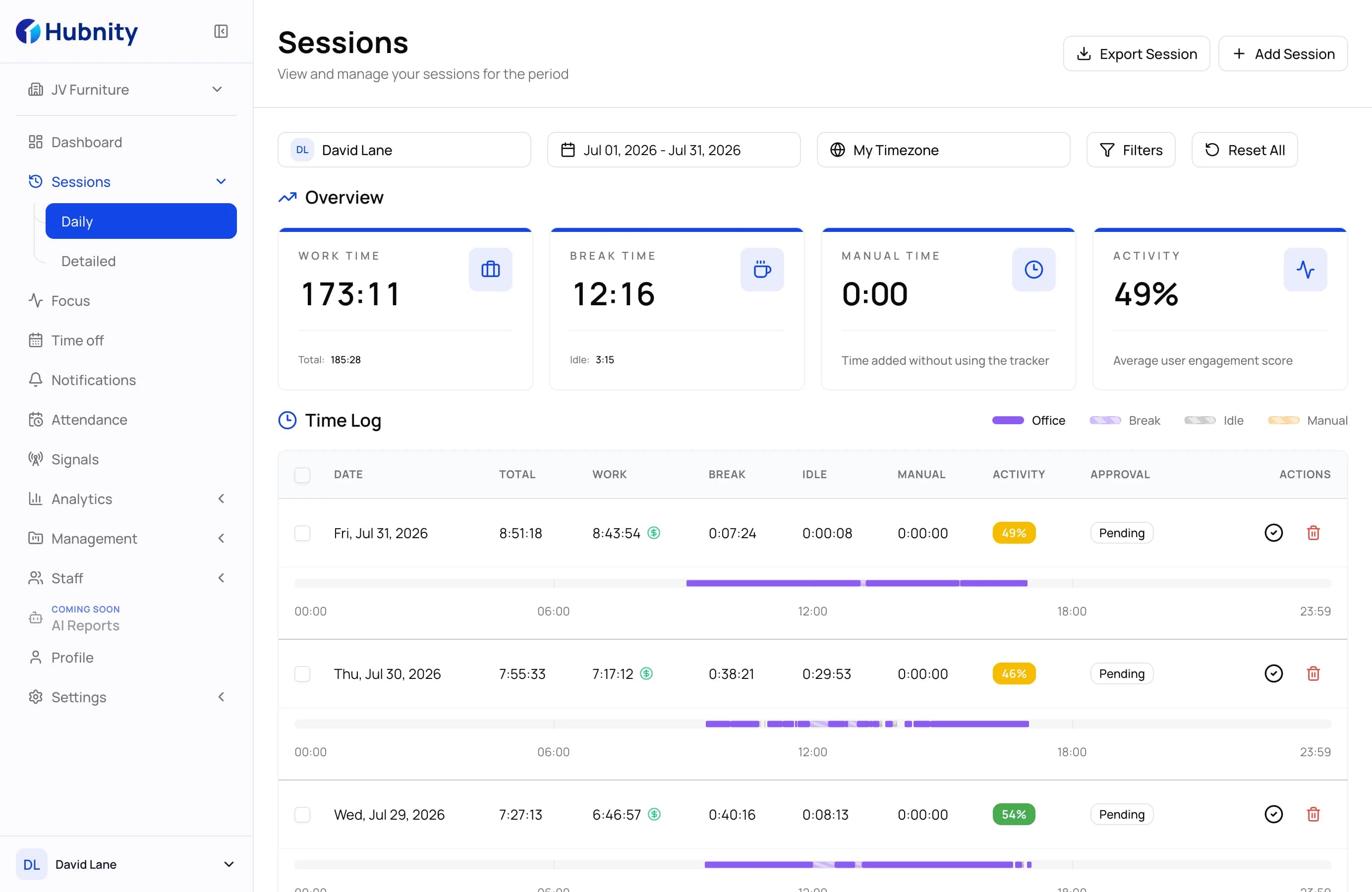
Daily productivity monitoring
Compare worked, break, manual, and activity time without losing the context behind each day.
Understand focus patterns, balance workloads, and improve team performance with useful context instead of surveillance noise.
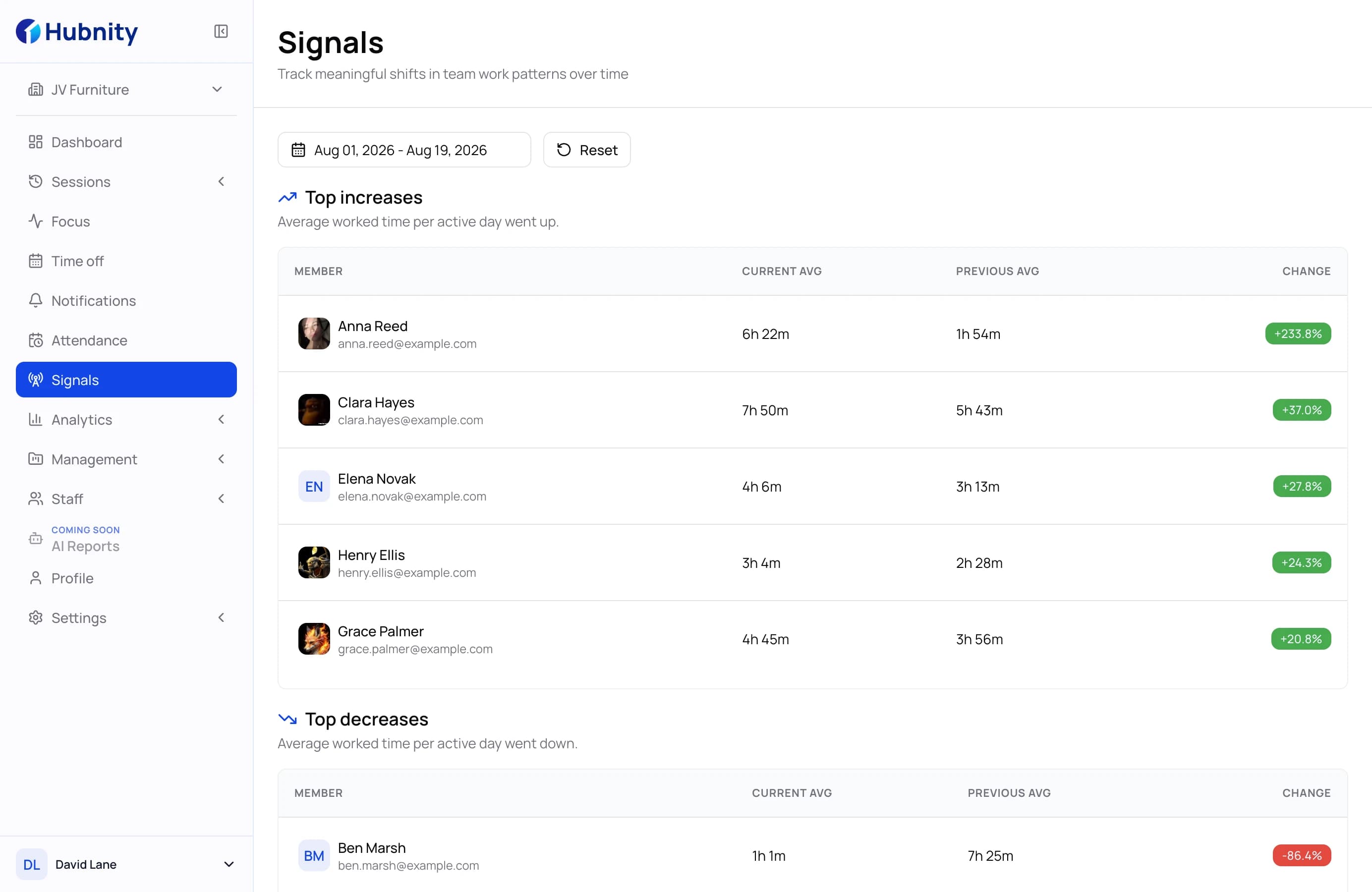
Product intelligence
Connected views make patterns easier to understand without filling the page with unnecessary metrics.
Compare worked, break, manual, and activity time without losing the context behind each day.
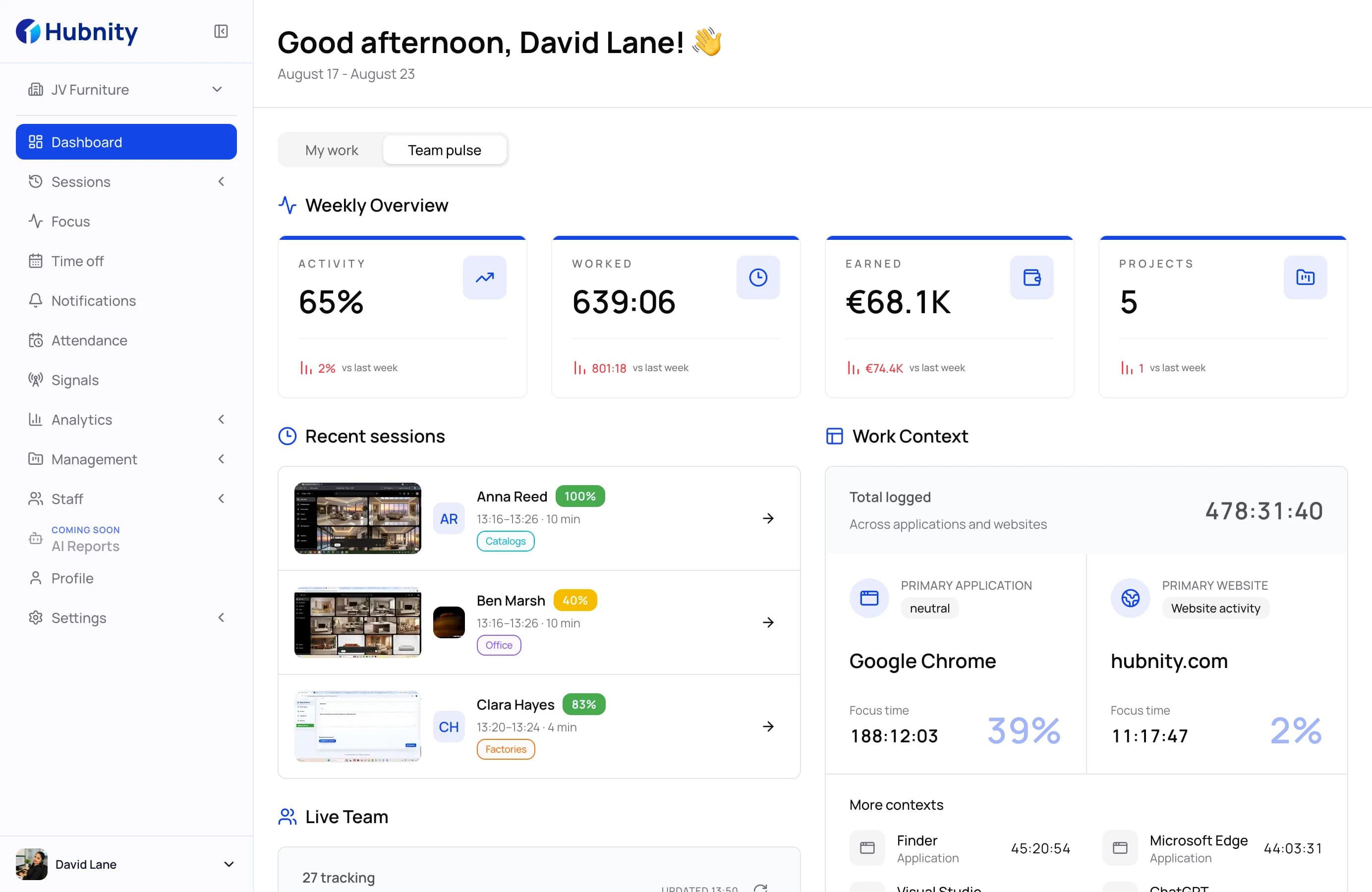
Review capacity and active work across the organization from one consistent workspace.
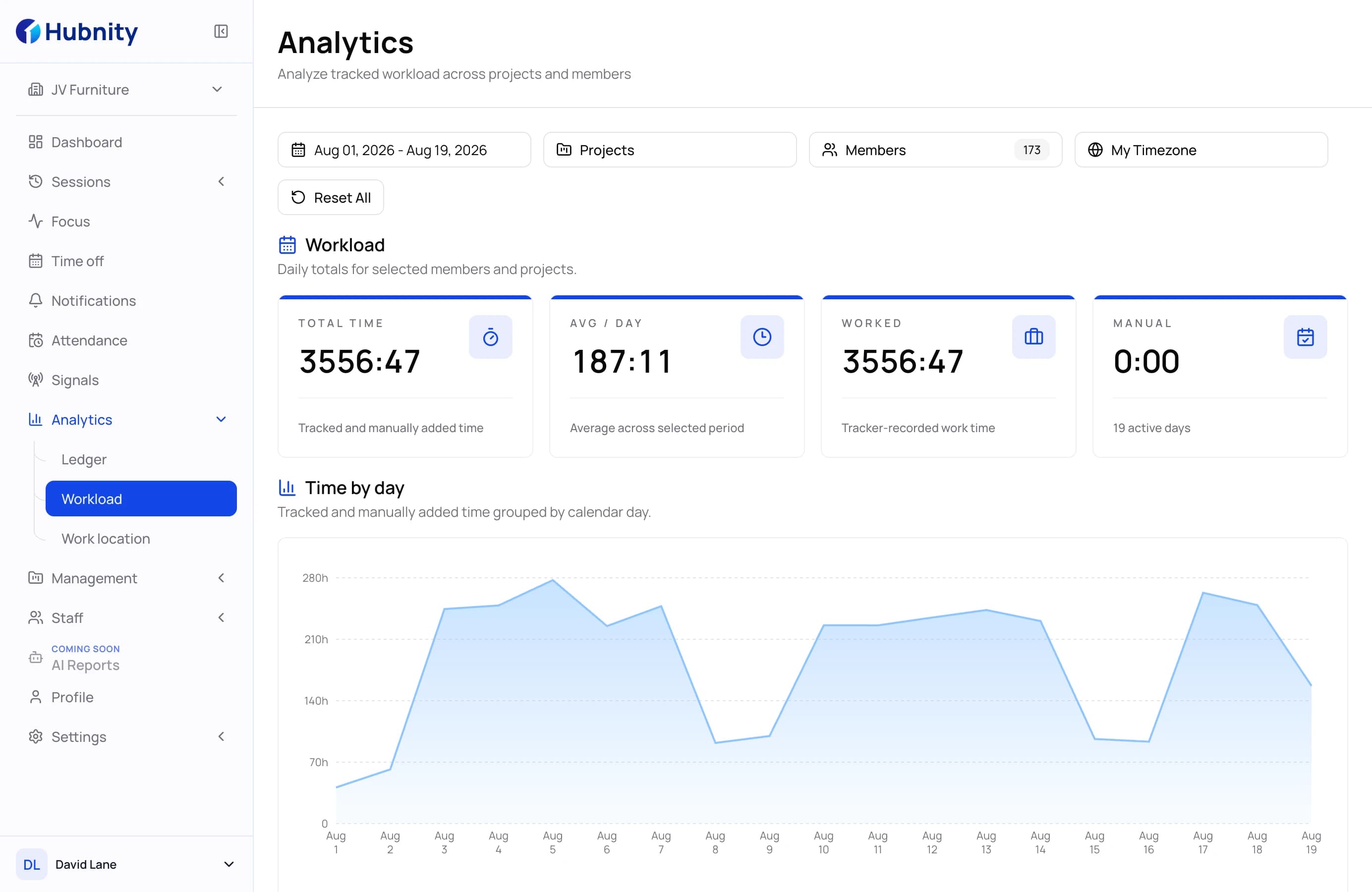
Turn tracked work into trends managers can use for planning and coaching.
Why productivity monitoring matters
Useful monitoring shows where the work system can improve while keeping individual activity in context.
Schedule complex work when each team is most focused.
Find recurring bottlenecks before they become delivery problems.
Use reliable work patterns instead of assumptions when allocating capacity.
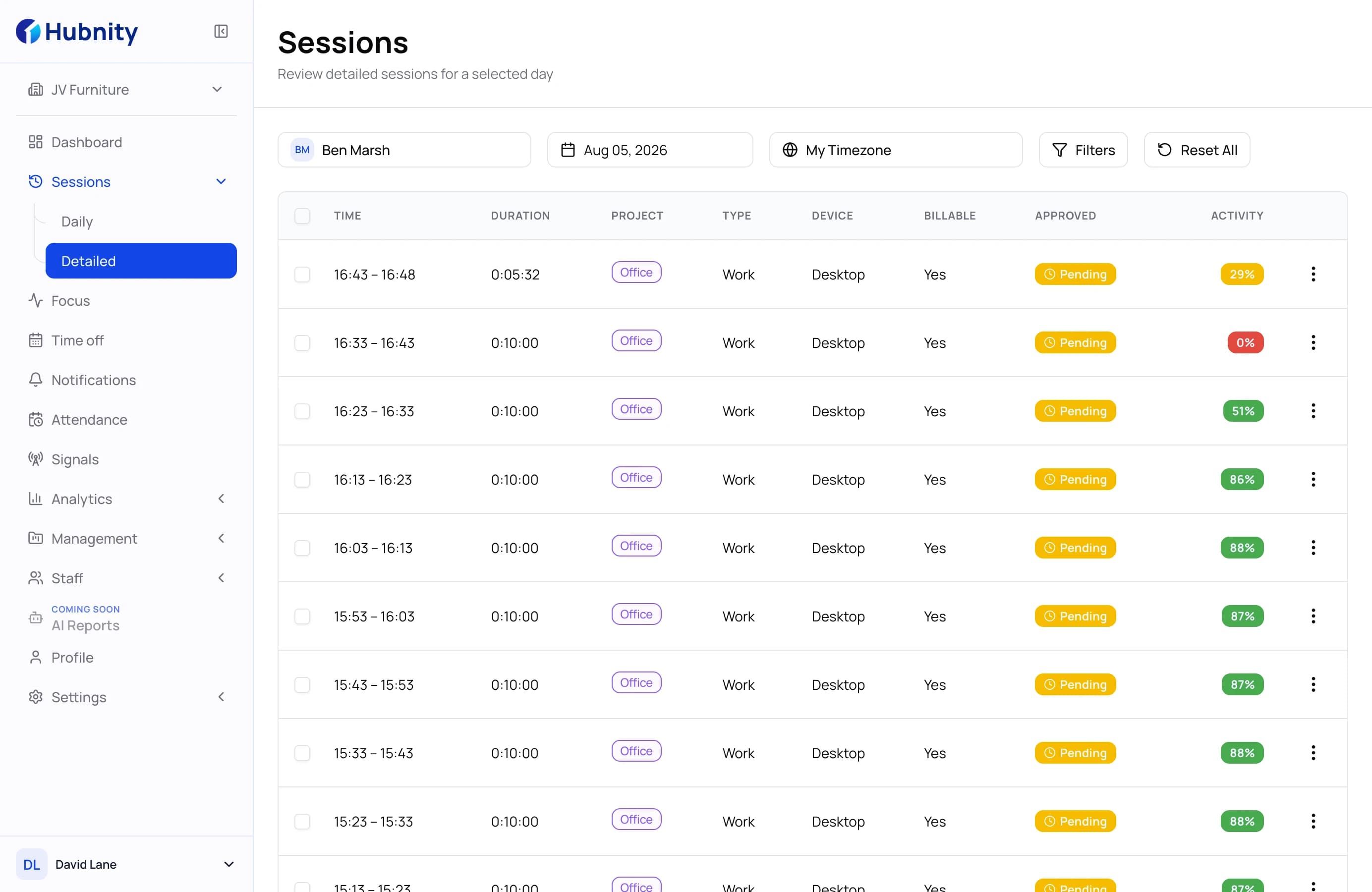
Seamless workflow
Hubnity keeps deployment simple, so your team can focus on improving work instead of maintaining another tool.
Invite your team, add projects, and set the rules that fit your organization.
Install the desktop app and begin collecting reliable work activity with minimal system impact.
Use focus patterns and workload signals to remove bottlenecks and plan better.
Everything you need to know about our productivity monitoring suite. Can't find the answer? Contact our support team.
Yes, Hubnity promotes transparency. Employees can see their own productivity scores and activity logs, fostering a culture of self-improvement and trust.
Our AI analyzes active time, app usage, and task completion. It distinguishes between productive apps (e.g., IDEs, CRM) and non-productive ones based on your custom rules.
Not at all. The desktop app is designed to be extremely lightweight, consuming less than 1% of CPU resources, ensuring zero impact on performance.
Absolutely. Hubnity works seamlessly across distributed teams, providing consistent visibility regardless of where your employees are working.
Hubnity uses access controls and secure storage for activity logs and screenshots, which are available to authorized administrators according to workspace permissions.