
Coming soon
Overtime rules
Define weekly limits and surface overtime exceptions automatically.
Product roadmap
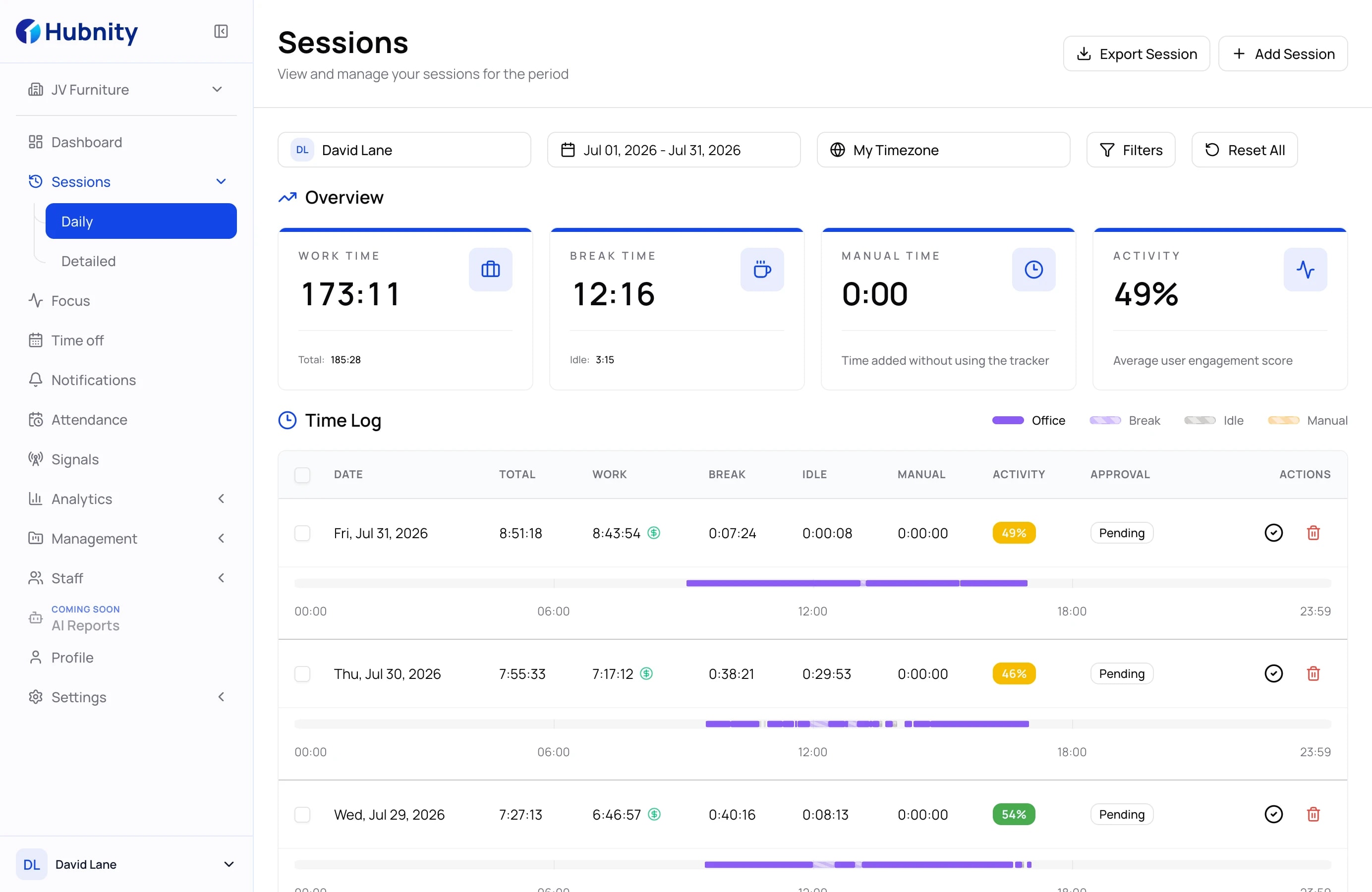
Review daily totals, breaks, idle time, and manual entries in one record. Compare the week with your overtime policy before approval and export.
Indicator, context, action
Hubnity keeps the work record clear while your organisation keeps control of its own overtime policy and approval decision.
Step 01
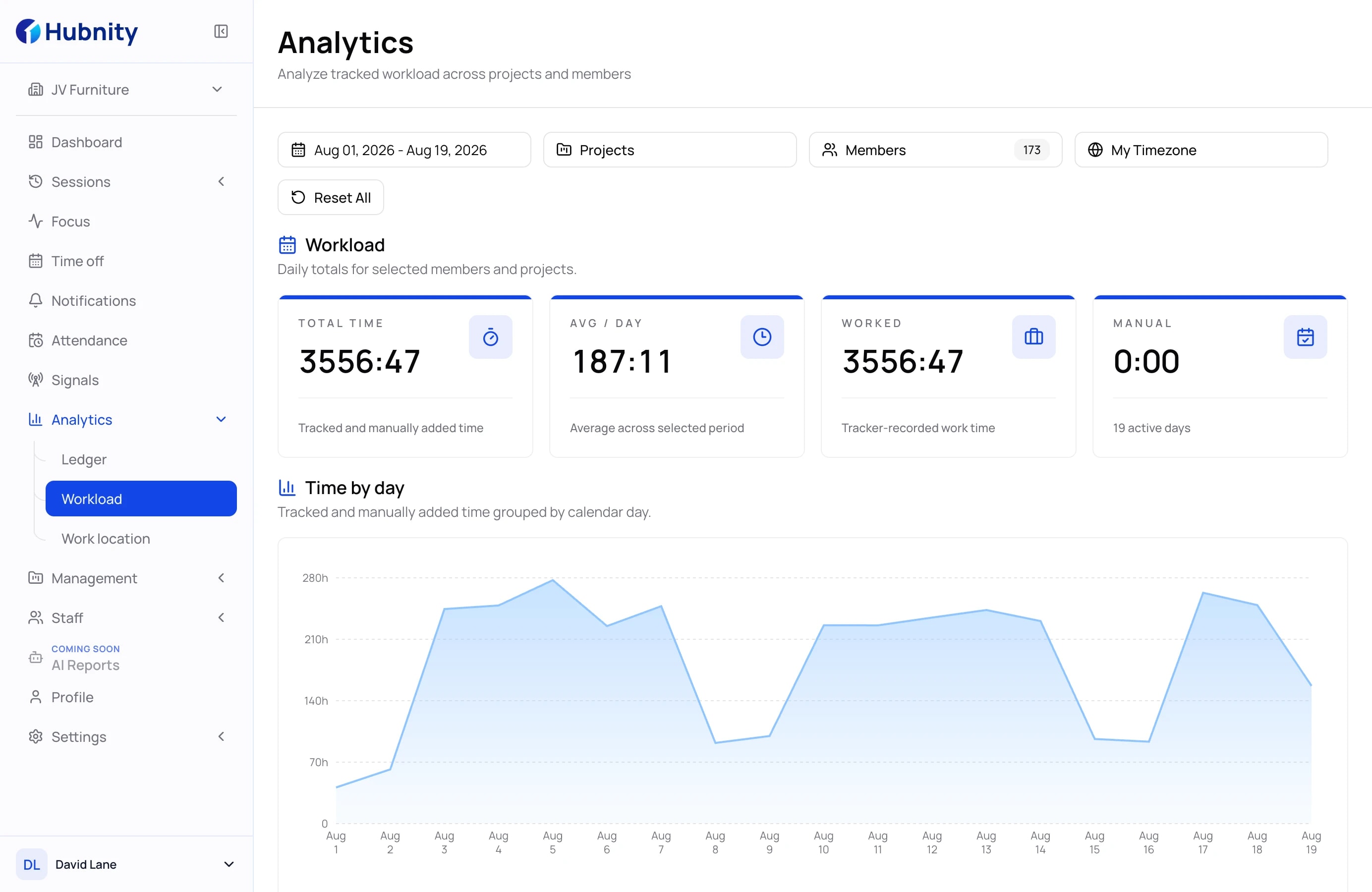
Start with daily and weekly totals grouped by member, project, and period.
Step 02
Identify the records that exceed your organisation's expected schedule or overtime threshold.
Step 03
Review break, idle, and manual time, confirm approval status, then export PDF or CSV.
Connected workflows
Open workflows that already exist in Hubnity, or see which overtime capabilities are still on the roadmap.
Define weekly limits and surface overtime exceptions automatically.
Product roadmap
Keep overtime records connected to daily timesheets and approvals.
Explore workflowReview tracked time and export approved records as PDF or CSV.
Explore workflowSurface projects that repeatedly create extra hours and schedule risk.
Product roadmap
Connect overtime with attendance patterns and team availability.
Product roadmap
Connect tracked time with budgets, billable work, and project costs.
Explore workflowFind answers about overtime visibility, approvals, reporting, and accurate work records.
An overtime tracker helps teams record extra hours, review weekly totals, and keep payroll records easier to verify.
Track regular time first, flag extra hours by pay period, and review them before payroll is approved.
Team members can track time against projects and tasks so managers can see daily and weekly totals.
Use time entries, compare weekly totals with your organisation's policy, then review approval status and export the period.
Compare worked hours against your expected schedule or policy limit, then review the difference.