

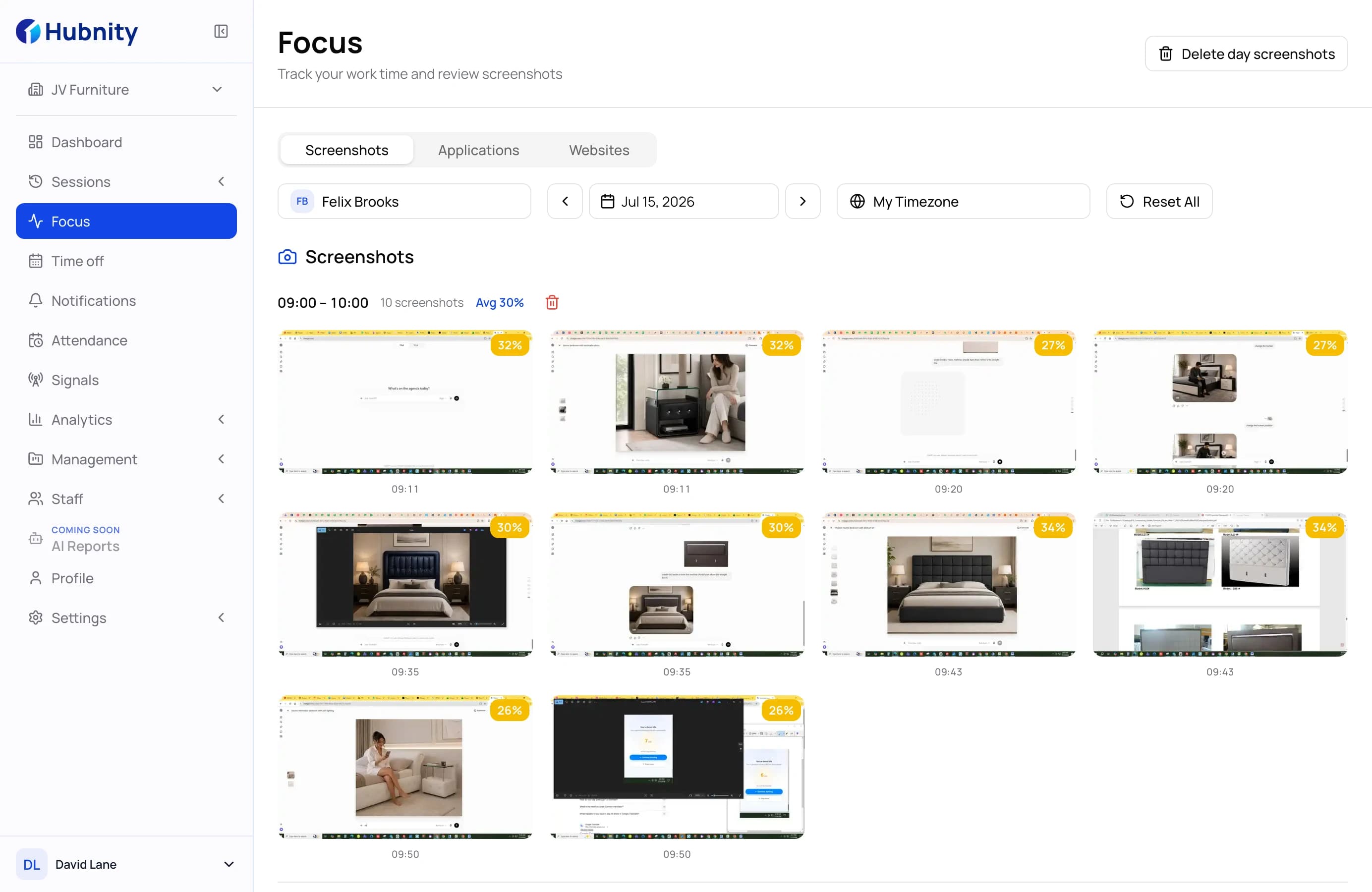
Unified review
See current sessions and recent screenshots without switching between tools.
Review automated screenshots alongside activity and time data, so managers can verify progress without disrupting focused work.
Visual work context
Screenshots become useful when they are connected to time, projects, and activity signals.
See current sessions and recent screenshots without switching between tools.
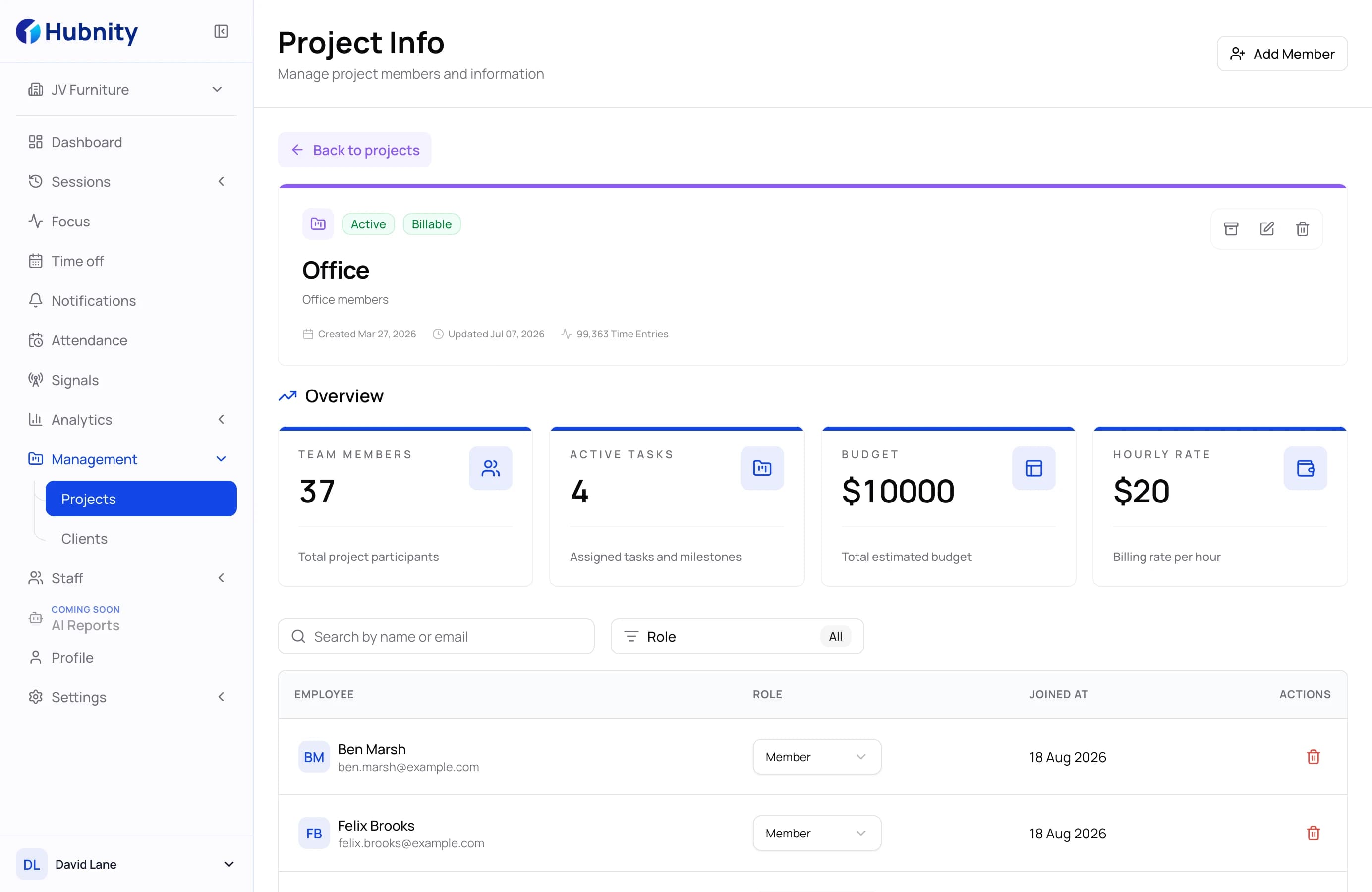
Connect visual activity to projects, tracked time, and delivery progress.
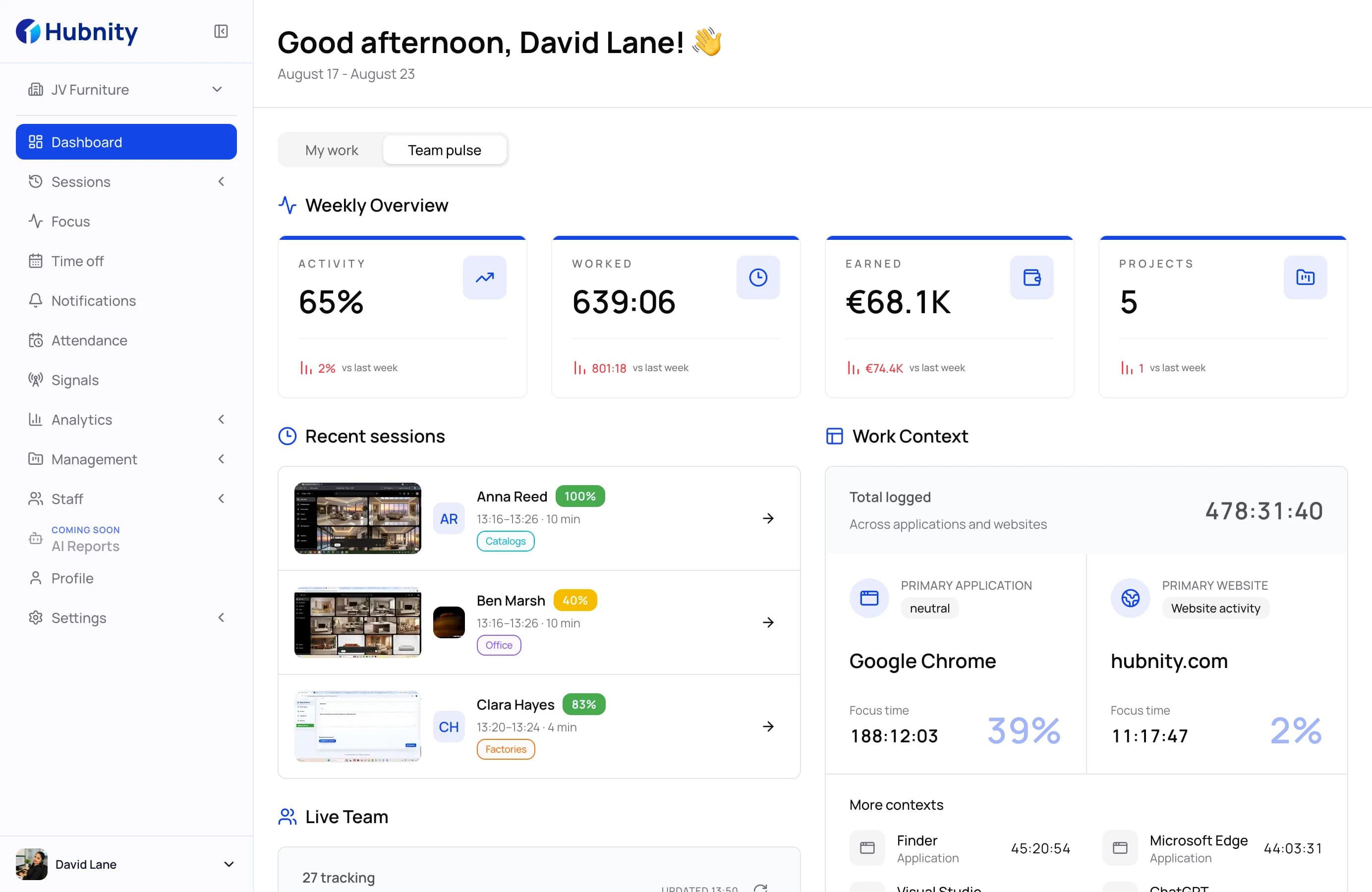
Know who is active now and where coordination may be needed.
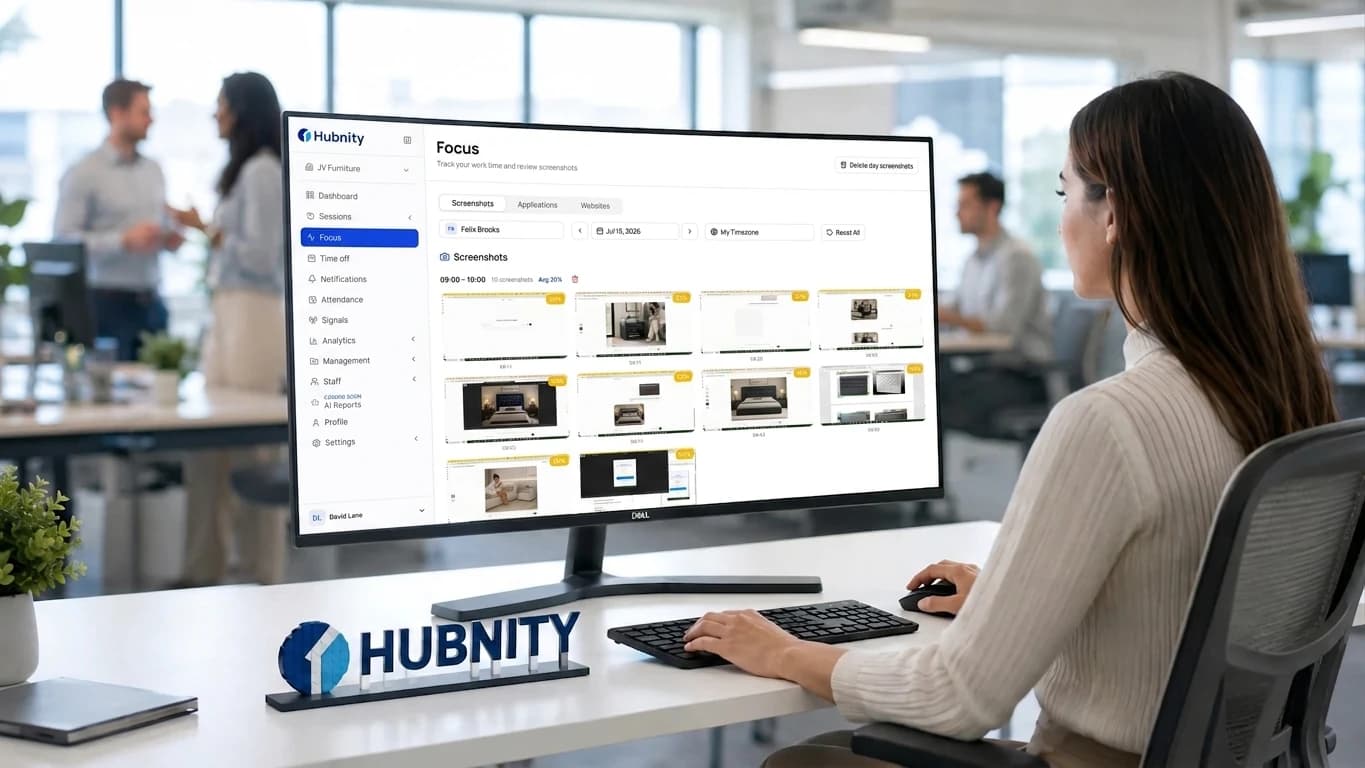
Responsible visibility
Hubnity combines visual evidence with activity and project data, so reviews stay focused on outcomes.
Connect billed time with visible work when a review is genuinely needed.
Find workflow friction by reviewing patterns instead of isolated captures.
Keep screenshot reviews within a clear, accountable management process.
Everything you need to know about visual time monitoring. Can't find your answer? Reach out to our support team.
Hubnity takes screenshots at random intervals, typically between 1 to 3 times per 10-minute window. This randomness ensures an accurate representation of the workday while preventing 'gaming' of the system.
Yes. Organizations can enable automatic blurring of screenshots to protect sensitive information while still verifying activity. Additionally, employees can be given the right to delete screenshots that might contain personal info, which also removes the associated tracked time.
Our desktop monitoring app is compatible with Windows, macOS, and Linux. It runs quietly in the background and only tracks activity when the user explicitly starts their session.
Hubnity supports mobile time and field-work workflows. Screenshot monitoring remains a desktop capability, where activity context is collected during an active work session.
The Hubnity desktop app can track time and take screenshots even without an active internet connection. Once you're back online, all data is securely synced to the server automatically.
Screenshot monitoring provides concrete proof of work, which is invaluable for freelancers and remote teams. It eliminates disputes over hours, simplifies client billing, and helps employees stay focused by providing a clear record of their achievements.