
Utilization
Keep workload levels sustainable
Compare tracked work against available capacity so teams stay productive without drifting into overload.
Hubnity helps operations and managers balance availability, project demand, and utilization so teams can deliver without overload.

Capacity planning features
Keep utilization, availability, budgets, and project demand close enough for managers to make calmer staffing decisions.
Utilization
Compare tracked work against available capacity so teams stay productive without drifting into overload.
Budgets
Connect team effort to project budgets, planned hours, and delivery timelines before costs become hard to control.
Availability
Review tracked work, project demand, and attendance context before deciding where the team needs attention.
Forecasting
Use work trends to understand when a project may need more people, clearer priorities, or a scope reset.
Planning views
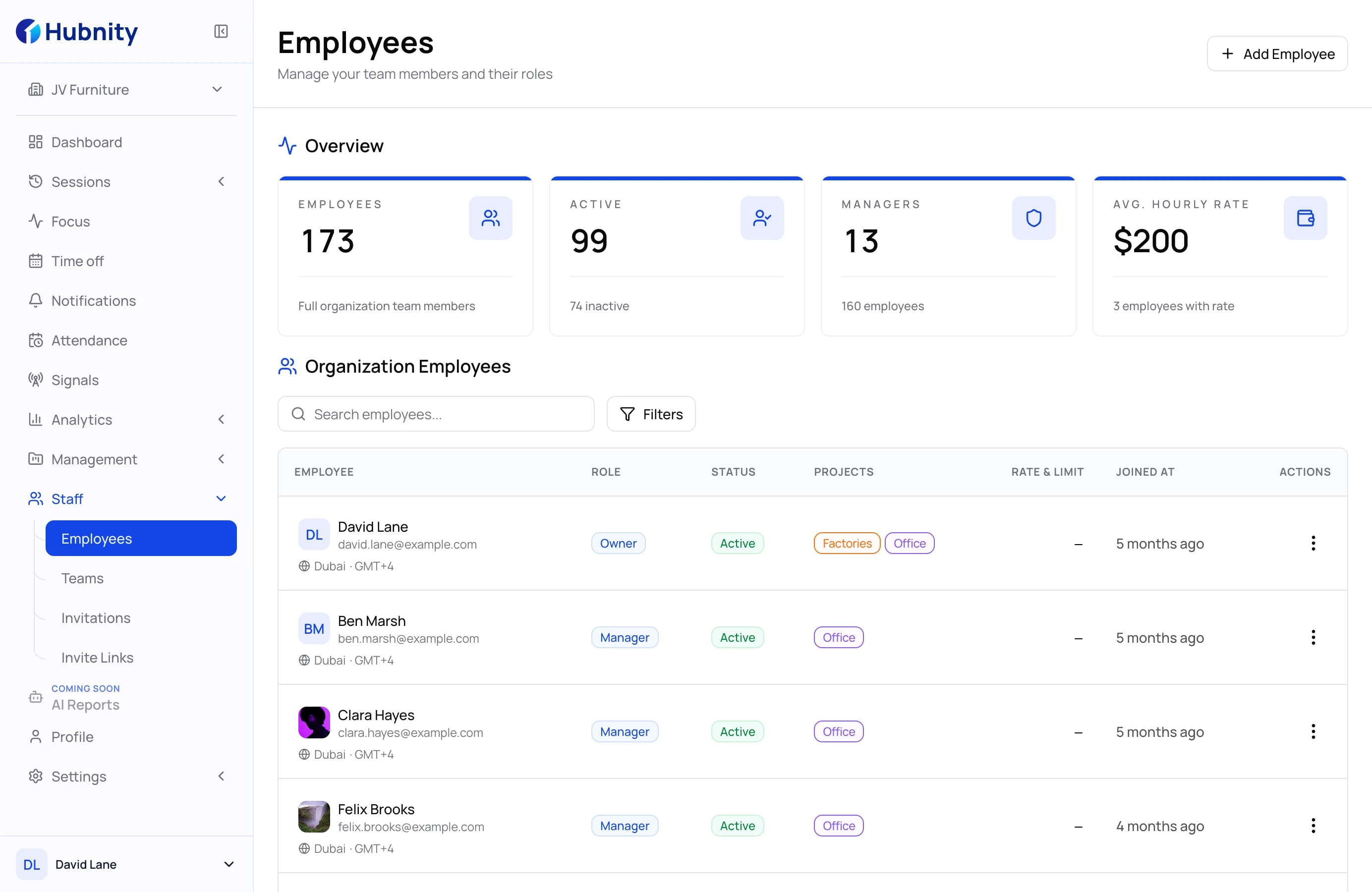
Capacity map
Give managers a planning view that balances workload, availability, and project demand in one place. It helps leaders see where to assign new work, where to protect focus, and where a deadline may need a smarter plan.
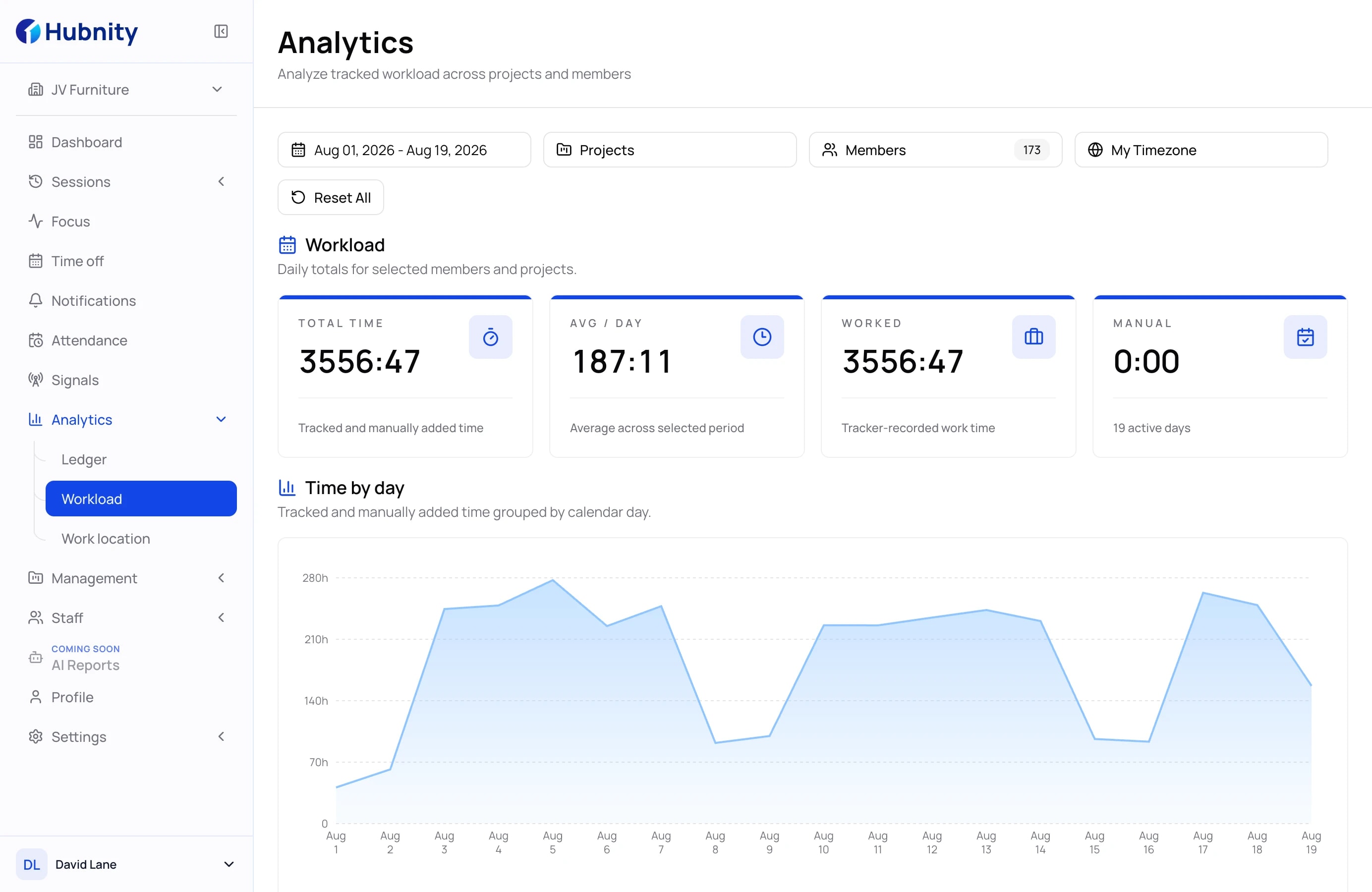
Project demand
Understand where active projects are pulling time so operations can rebalance before bottlenecks slow delivery. Managers can compare actual effort with project urgency and move resources before small delays become client problems.
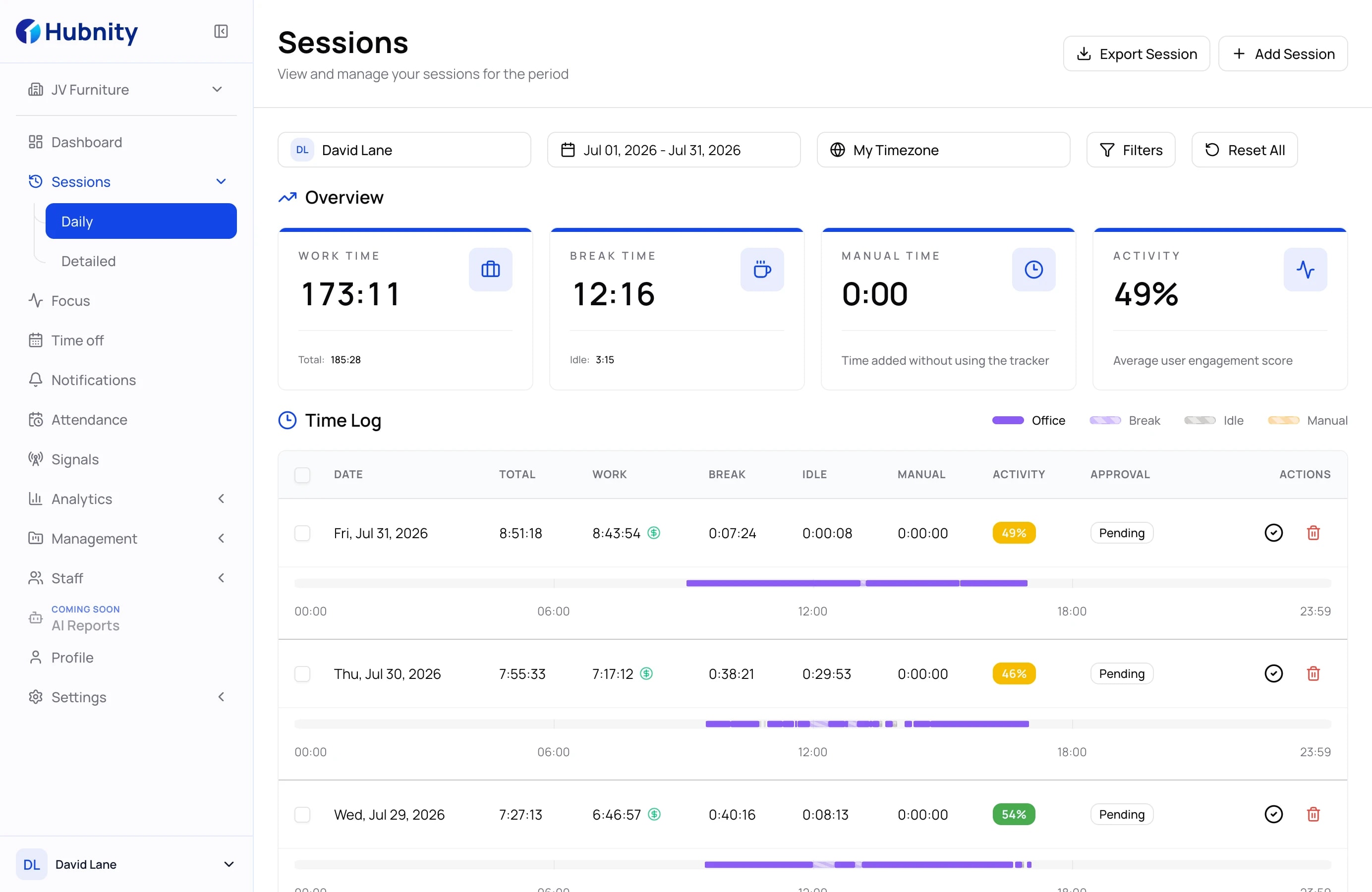
Planning rhythm
Review staffing pressure and delivery risk without rebuilding a spreadsheet every week. Teams get a steadier planning rhythm because the same work records support scope and timeline decisions.
How it works
Capacity planning should feel like a weekly operating rhythm, not another spreadsheet project.
01
Use tracked time, projects, and activity signals as the planning baseline.
02
Review utilization and project pressure before assigning more work to the team.
03
Shift people, timelines, or scope with enough context to keep the plan realistic.
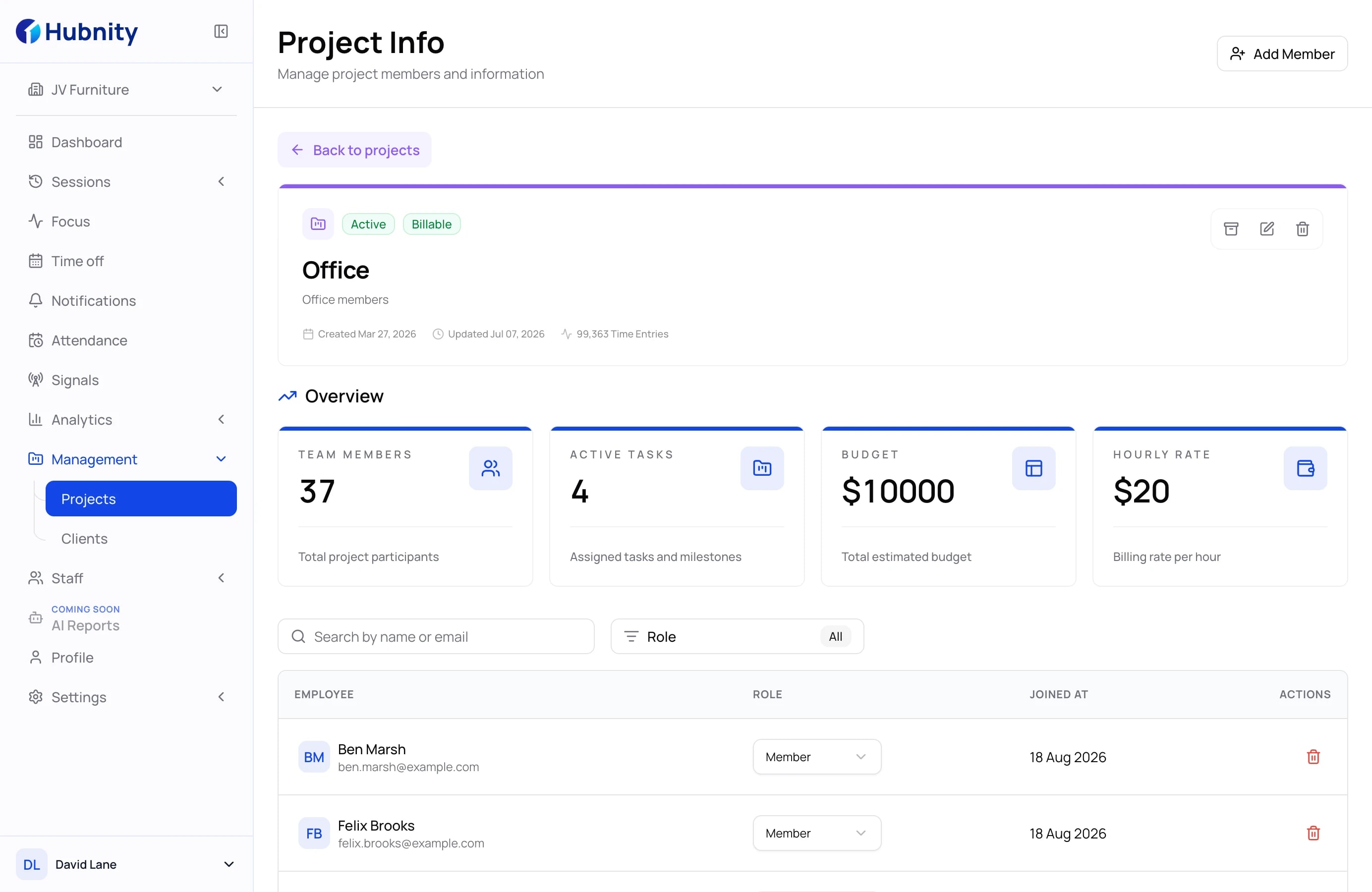
Give managers enough context to plan workloads without rebuilding the same report every week.
Capacity planning software helps teams compare available work hours with project demand so managers can prevent overload, underutilization, and delivery delays.
Hubnity brings tracked time, projects, and activity trends together so capacity decisions can start with real work data instead of manual estimates.
Yes. Capacity views make workload pressure visible earlier, so managers can rebalance assignments before teams stay overloaded for too long.
Yes. Agencies can use capacity planning to compare client demand, project budgets, and team availability before accepting more work.