Hubnity logo

Hubnity

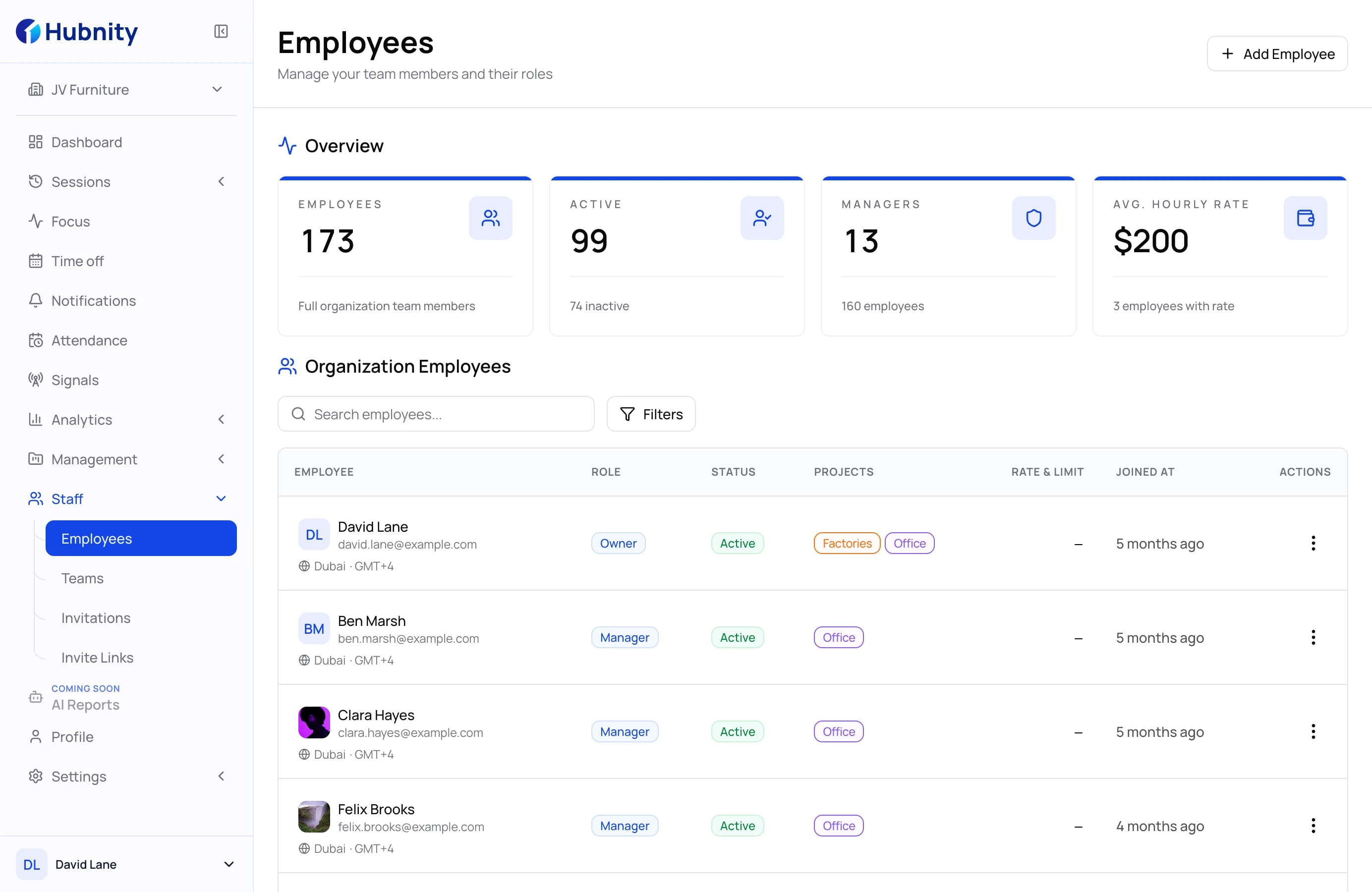
Turn team activity into insights leaders can act on.

Hubnity helps managers spot focus patterns, capacity risk, and work trends without digging through raw timesheets.

No credit card required
Free 14-day trial
GDPR compliant
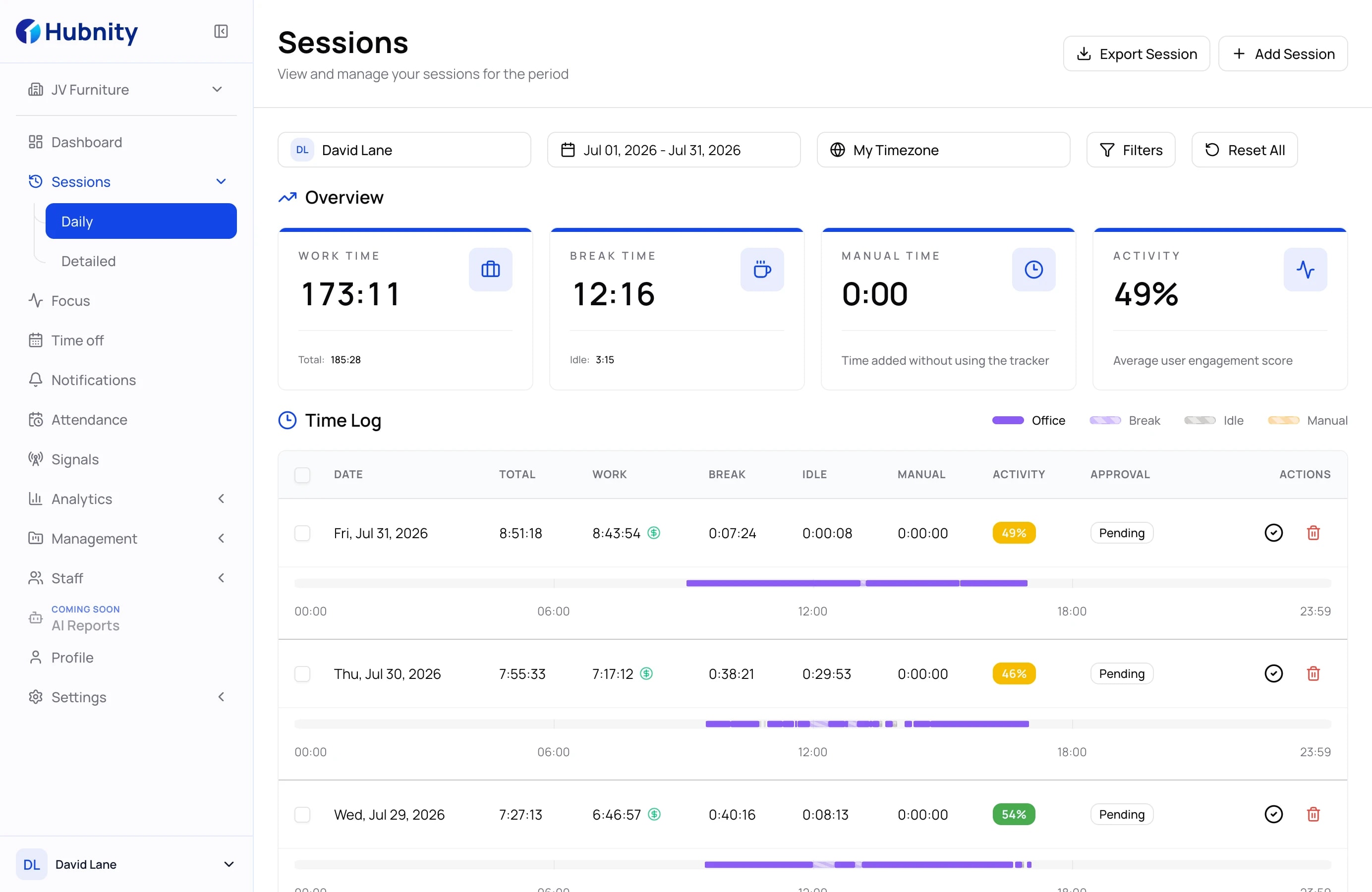
Hubnity insights workspace preview

Insight views

Give every manager a clearer angle on the workday.

Each section keeps the signal focused, so teams see patterns without opening a crowded dashboard.

Know when deep work is actually happening

FOCUS TRENDS

Know when deep work is actually happening

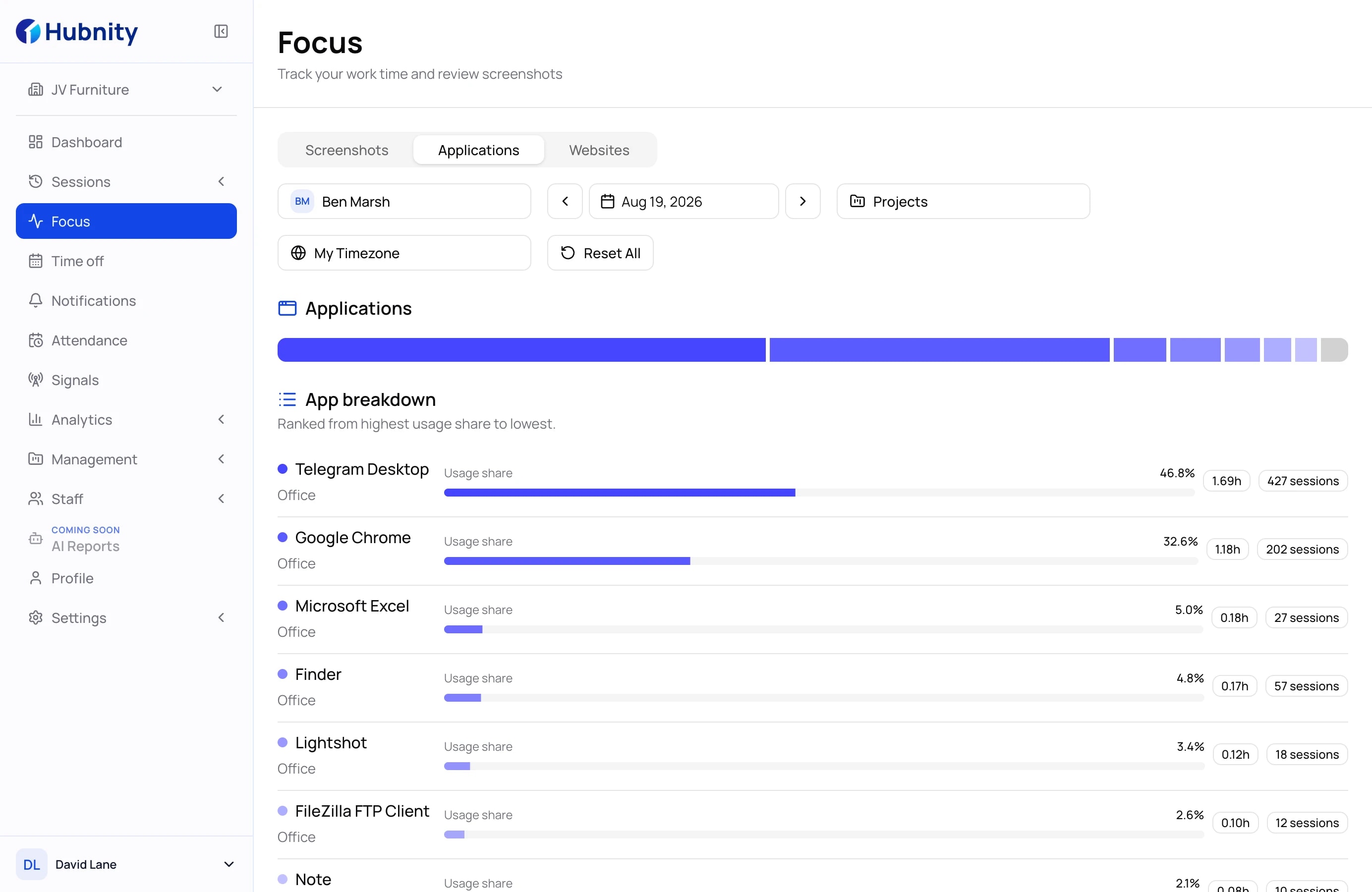
Most teams don't lack effort - they lack uninterrupted time. Focus Trends shows you when your team is in flow and when fragmented hours are quietly killing output. Review activity patterns by day, project, and individual so you can make informed decisions about meeting schedules, workload distribution, and how your team's best hours are being spent.
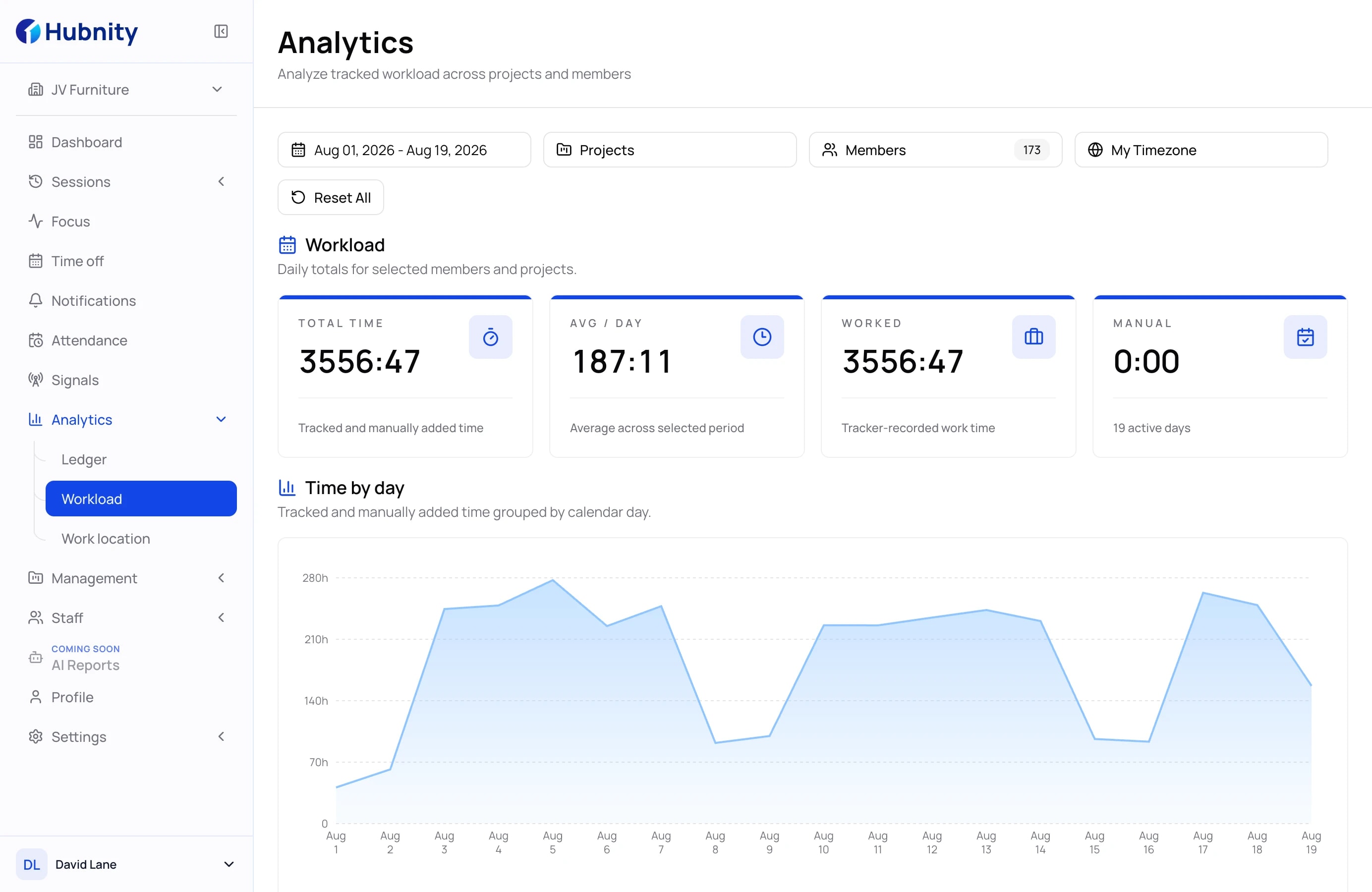
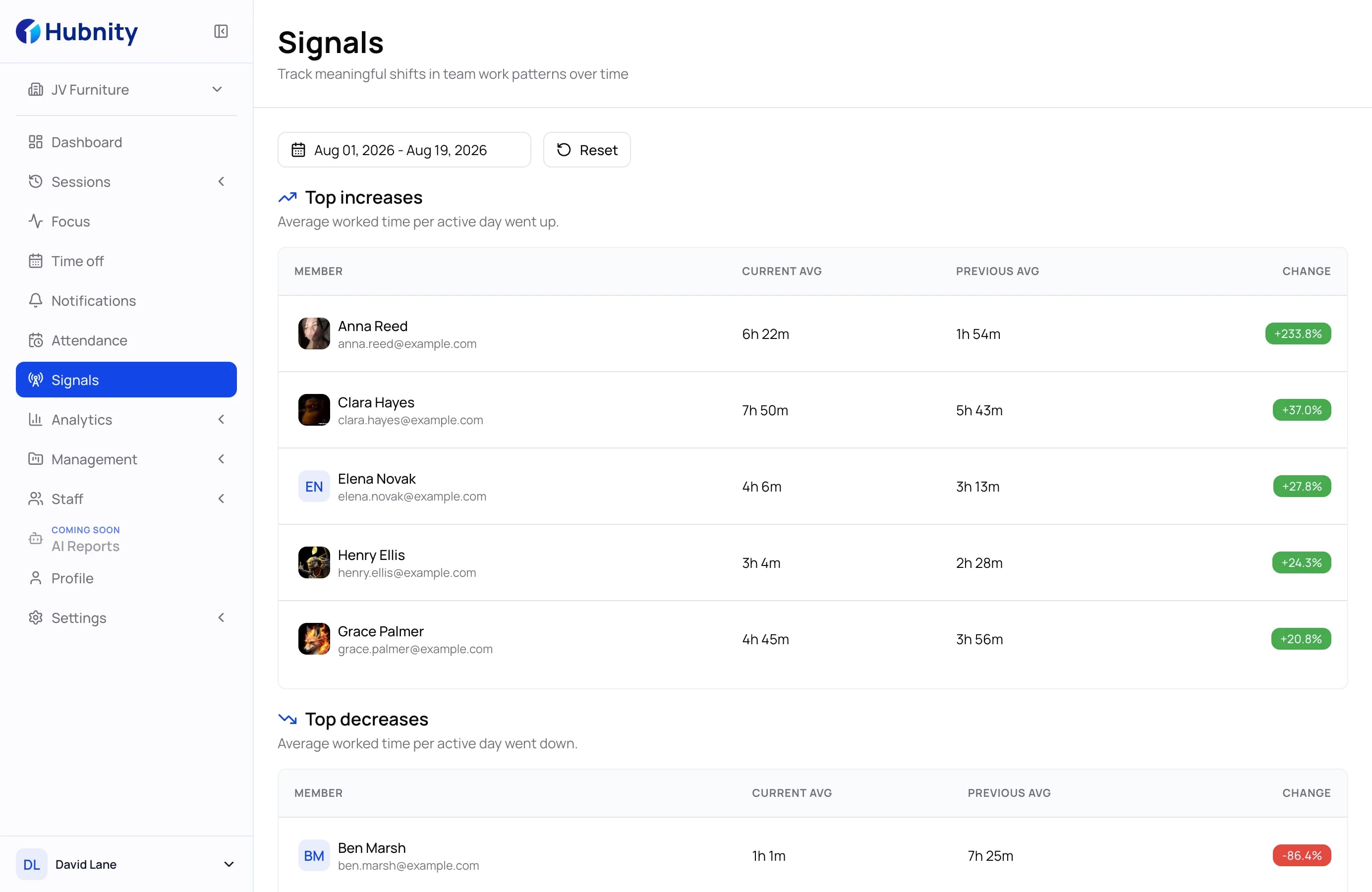
Spot workload pressure before it becomes churn

CAPACITY SIGNALS

Spot workload pressure before it becomes churn

Burnout doesn't happen overnight - it builds up over weeks of invisible overload. Capacity Signals gives you an early warning system: see which teams are approaching their limit, where project attention is spread too thin, and who might need clearer priorities before performance starts to slip.

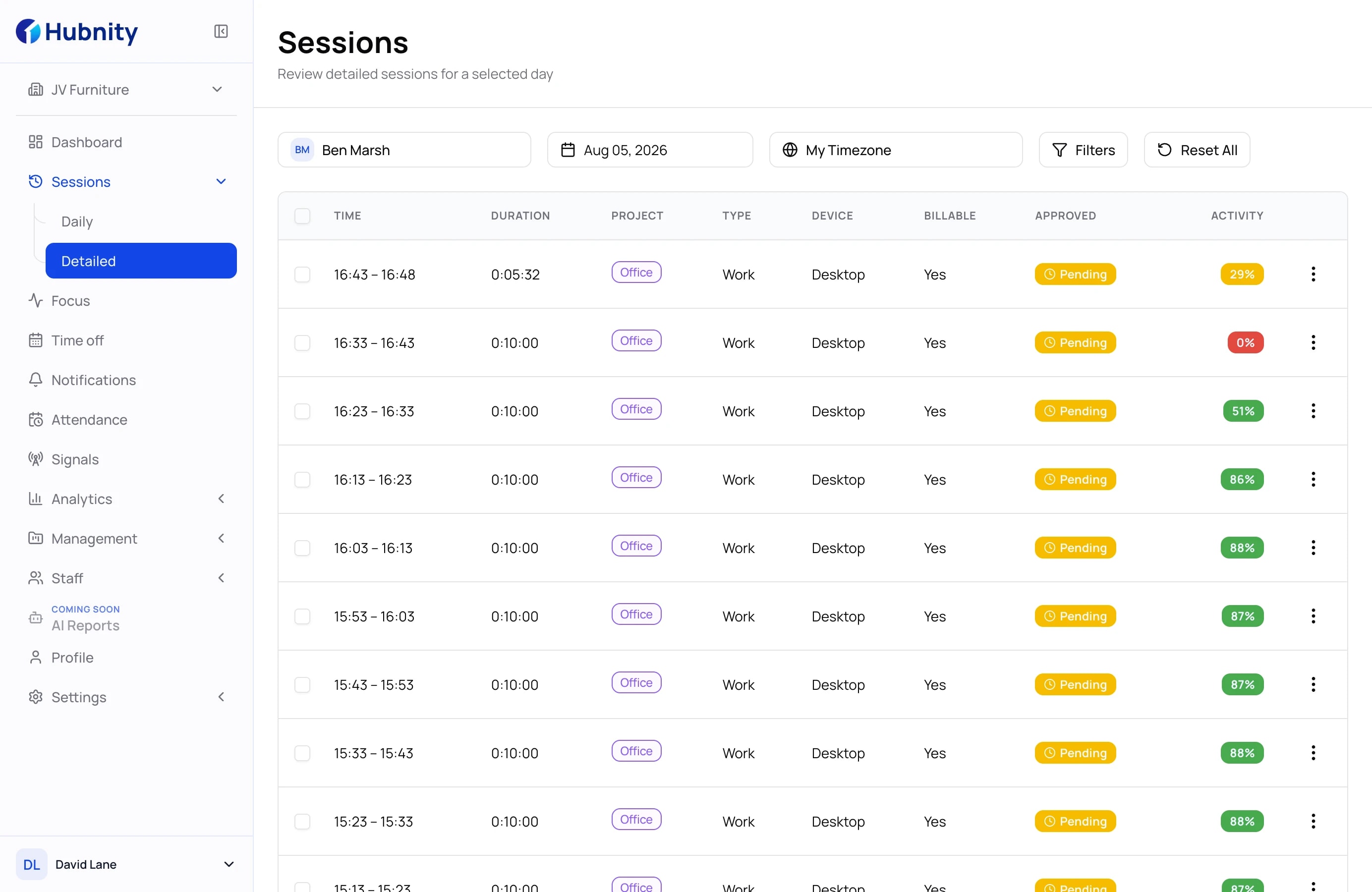
Connect apps, URLs, and work outcomes

ACTIVITY CONTEXT

Connect apps, URLs, and work outcomes

A list of open apps tells you very little. Activity Context goes further - turning raw app and URL data into a readable timeline that explains what actually happened during the workday and why it matters. Instead of sifting through logs, managers get clear context: what tools were used, on which projects, and how that maps to real deliverables.

Share the story without another spreadsheet

REPORTS

Share the story without another spreadsheet

Data is only useful when the right people understand it. Reports packages your team's productivity trends into clean, structured summaries - formatted for leadership reviews, client check-ins, or internal retrospectives. No more manual exports, no more copy-pasting numbers into slides.

How it works

A calmer workflow from raw activity to useful insight.

01

Collect the right signals

Bring time, projects, apps, URLs, and activity into one clean source of truth.

02

Read the pattern

Compare focus time, workload shifts, and utilization before the trend becomes a problem.

03

Share a decision-ready report

Give leaders, clients, and operations a summary they can understand without extra cleanup.

Hubnity insights workflow
Customer stories

Insights teams can actually use

Teams use Hubnity insights to turn tracked work into clearer reviews, calmer planning, and reports leaders can act on.

We cut our admin overhead by 12 hours a week. Timesheets just appear, accurate and ready to approve.

SC

Sarah Chen

Engineering Manager · CloudSync

Every billable minute is captured automatically now. Revenue reporting finally feels calm and predictable.

JR

James Rodriguez

CEO & Founder · Nexus Digital

The team trusts the data now. No more arguments about hours, approvals, or where the week went.

EN

Emily Nakamura

Head of Operations · pulse.

The context is excellent. It shows the work patterns I used to miss manually.

MW

Marcus Weber

Project Lead · TECHFLOW

FAQ

Insights without extra guesswork

Know what changed, why it matters, and what managers should do next.

They are readable patterns from time, activity, project, app, and URL data that help managers understand how work is moving.

WhatsApp