
Call Center Time Tracking Software
Track attendance, productive time, and reporting across every team without adding more manual supervision.
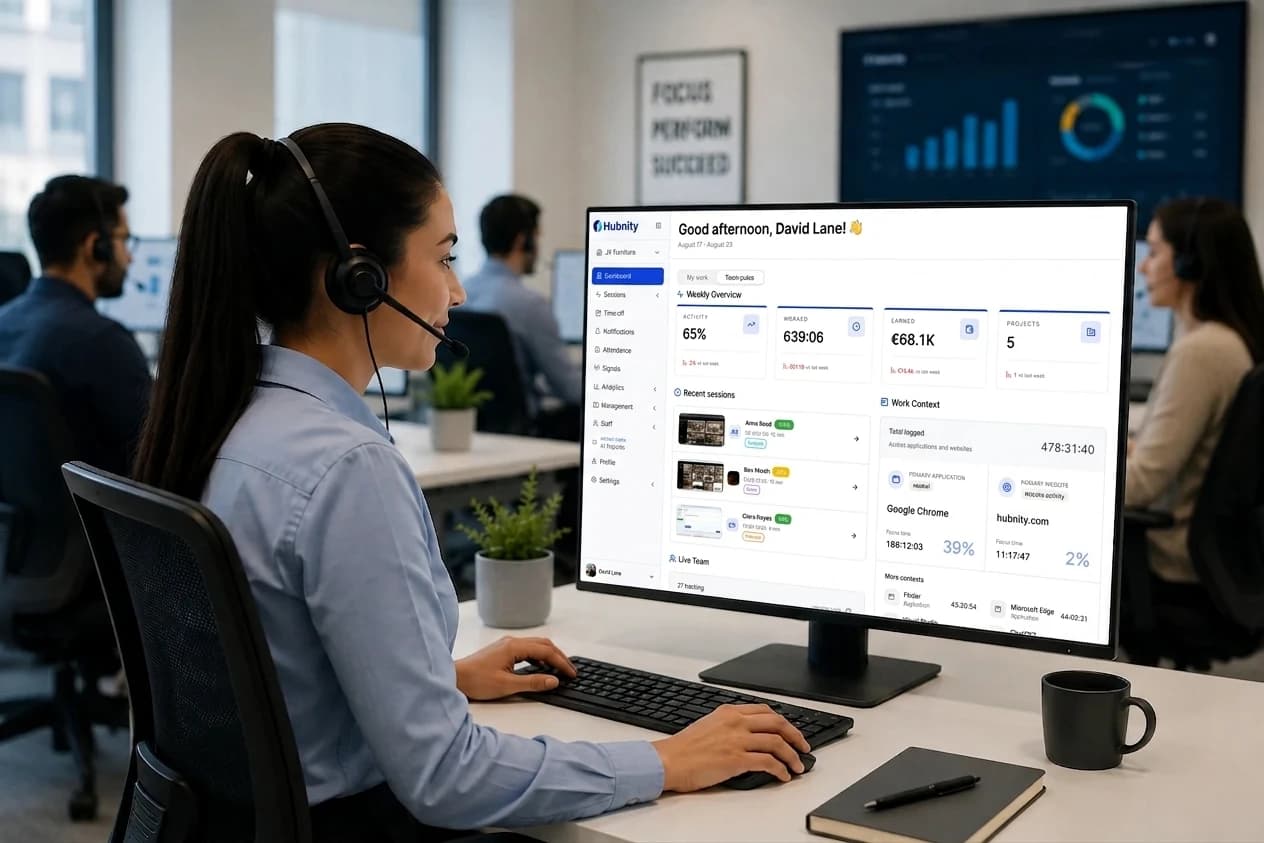
Call center features
Keep service operations visible in one workspace
Review agent time, attendance, workload, scheduling, and reporting without rebuilding the day from separate systems.
Call center workflow
Agent Tracking
Agent operations
Monitor every agent with a clear record
Track working hours, active sessions, and agent availability as work happens. Gain complete visibility into your call center operations without manual updates.
Monitor agent activity and working hours live
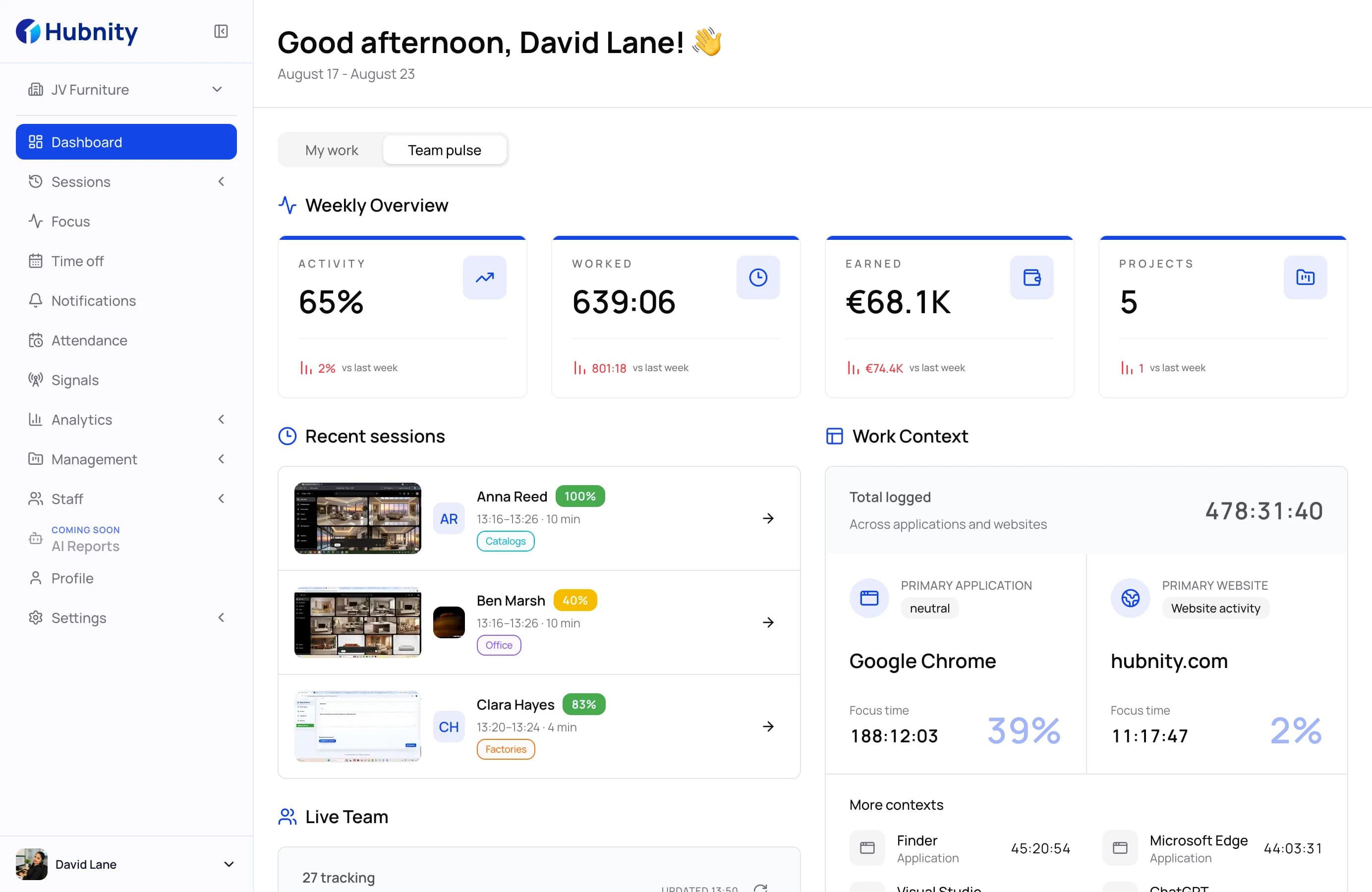
Agent operations
Turn activity data into productivity insights
Understand team performance with detailed analytics, identify trends, and make data-driven decisions that improve operational efficiency.
Measure team efficiency and performance trends
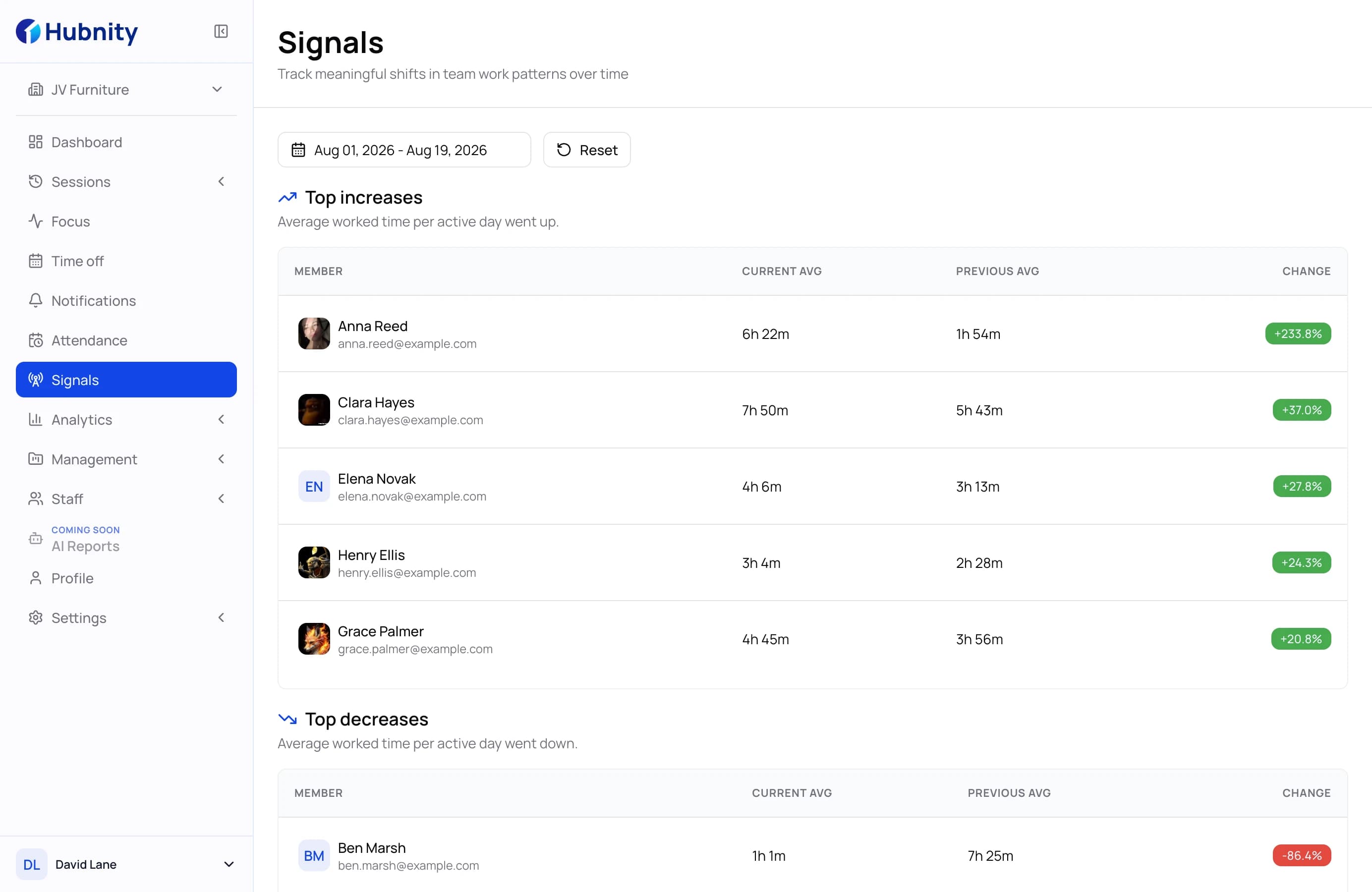
Agent operations
Stay connected with your entire workforce
Track agent statuses, workloads, and availability across teams to ensure balanced operations and better customer experiences.
Track statuses, workloads, and team availability
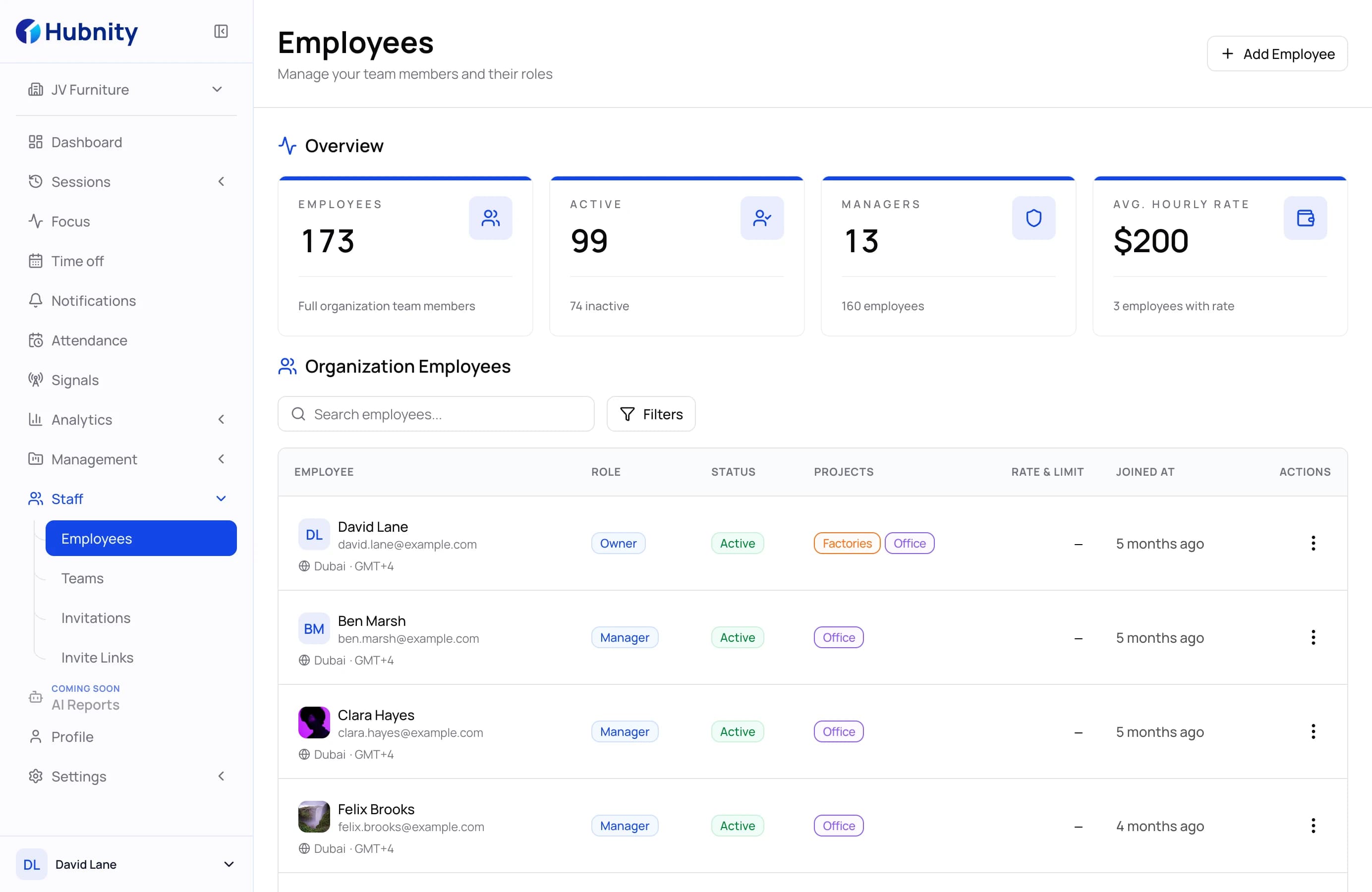
Agent operations
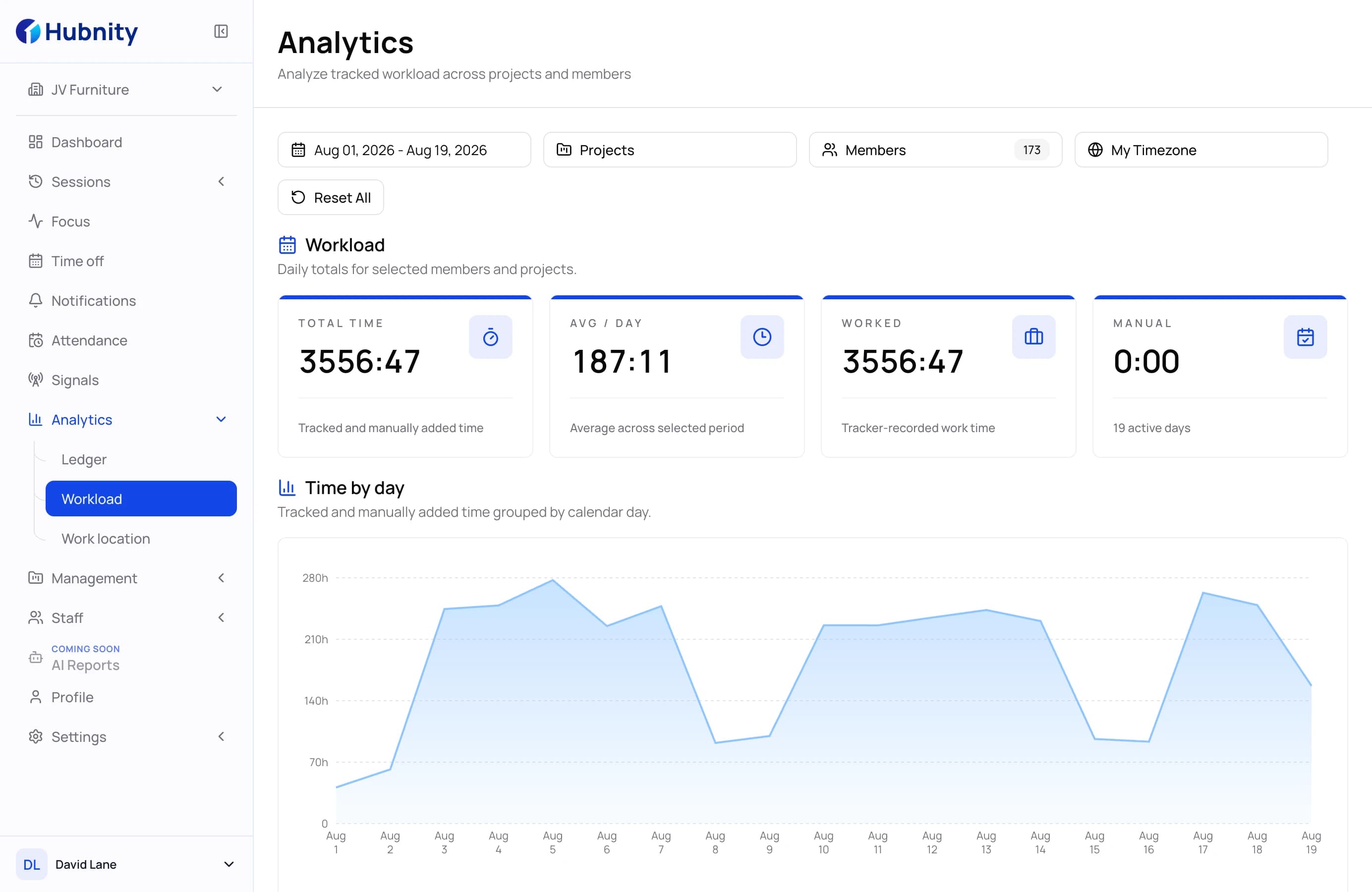
Measure performance that matters
Monitor key metrics, evaluate team performance, and generate actionable reports that help managers improve productivity.
Analyze KPIs and call center performance metrics
Agent operations
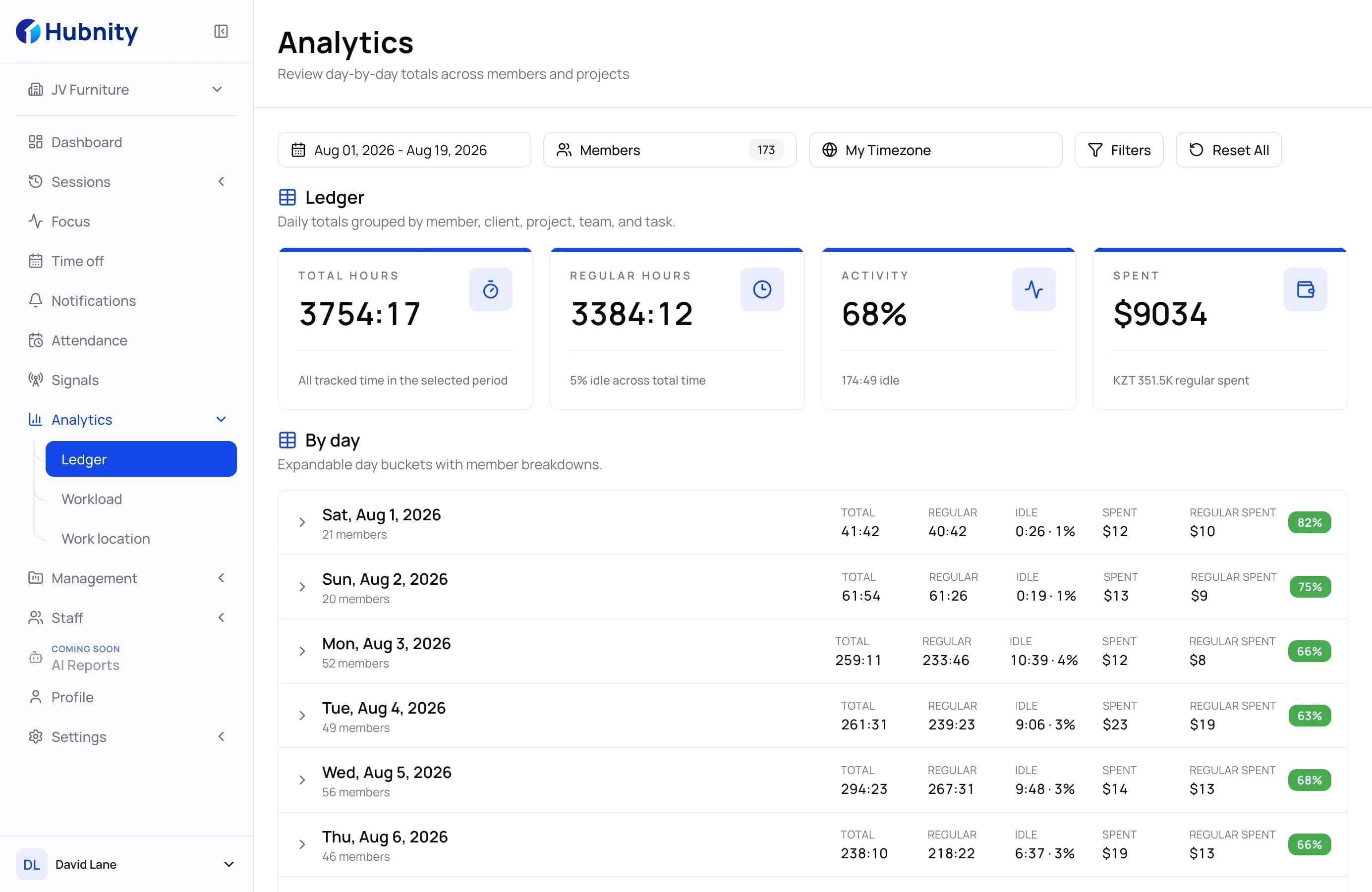
Review reports and discover patterns
Use the available reporting views to review time records, activity context, and recurring productivity patterns.
Review time records and productivity context
Agent operations
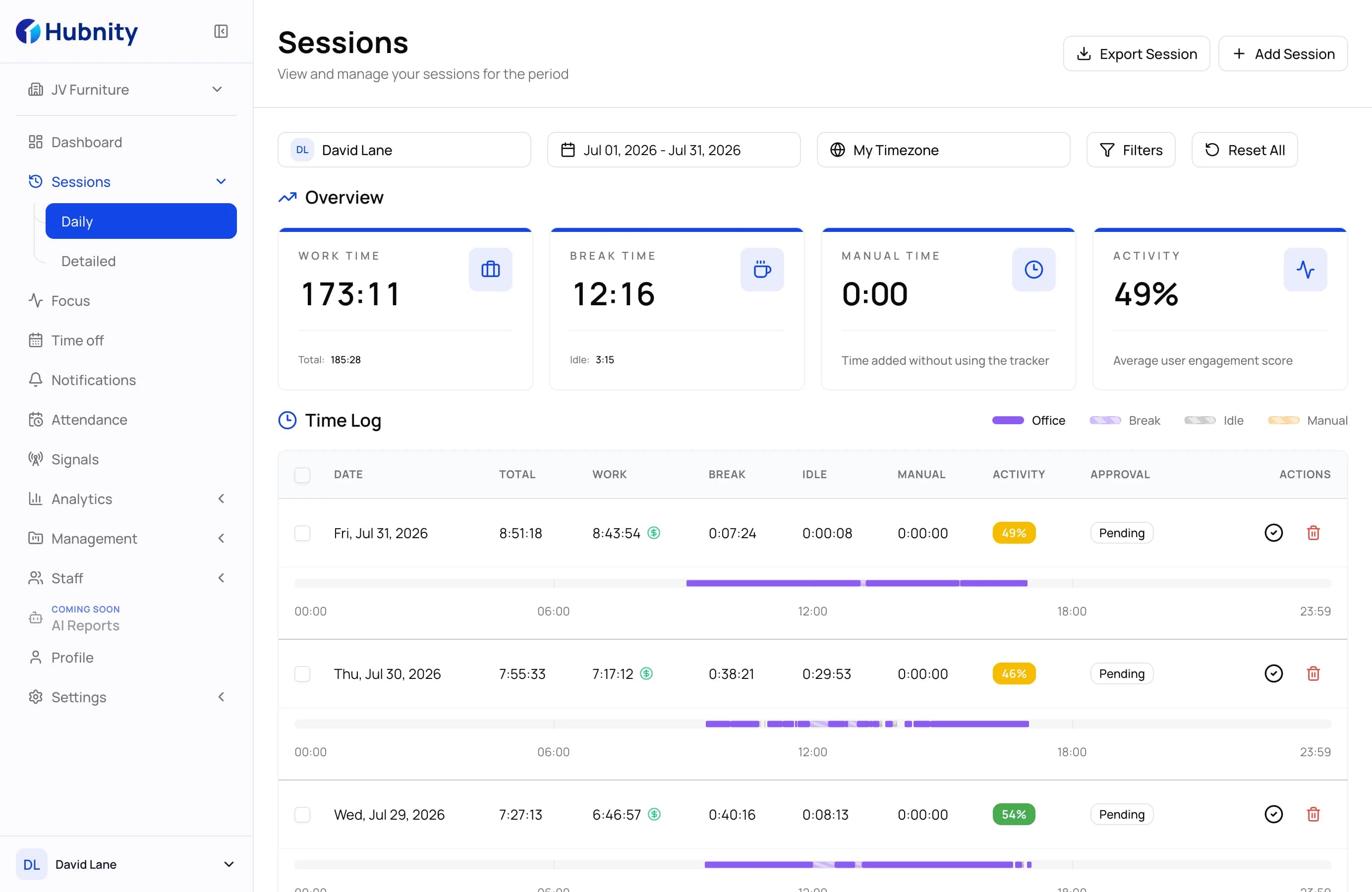
Keep attendance records under control
Review attendance records, team activity, and exceptions so managers can follow up with the right context.
Review attendance records and exceptions clearly
Operational workflow
How Hubnity Call Center Time Tracking Works
See how Hubnity helps call center teams track time, improve productivity, and optimize workforce performance.
Step 1
Onboard your agents in minutes
Invite your call center team to Hubnity and start tracking work from any device. Setup takes only a few minutes and requires no complicated configuration.
Step 2
Capture time and performance automatically
Track agent activity, monitor productivity trends, and gain clear visibility into how your team spends their working hours.
Step 3
Turn workforce data into better decisions
Use detailed reports and performance context to identify bottlenecks and guide follow-up conversations.
Call center operations
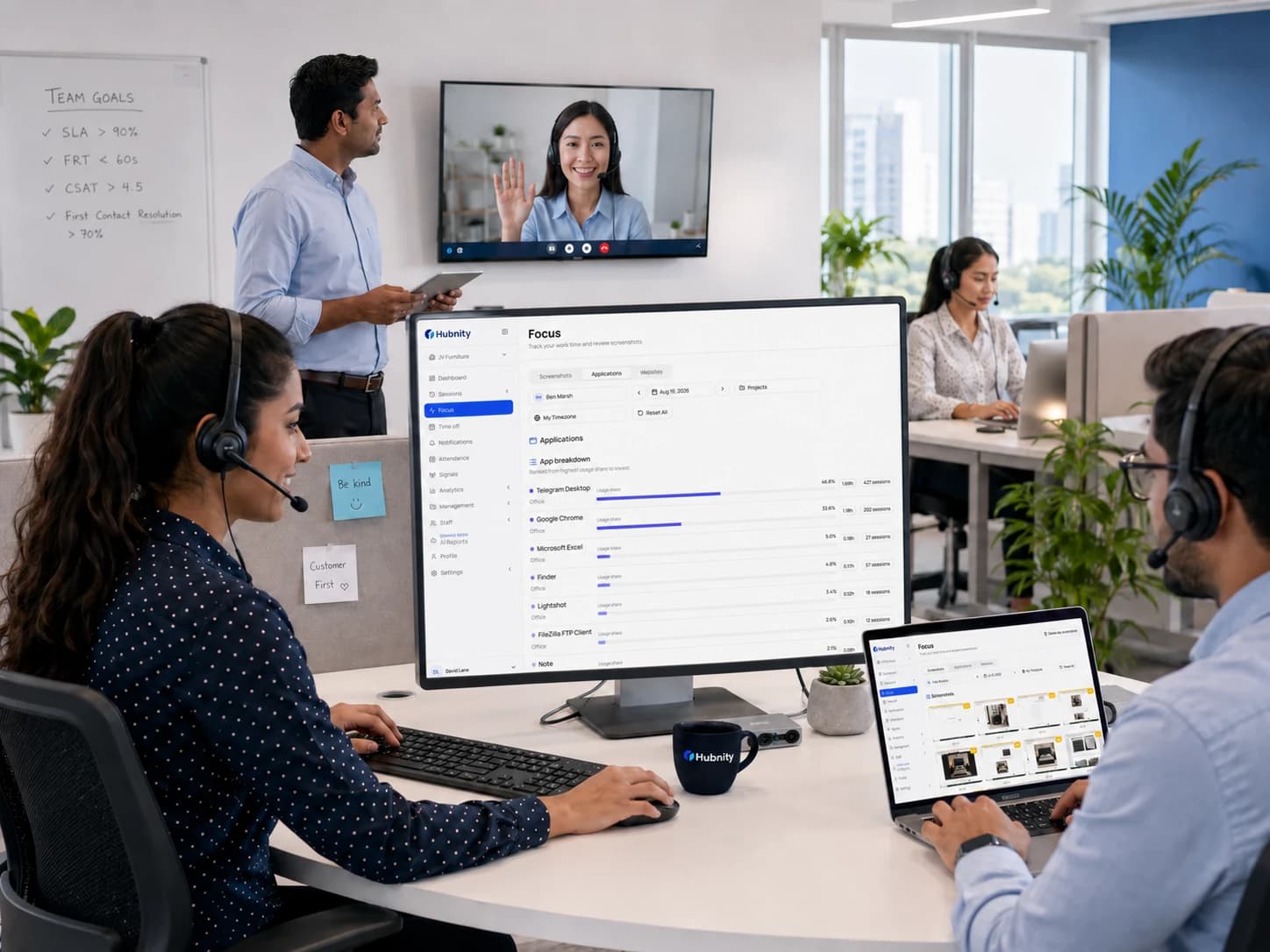
Run a more predictable call center operation
Support call center operations with time tracking, performance analytics, and review-ready records.
- 01
Improve team productivity with tracked work records
Monitor agent activity, track working hours, and gain complete visibility into how your team spends time to improve efficiency and accountability.
Explore productivity tracking - 02
Measure the metrics that drive performance
Track attendance, productivity, utilization, and performance trends with detailed analytics that help managers make better decisions.
View performance analytics - 03
Review attendance with clearer context
Review attendance records and exceptions so managers can follow up with the right context.
Discover attendance review
Everything You Need to Know About Call Center Time Tracking
Answers about attendance, productivity, scheduling, and reporting for call center teams.
Time tracking provides clear visibility into agent activity, helping managers identify productivity trends, optimize staffing, and improve overall operational efficiency.
Yes. Hubnity allows you to monitor working hours, attendance, and productivity across remote, hybrid, and in-office teams from a single dashboard.
You can track working hours, productivity levels, attendance, utilization, team performance, and other workforce analytics to make better business decisions.
Hubnity provides visibility into tracked time, attendance, and activity context so managers can review patterns and follow up on exceptions.
Hubnity provides reporting views and available PDF or CSV exports that managers can use for internal or client review.
Yes. Hubnity is designed to scale with your business, whether you're managing a small support team or a large multi-location call center operation.