
Approve tracked time
Managers review hours, project notes, and billable totals before records move to the billing workflow.
Hubnity helps teams capture billable hours, approve timesheets, and generate client invoices from recorded work.
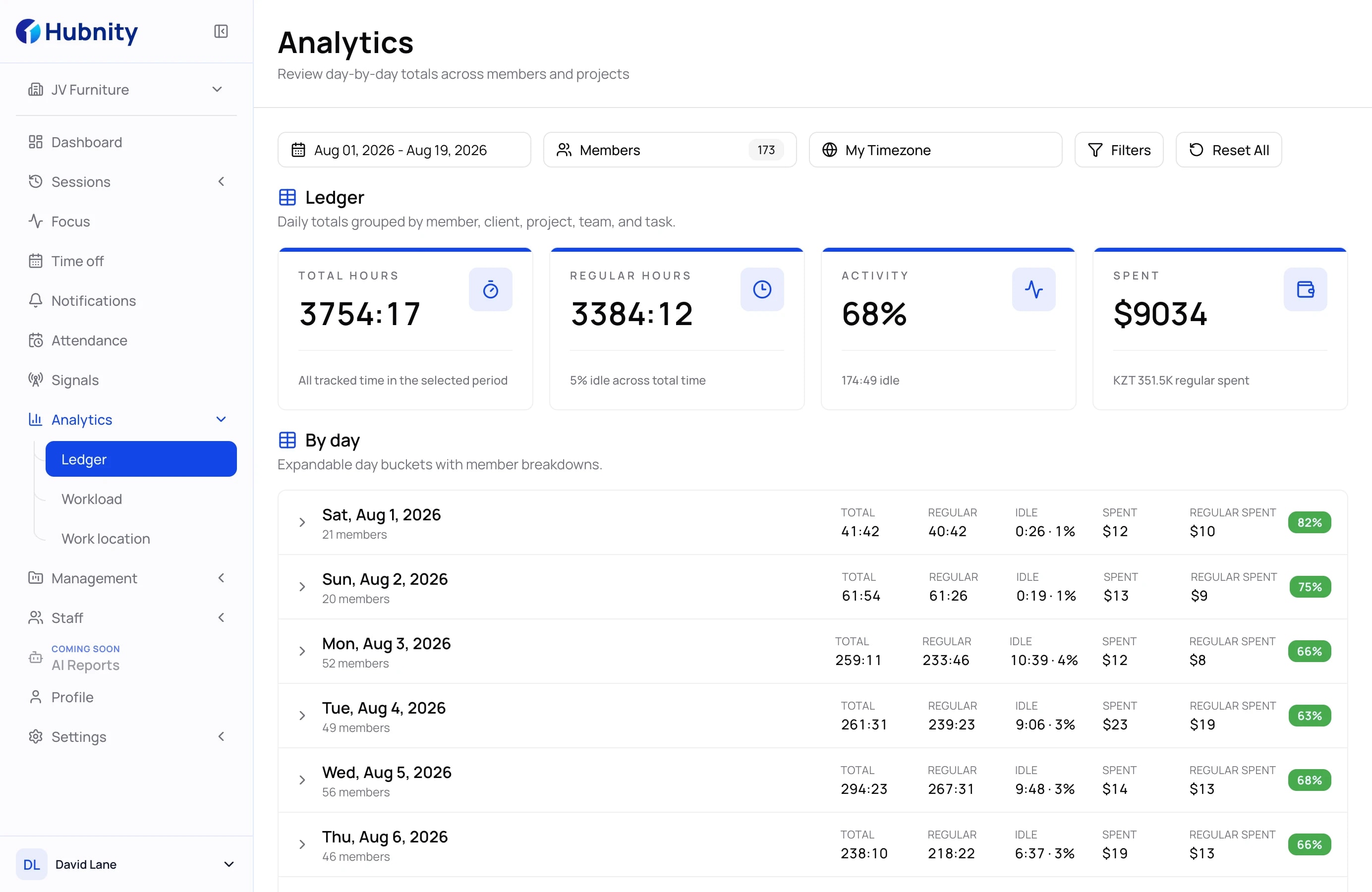
Review the billable-time views teams need before creating a client invoice, from approvals to clear reports.
Time tracking
Track time by project, task, and member so billing records start from reliable data. Teams can separate billable and non-billable work while the context is still fresh.
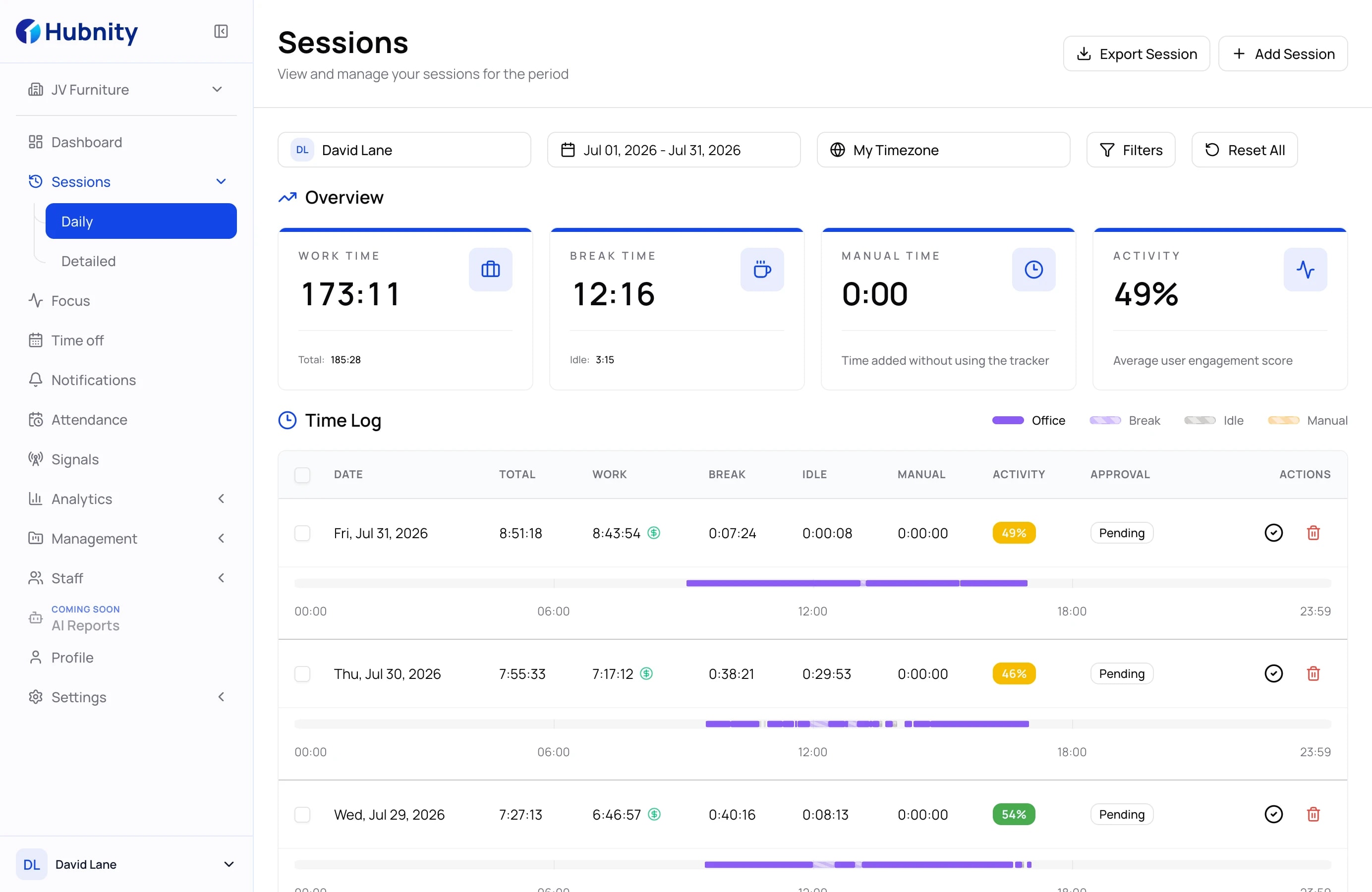
Billable-time workflow
Managers review hours, project notes, and billable totals before records move to the billing workflow.
Use approved time, client, and project context to generate a client invoice and keep its status clear.
Review time details with enough context to answer billing questions and update the invoice when needed.
Ready to start
Connect time, approvals, and clear records so your team spends less time preparing and more time delivering.
More ways to keep billable work clear
Track client work accurately and keep internal hours separate from billable time.
Review billable recordsReview submitted hours before they move into payroll or a client billing workflow.
Open timesheetsConnect labor costs, project budgets, and billable work in one operating view.
Explore project costsFind answers about billable hours, approvals, client records, and clear time reports.
It helps teams record billable hours, review approved time, and generate client invoices from clear work records.
Hubnity keeps tracked time connected to projects, tasks, and members, then lets teams generate and manage client invoices from those records.
Yes. Teams can keep client work, internal work, and project context clearer before finance prepares billing documents.
Agencies, consultants, service businesses, and project teams that bill clients for tracked hours.
Clear time records, project notes, and approval context make it easier to explain billed work to clients.