
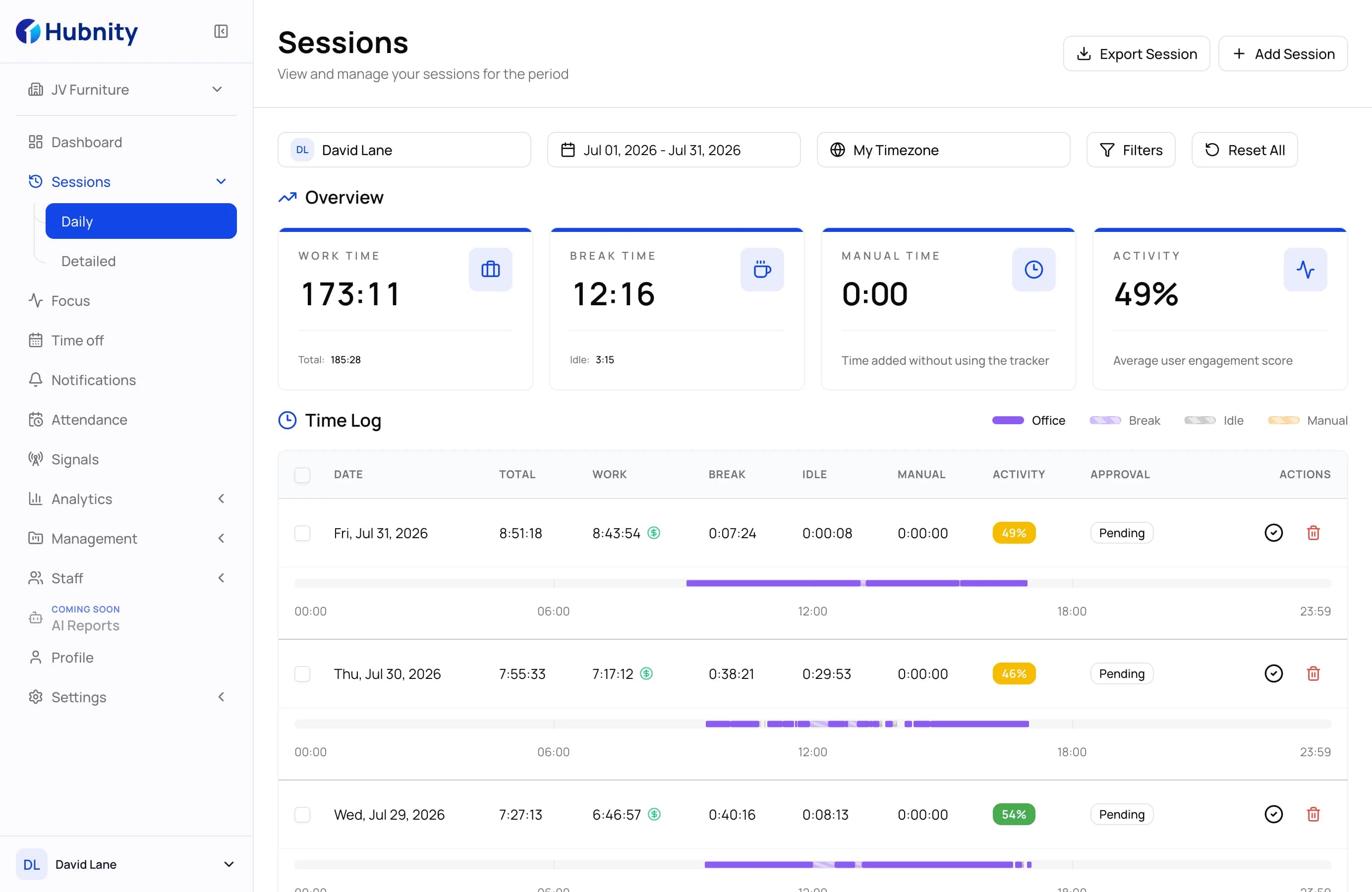
Start-to-finish timeline
Capture when work starts, pauses, resumes, and ends without rebuilding the day from memory.
Use Hubnity as a clear personal timeline for work sessions, breaks, overtime, notes, and weekly totals before payroll, invoices, or personal review.
What it solves
Capture when work starts, pauses, resumes, and ends without rebuilding the day from memory.
Separate regular time, breaks, and extra hours so the final total is easier to explain.
Add short notes for clients, shifts, unusual days, travel, late finishes, or scope changes.
Daily workflow
A few consistent actions create a reliable work record without adding another layer of administration.
Start a session when work begins, pause for breaks, and keep the day split into clean records.
Check regular hours, breaks, overtime, and weekly totals before sending anything forward.
Attach short notes to explain client work, shift changes, field visits, or late finishes.
Use the record as a calm reference for invoices, payroll questions, planning, or manager updates.
Use cases
Keep your own daily totals so you can calmly compare them with timesheets or payroll records.
Use tracked sessions and notes as a reference when preparing client summaries or invoices.
Review where time goes across regular work, breaks, overtime, travel, and extra tasks.
Why it matters
A dated work timeline is easier to trust than memory when the week is already over.
Freelancers, contractors, and hourly employees can use one routine for billable and non-billable time.
The workflow stays light: start, pause, note, review, and reuse the totals when needed.
Clear answers to help you choose the right workflow and get started with confidence.
It fits employees, freelancers, contractors, shift workers, remote workers, and anyone who wants a personal work time record.
No. It gives you a personal reference you can compare with official records, invoices, or your own notes before submitting or discussing hours.
Track start time, pauses, resumed work, finish time, overtime, and short notes for anything that may need explanation later.
Yes. Some people use Hubnity continuously, while others use it for a month to understand their real work pattern.