
Perfect for
Administrative teams
Operations departments
Office managers
Multi-office companies
Keep attendance, productivity, project time, and workload visible for teams working from one or many office locations.
Team setup
Each team model gets clear coverage for the people involved, the work records managers need, and the reports finance can trust.
Administrative teams
Operations departments
Office managers
Multi-office companies
Attendance and working-hour records for office-based teams
Project and task time visibility across departments
Workload and utilization reports for managers
Operating playbook
Hubnity connects team setup, daily work records, and reporting in one practical flow that is easy for managers and employees to use.

01
Invite people, create projects, and set the tracking rules once, so every record starts with the right context.

02
Employees start and stop time on desktop or mobile, and hours, breaks, and tasks stay together as the day runs.
03
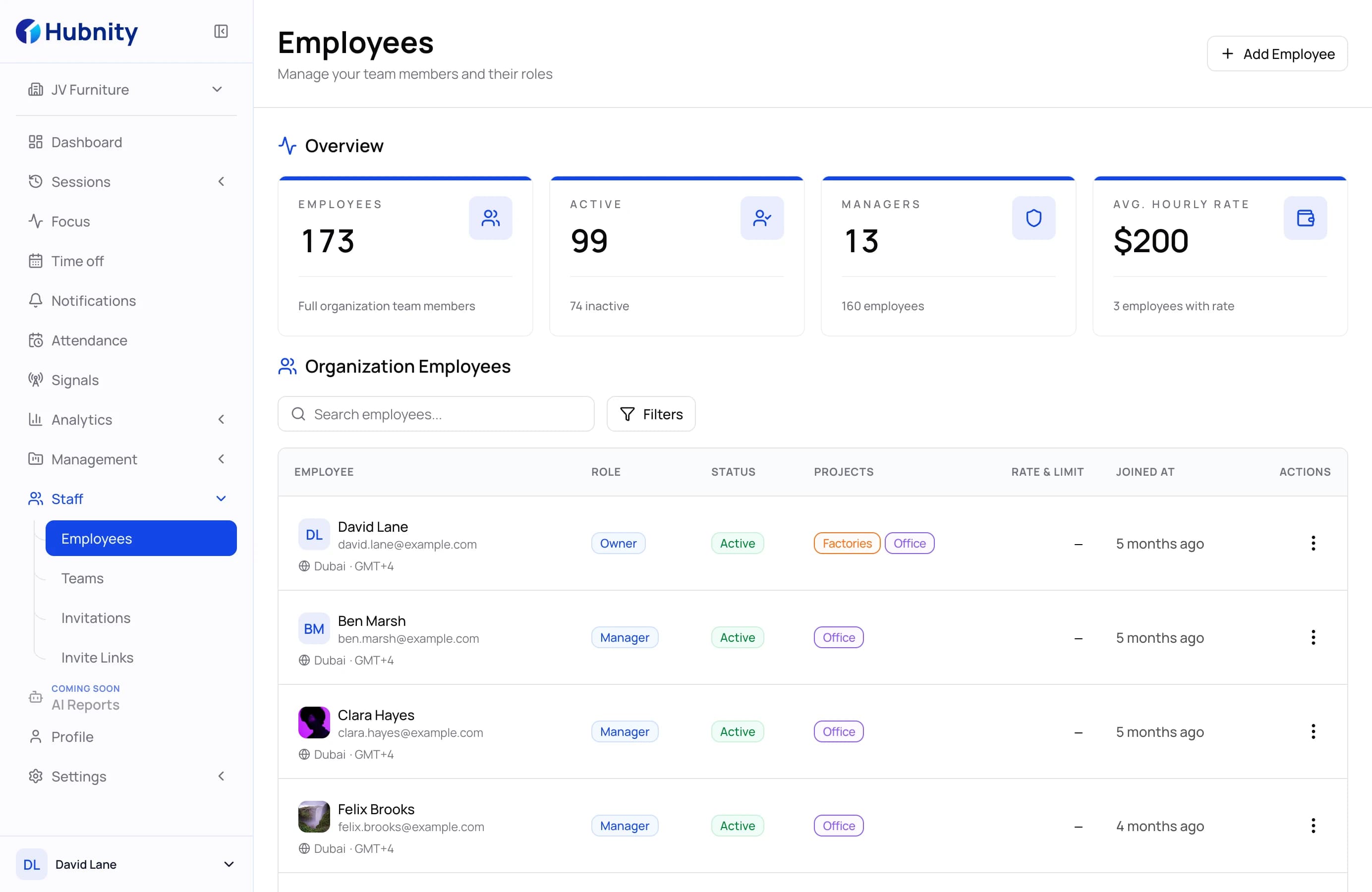
Managers review hours, attendance, and workload, approve timesheets, and export reports when the period closes.
Reports and decisions
Keep office attendance visible
Understand workload by department
Prepare cleaner management reports
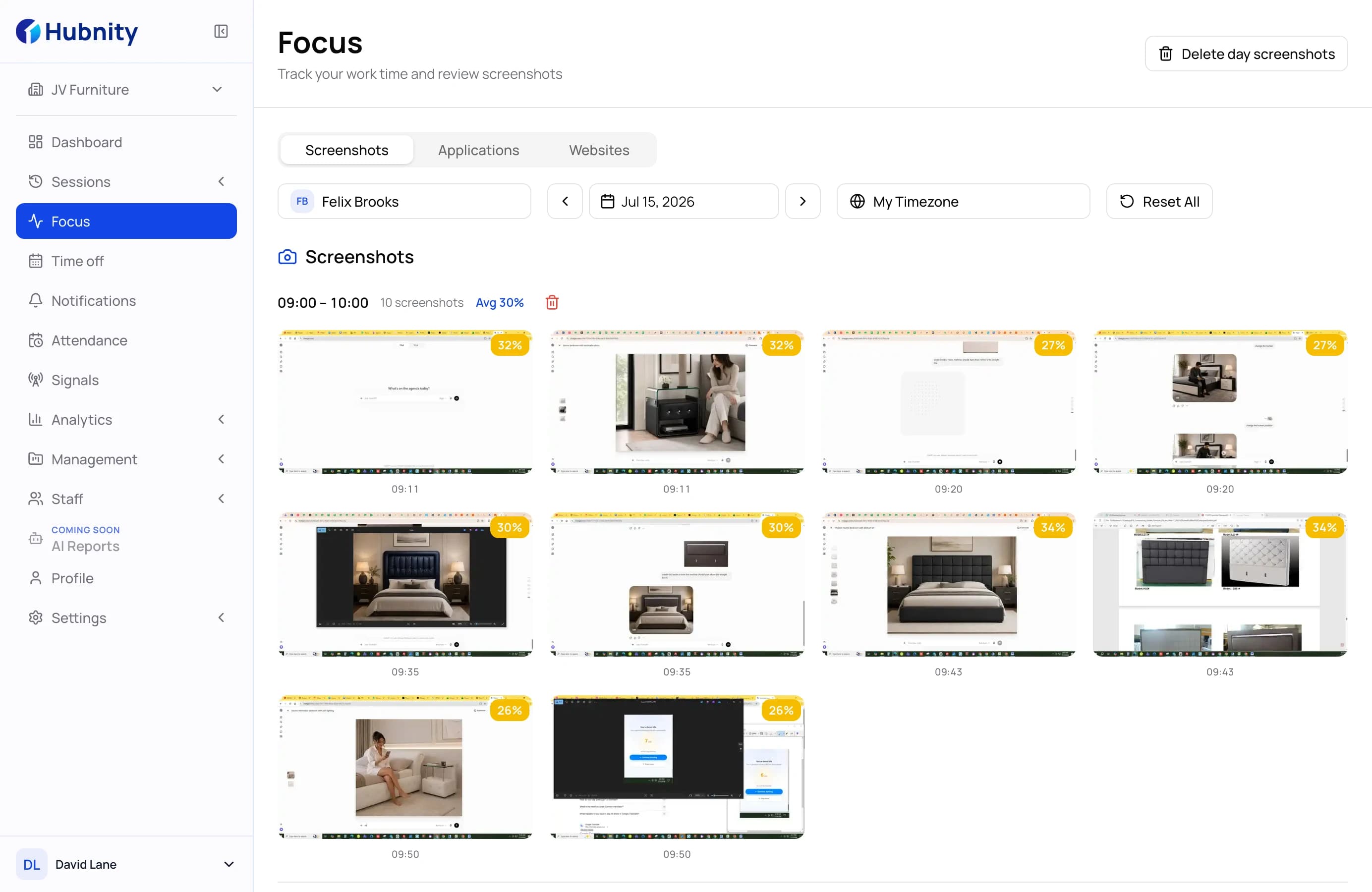
See hours, attendance, breaks, overtime, and task progress without asking every employee for a status update.
Give managers and finance cleaner timesheets that connect working time to the right team context.
Use clear work records to support better conversations around workload, coverage, and performance.
Product views
These examples show the two views buyers usually compare first: what managers review and what employees use during the workday.
Office operations
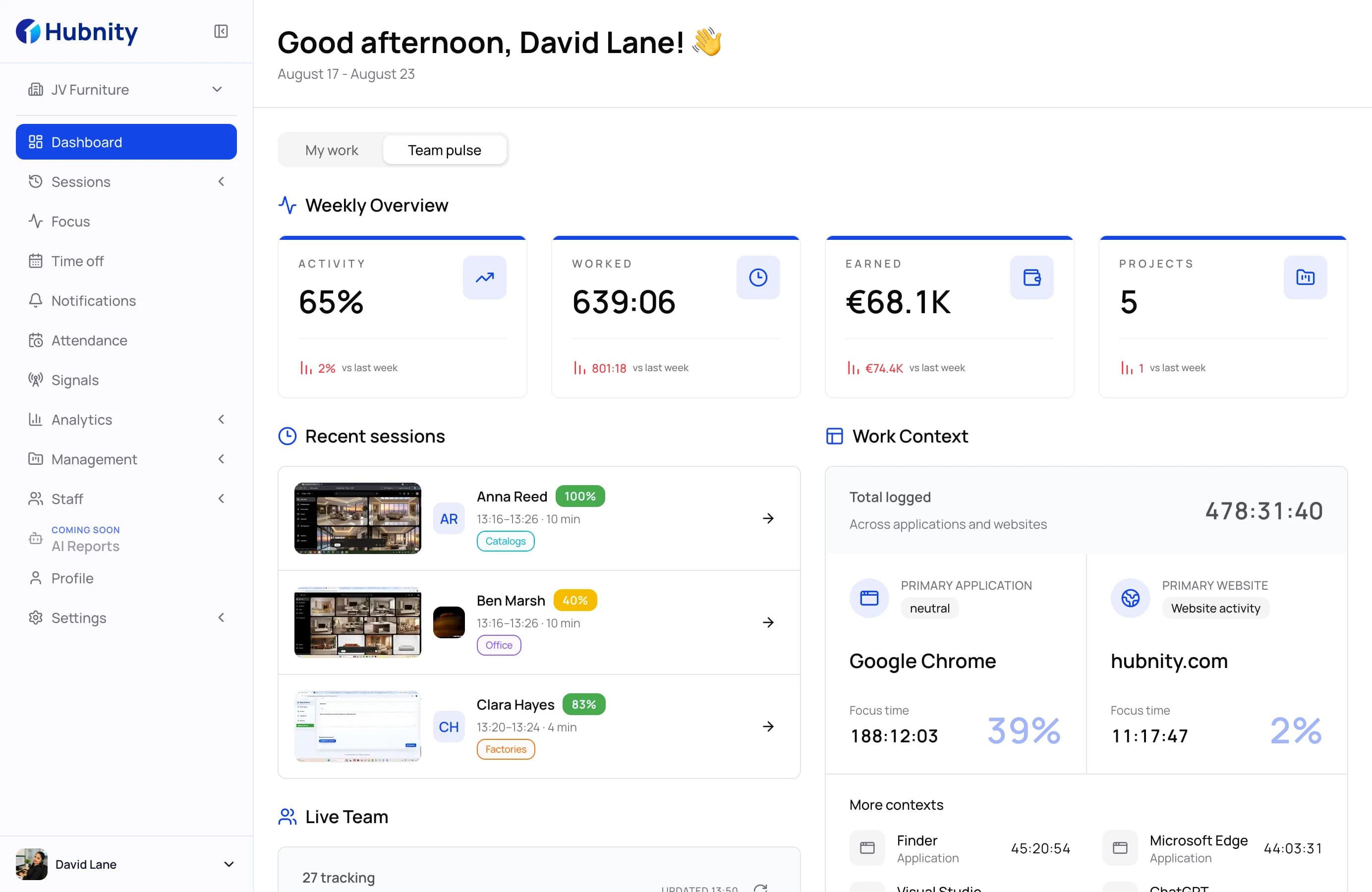
A manager view for attendance, workload, activity, and team-level operating signals.
Office operations
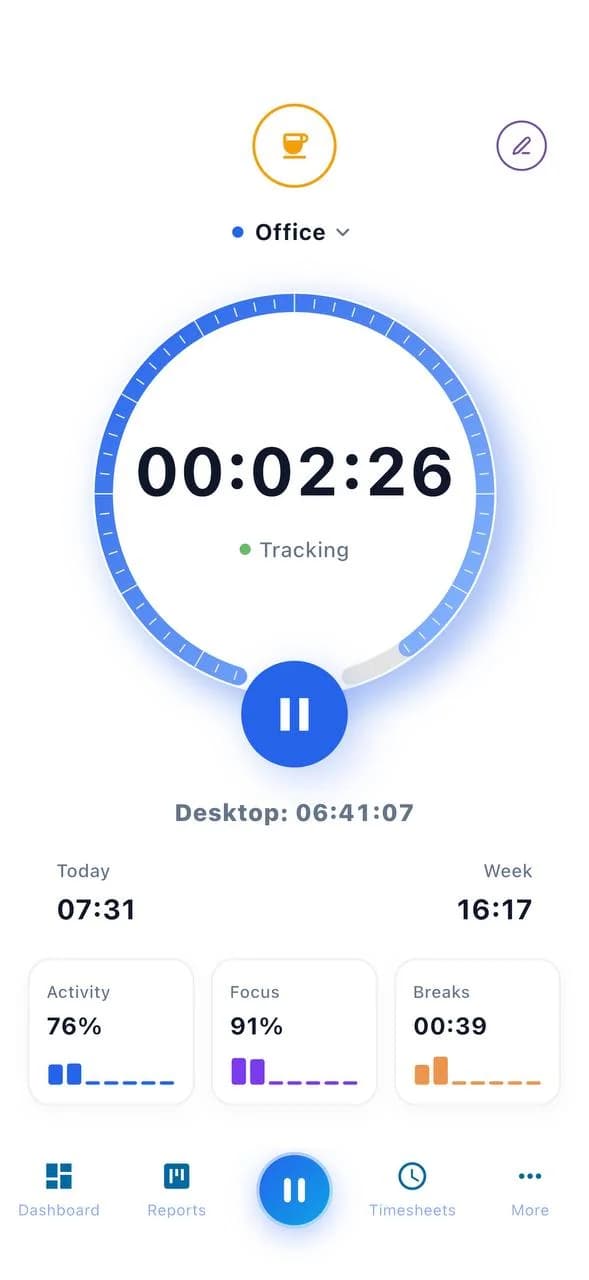
A worker-facing flow for clock-ins, schedules, tasks, GPS context, and daily records.
Practical outcomes
Hubnity keeps time tracking, attendance, productivity signals, and management reporting in one platform, so each team can work in its own rhythm without losing operational visibility.
Planning a different operating model? Hubnity can map tracking, projects, and reporting around your team structure.
Plan your setupClear answers for teams evaluating Hubnity for office teams.
Keep attendance, productivity, project time, and workload visible for teams working from one or many office locations. Teams can track time, attendance, tasks, and reports without switching between disconnected tools.
Managers can review work hours, attendance patterns, overtime, project or task context, and team-level productivity signals.
Yes. The workflow is built around simple clock-in, task selection, schedules, timesheets, and clear personal records.
Yes. Hubnity brings desktop, web, and mobile work records into clear team views for attendance, workload, and reporting.