
01 / 05
Track every consulting hour with precision
Monitor billable and non-billable work as it is logged, reduce missed hours, and keep every client engagement accurately recorded.
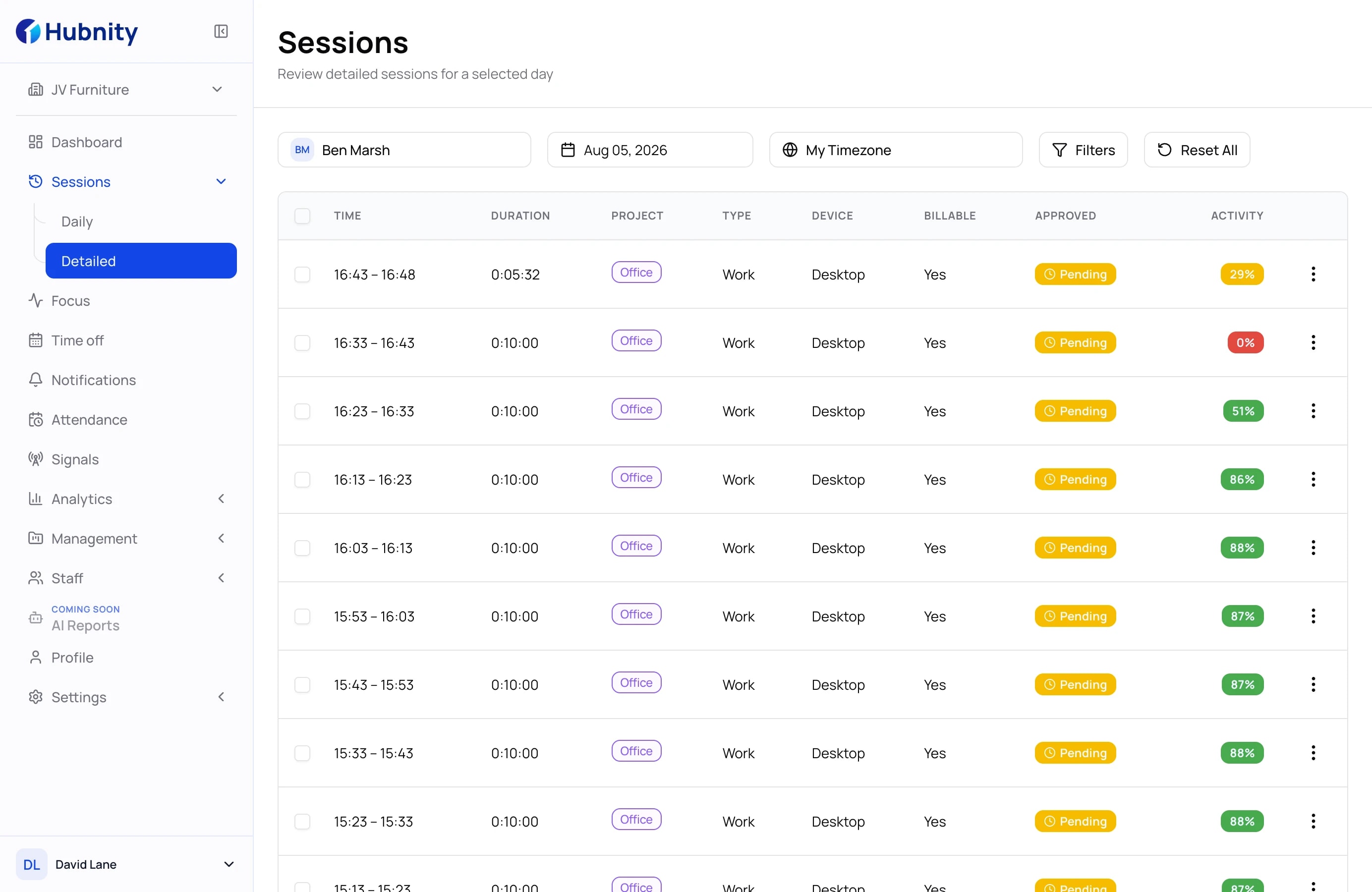
Capture billable time, keep engagements on budget, and give clients reporting they can understand without rebuilding every timesheet by hand.
Track
Approve
Bill
Consulting operations
Explore one workflow at a time, with the product view kept large enough to understand how the work actually moves.
01 / 05
Monitor billable and non-billable work as it is logged, reduce missed hours, and keep every client engagement accurately recorded.
02 / 05
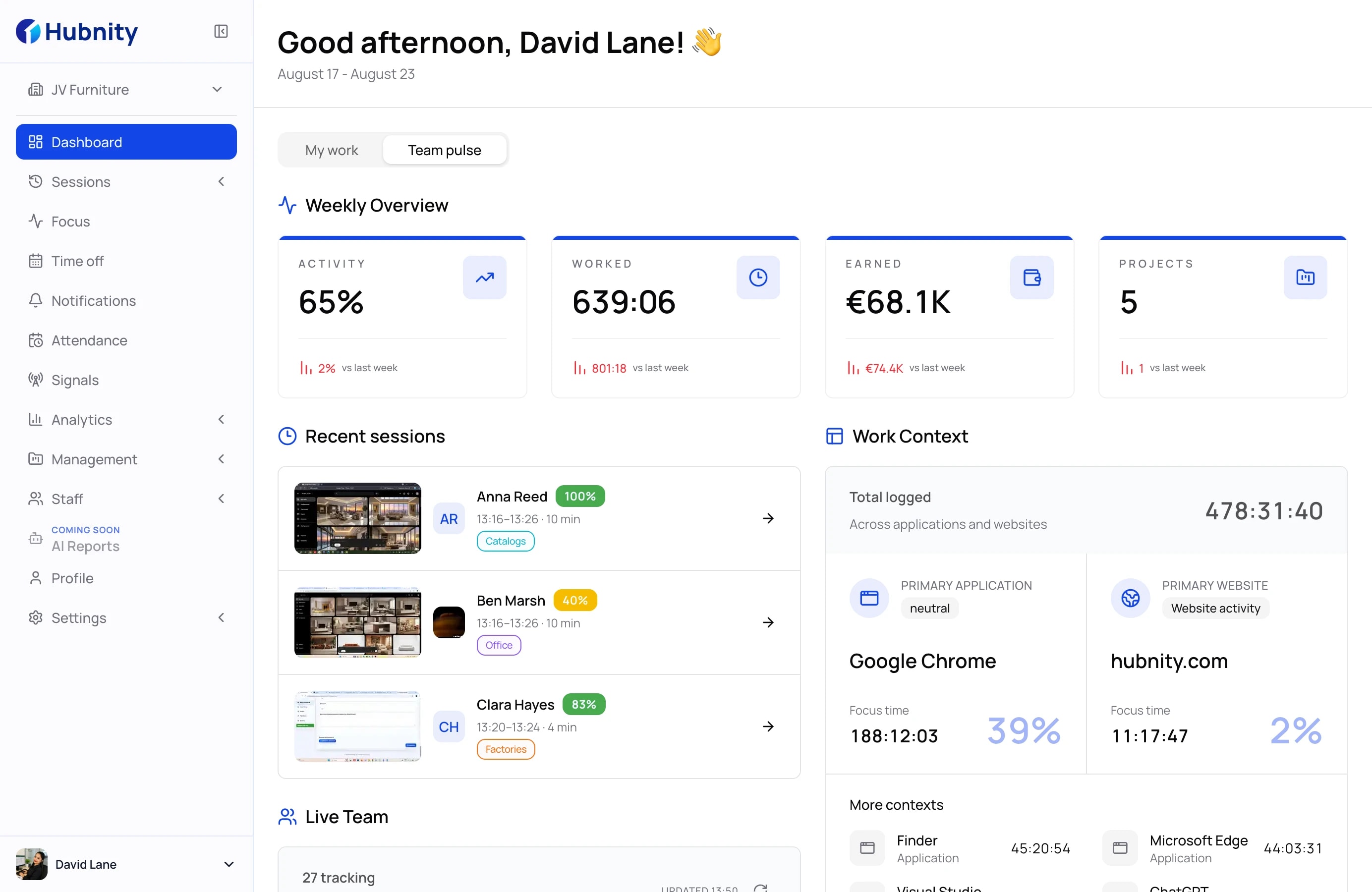
Review submitted hours, resolve missing entries, and keep project records organized for every consultant.
03 / 05
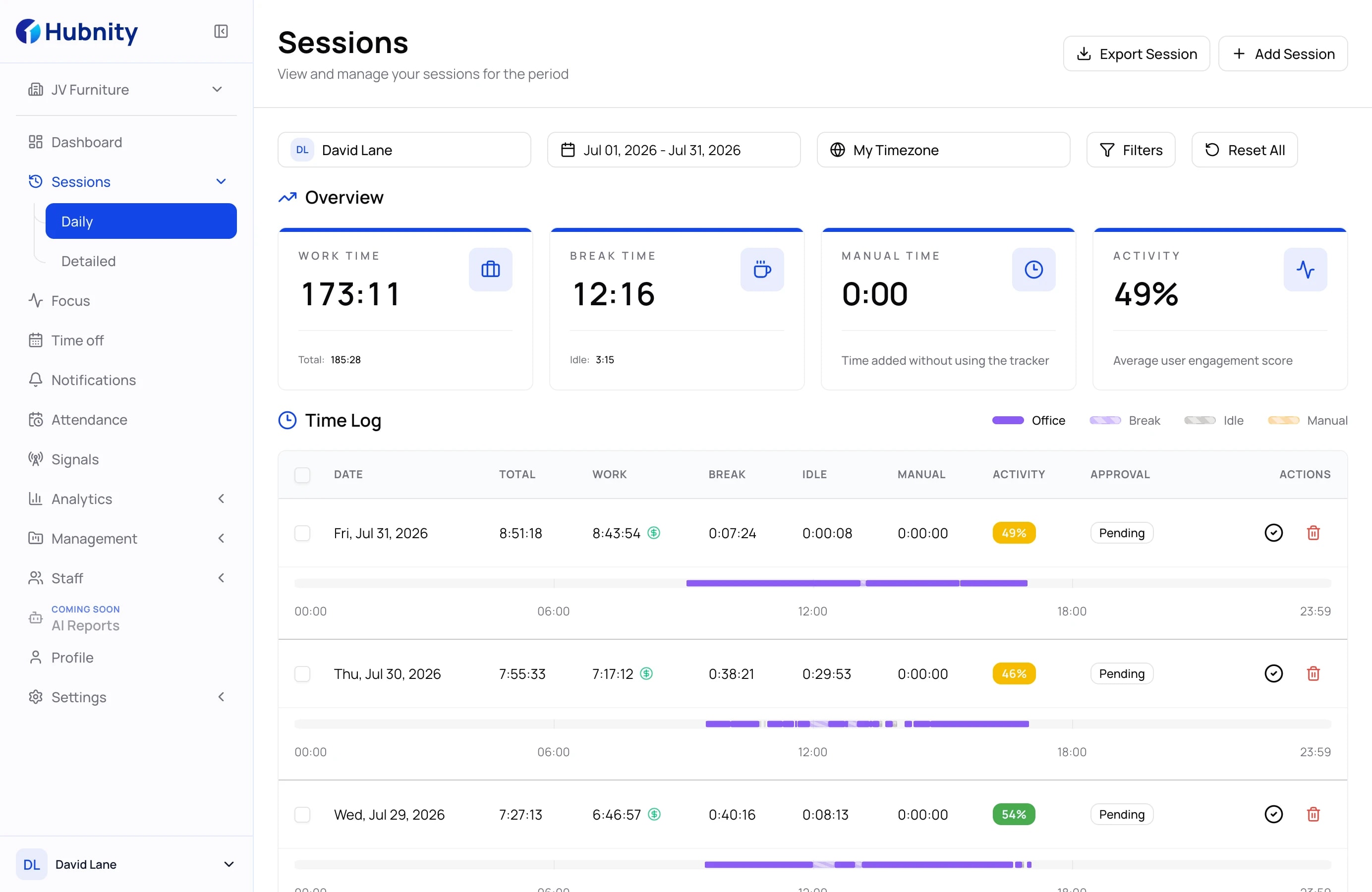
Connect approved entries to client-ready summaries so billing conversations start with reliable data.
04 / 05
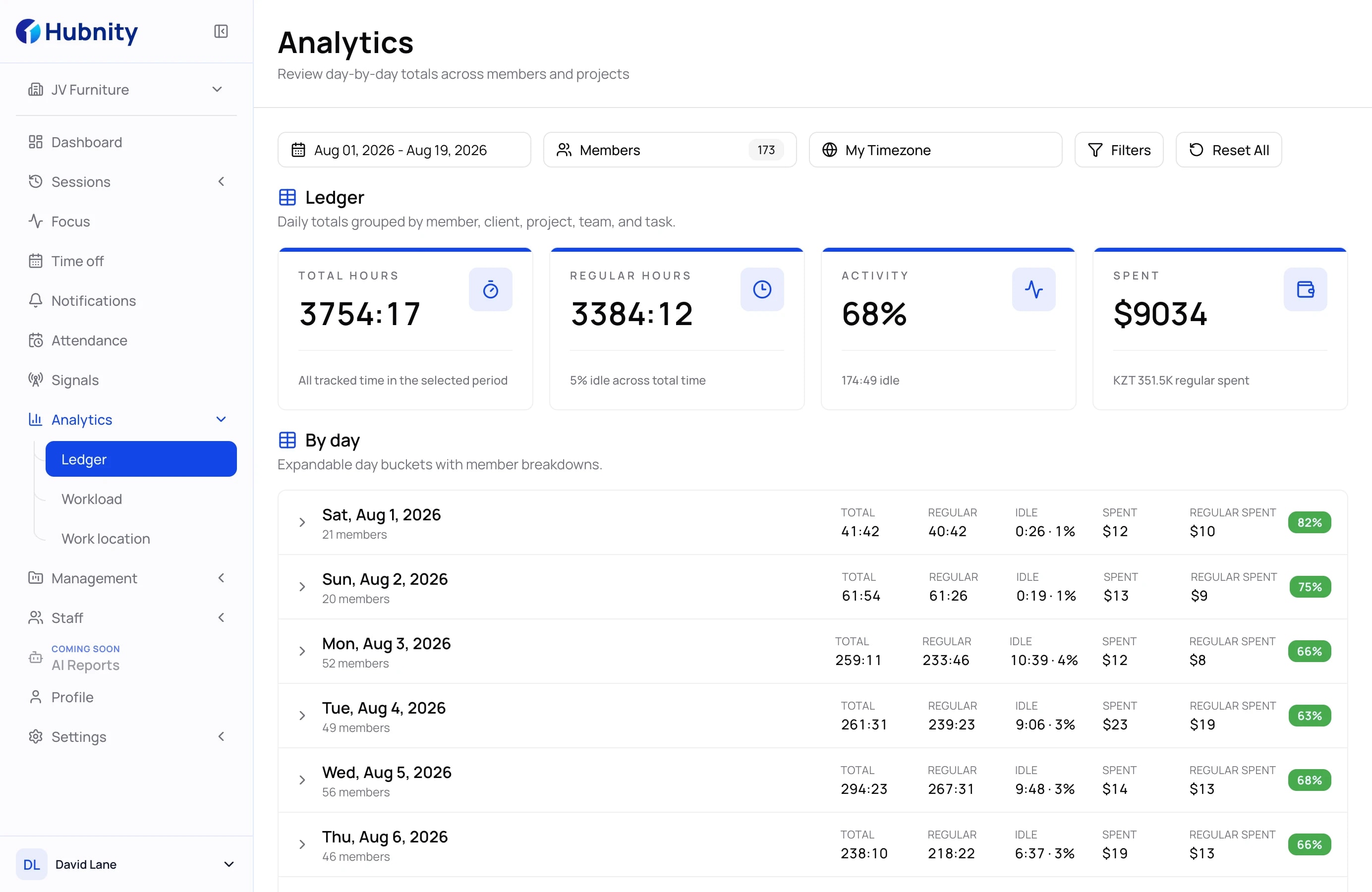
Monitor project spending, track utilization, and identify delivery risks before budgets or timelines move off course.
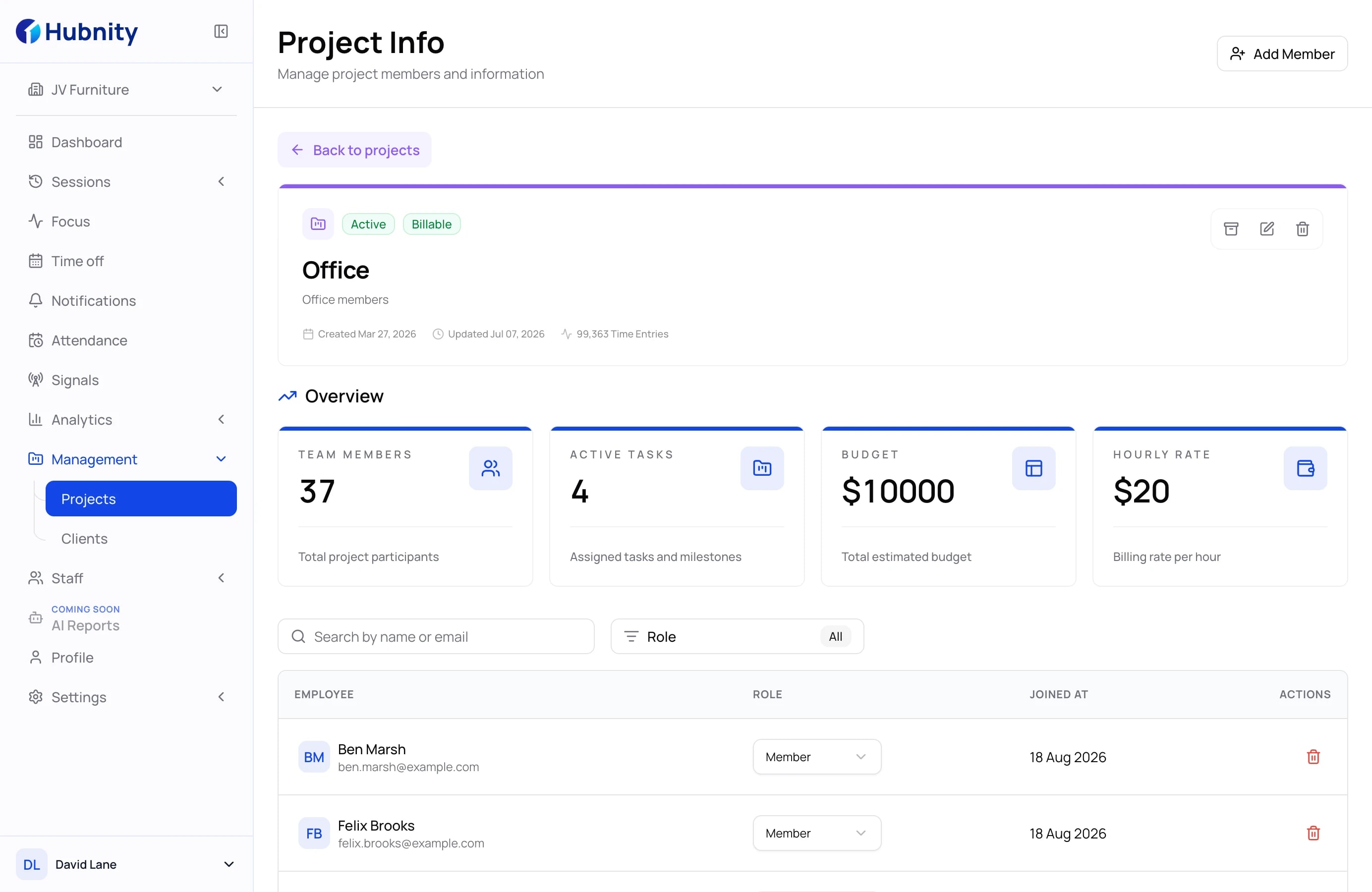
05 / 05
Compare team capacity, project progress, and billable work with reports designed for consulting operations.
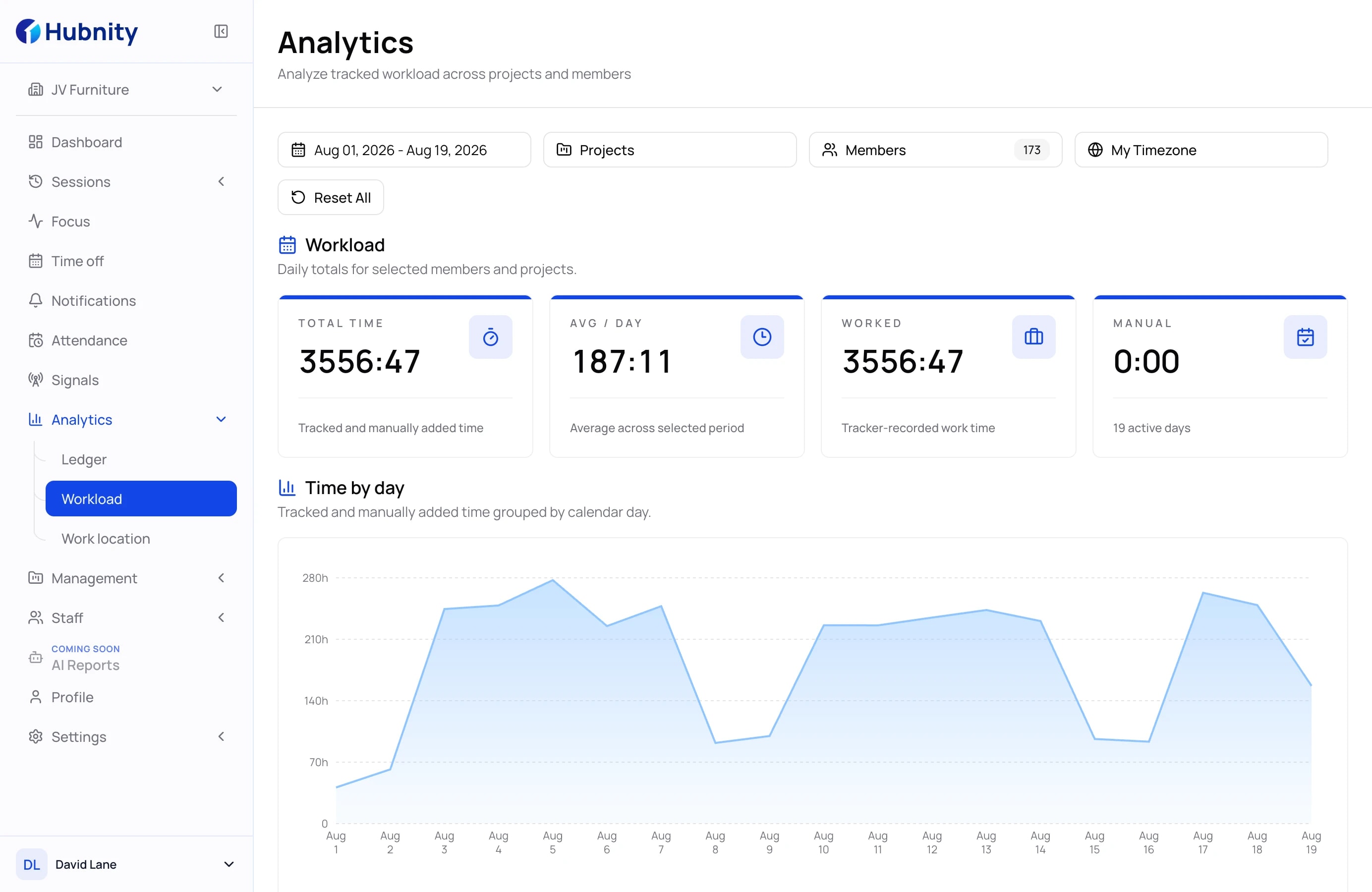
Swipe or use the arrows to explore all workflows

How it works
A simple workflow for capturing work, approving hours, and turning time into clear client-ready reports.
Create clients, projects, consultants, hourly rates, and billing rules so every tracked hour is connected to the right engagement.
Consultants log time by task, project, or client while managers see progress, utilization, and workload trends.
Check submitted hours, fix missing entries, approve billable work, and keep internal records clean before invoicing.
Turn approved time into client-ready reports, invoices, profitability insights, and exportable summaries for finance teams.
Resources & templates
Discover practical guides, templates, and proven workflows to improve time tracking, project visibility, and client billing.
Answers about billable hours, client reporting, approvals, and consultant workflows.
Consultant time tracking software helps teams record billable and non-billable hours, organize work by client or project, approve timesheets, and prepare accurate reports for invoicing.
Hubnity helps consultants capture work time, separate billable and internal activities, review submitted hours, and turn approved entries into clean client-ready reports.
Yes. Teams can organize tracked time by client, project, task, consultant, or engagement type to keep reporting and billing accurate.
Yes. Approved time entries can be used to prepare summaries, invoices, utilization reports, and project profitability insights for managers and finance teams.
Yes. Remote and hybrid consulting teams can see progress, workload, utilization, and missing time entries without constant check-ins or manual status updates.
Yes. Managers can review timesheets, correct missing details, approve billable hours, and keep records ready before billing clients.