
Quick-start guide for weekly timesheet reviews
A lightweight checklist managers can run in fifteen minutes to catch missing entries, approval bottlenecks, and billing gaps.
 Hubnity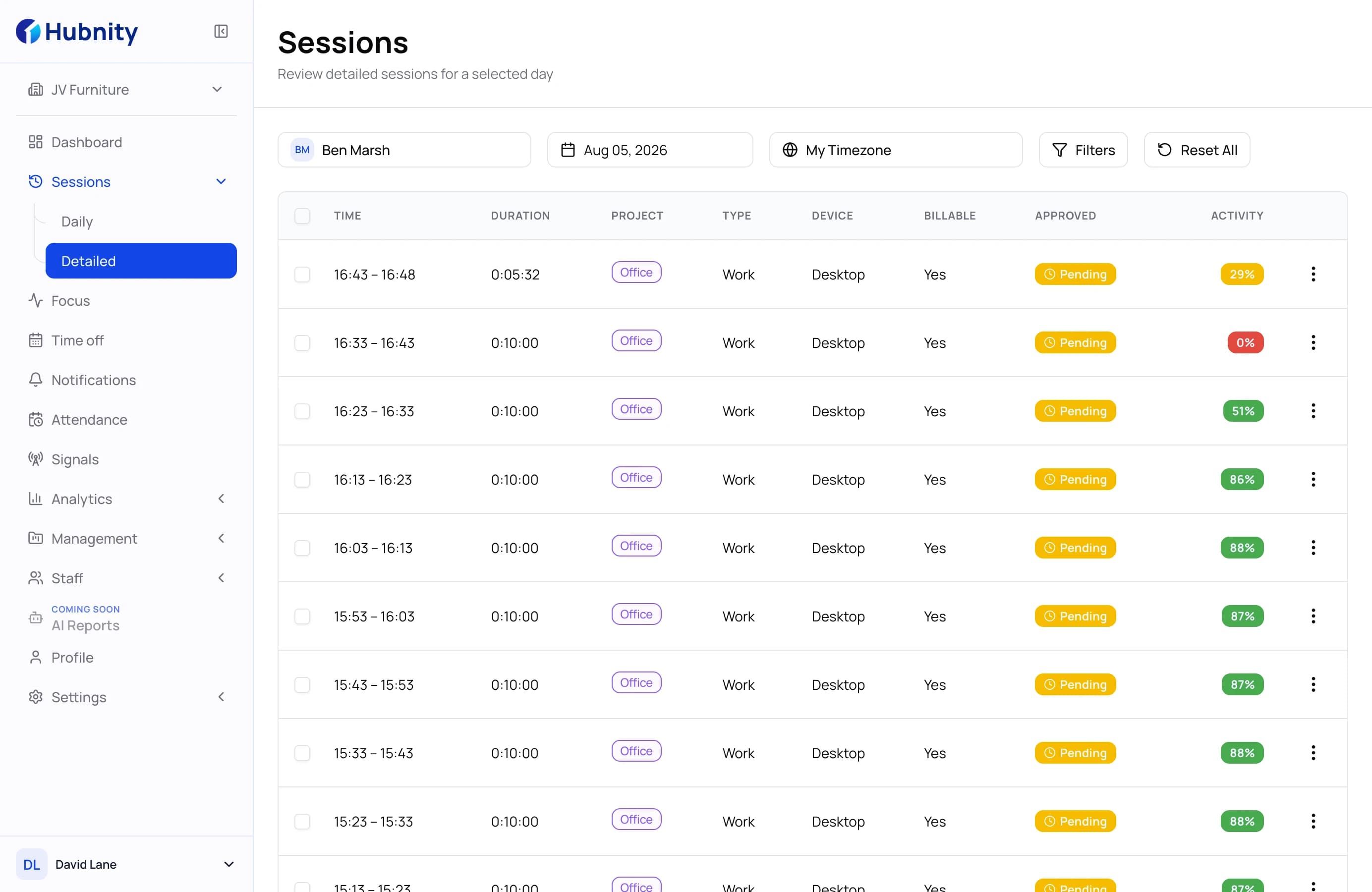
A fifteen-minute weekly review can prevent most timesheet issues from reaching payroll or client billing. The key is a repeatable checklist — not a heroic month-end cleanup.
Use a simple review checklist
Scan for missing entries, unapproved rows, and projects without assigned billable tags before the week closes.
Consistency beats depth. The same short review every Friday prevents expensive surprises later.
- Check for missing days or partial entries
- Review overtime and weekend exceptions
- Confirm client and project mapping on all billable rows
Triage exceptions in priority order
Start with items that affect payroll cutoff, then client billing, then internal reporting.
This ordering keeps the review fast even when exception volume is high.
Close the loop with contributors
Send one consolidated request for fixes instead of multiple pings throughout the week.
Contributors respond faster when they know the deadline and the exact rows to fix.
Track review outcomes over time
Count how many exceptions repeat week over week. Repeating patterns indicate training or configuration gaps.
Fix the system when the same issue appears three Fridays in a row.
Practical steps to apply this week
- Create a shared Friday review checklist for approvers
- Sort exceptions by payroll and billing impact
- Send one batch correction request to contributors
- Log recurring exception types for process improvements
Conclusion
Weekly timesheet reviews are one of the highest-leverage habits for operations teams.
Fifteen focused minutes each week beats hours of reconciliation at month end.

Hubnity
Practical guidance from the Hubnity product and operations team.
Related articles
 Time Tracking
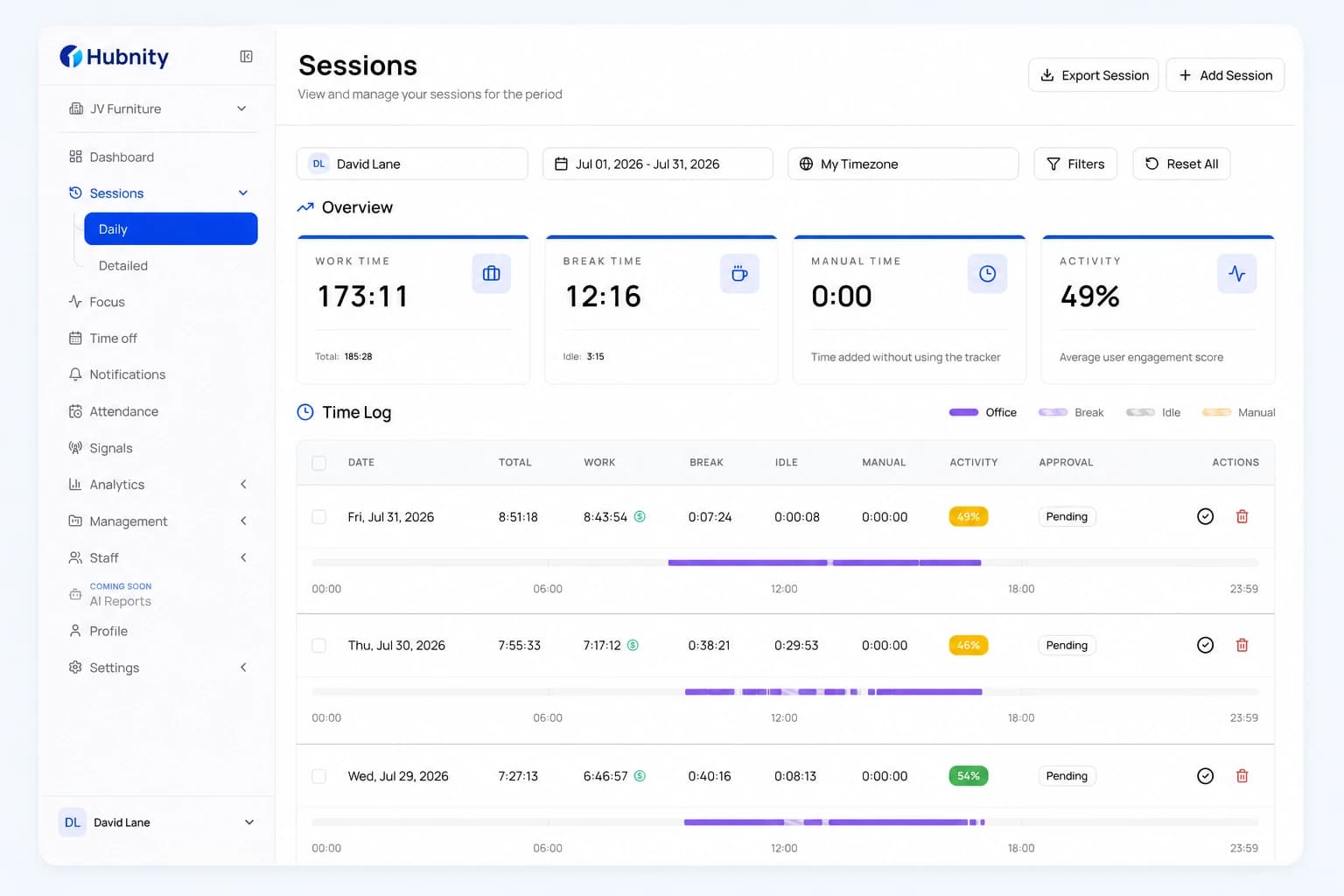
What we shipped in timesheet approvals
A closer look at batch approvals, exception flags, and audit trails designed to help finance teams close weeks faster.
5 min readHubnity Time Tracking
Overtime guardrails for growing teams
Set proactive alerts before burnout weeks turn into payroll surprises — with thresholds managers can actually act on.
8 min readHubnity Remote Teams
How to build a time tracking policy remote teams actually trust
A practical playbook for rolling out time tracking without hurting morale — from policy wording to privacy defaults.
8 min readHubnity