
 01
Weekly reports ñan review
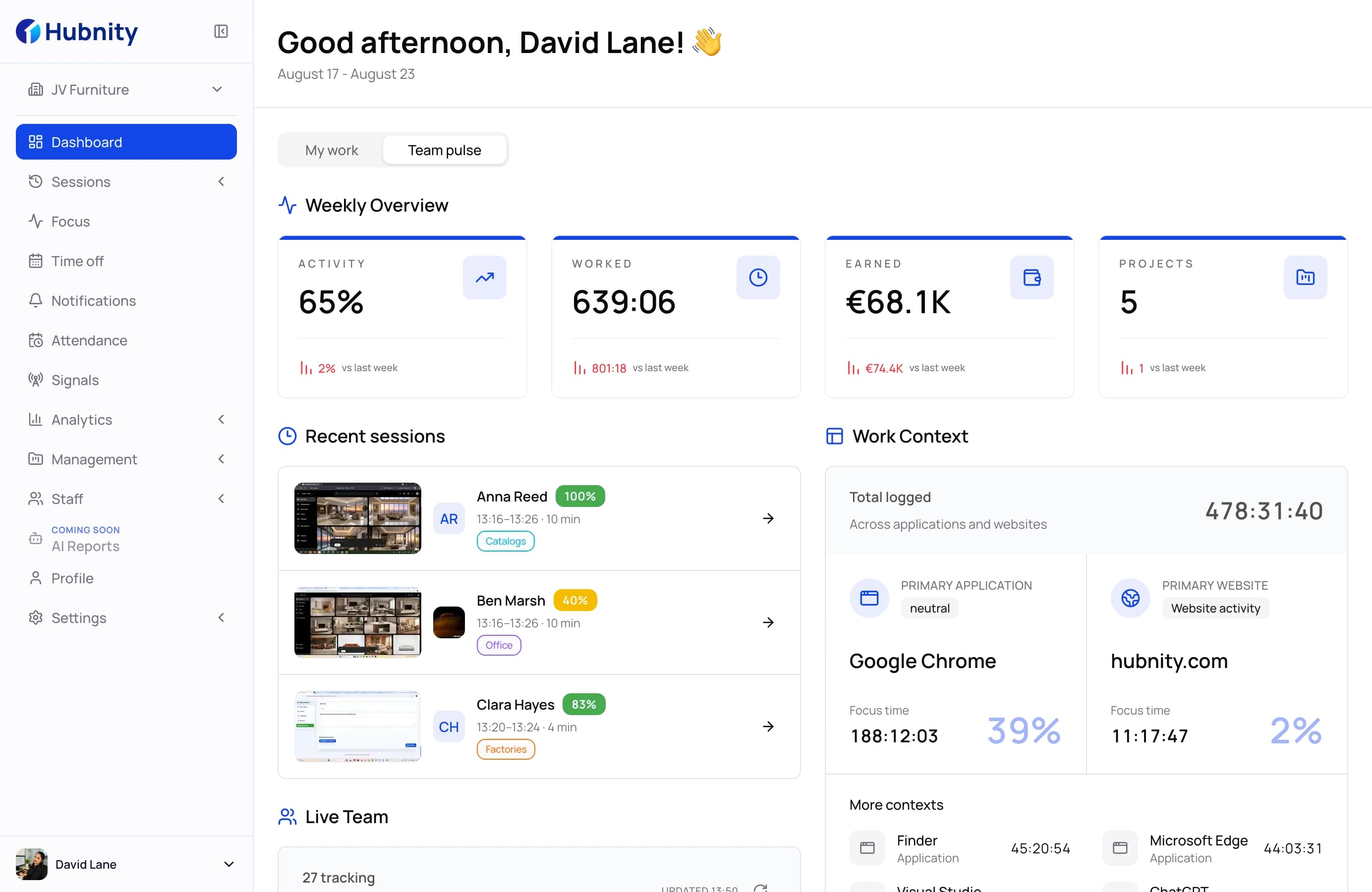
Written summary kin tracked work ilo team im armej: ta eo ar bar, ta eo ar jab bar, im ta eo ej aikuj review. Kajerbal ãindein report ñan read, jab bar juon dashboard ñan melele.
Lale weekly reportsHubnity · Hubstaff · Toggl Track · Clockify
Hubstaff, Toggl Track im Clockify aolep rej kã hours. Hubnity ej kõlõñ reports remaroñ review, unusual-activity signals, im app context ilo organization level iturin work record eo juon.
Ar kõmpare ippãn public plans, ar verify 09/2026
Head to head
Rukwal tool kwõj kajerbal ilo ien in. Jej list ia eo Hubnity ej tõl — im ia eo ej juon, bwe kwõn jelã trade-off eo ej mol.
Ia eo Hubnity ej tõl
Hubstaff ej kwalok kwe dashboards ñan melele. Hubnity ej kõlõñ weekly work summary ñan team im person-level review.
Kõmpare wãween product otemjej ej kwalok unusual activity im ta eo plan ej ien in ej include mokta jen rukwal workflow.
Hubstaff ej classify apps jen global list. Hubnity ej kõtlok organization otemjej ñan kõkkar ta eo ej work ñan wõn.
Ia eo rej kar
Ruo rej jipañ core time tracking, ippãn screenshots, activity, app, URL, location, im attendance capabilities ej ukot ilo plan im configuration.
Full comparison
Aolep men ej aikuj ñe team ej rukwal tracker, ilo juon table. Hover ilo half circle ñan lale etke ej half wõt.
| Capability | Hubnity | Hubstaff | Toggl Track | Clockify |
|---|---|---|---|---|
| Melele patterns | ||||
| Unusual activity signals | Insights add-on, ej bill ilo seat | |||
| App categories ar kõkkar ilo organization otemjej | Global category list, ar tune ilo Insights add-on | |||
| Kōmpair remote ippān in-office | ||||
| Capacity planning im workload | Utilization ilo Insights add-on | Toggl Plan product ej kõjpel | Scheduling wõt, ejjelok utilization | |
| Review activity | ||||
| Screenshots ippãn privacy blur | ||||
| Apps im websites ej visible ñan managers | Timeline ej privat ñan user | Auto tracker ej privat ñan user | ||
| Idle detection | ||||
| Activity levels jen keyboard im mouse | ||||
| Track work | ||||
| Desktop, mobile im web timers | ||||
| Timesheet approval | ||||
| Attendance im shift schedules | ||||
| Time off ippãn accruals | ||||
| GPS im geofenced job sites | ||||
| Pay im plan | ||||
| Project budgets im costs | ||||
| Task board ilo project otemjej | Hubstaff Tasks product ej kõjpel | Toggl Plan product ej kõjpel | Plaky product ej kõjpel | |
| Interface ilo 21 kajin | ||||
Ilo public plan pages im documentation an vendor otemjej, ar verify 09/2026. Hubstaff, Toggl Track im Clockify rej trademarks an ri-pãleir im ejjab kõnnaan ippãn Hubnity.
Ilo Hubnity wõt
Jilu views ko remõn ko rej jipañ managers ñan kõmpare reporting, app context, work location, im unusual activity workflows.
01Written summary kin tracked work ilo team im armej: ta eo ar bar, ta eo ar jab bar, im ta eo ej aikuj review. Kajerbal ãindein report ñan read, jab bar juon dashboard ñan melele.
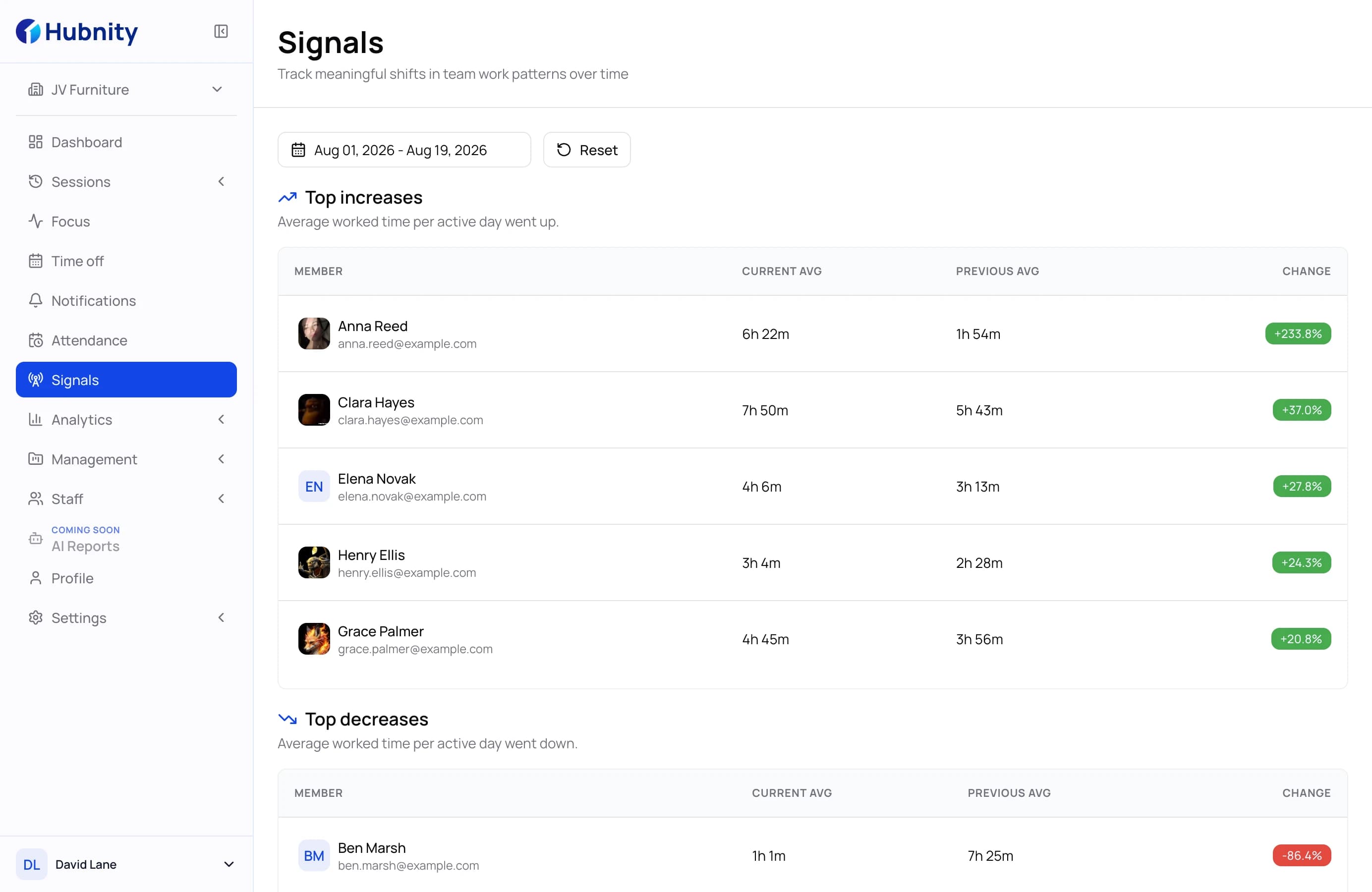
Lale weekly reports02Hours ko rejjab ejjeļo, activity eo ejjab kar ippãn timer, device eo ar ukot ilo jotõ. Hubnity ej kwalok signal, kõbaal evidence, im kõtlok judgement ñan kwe.
Lale unusual activity signals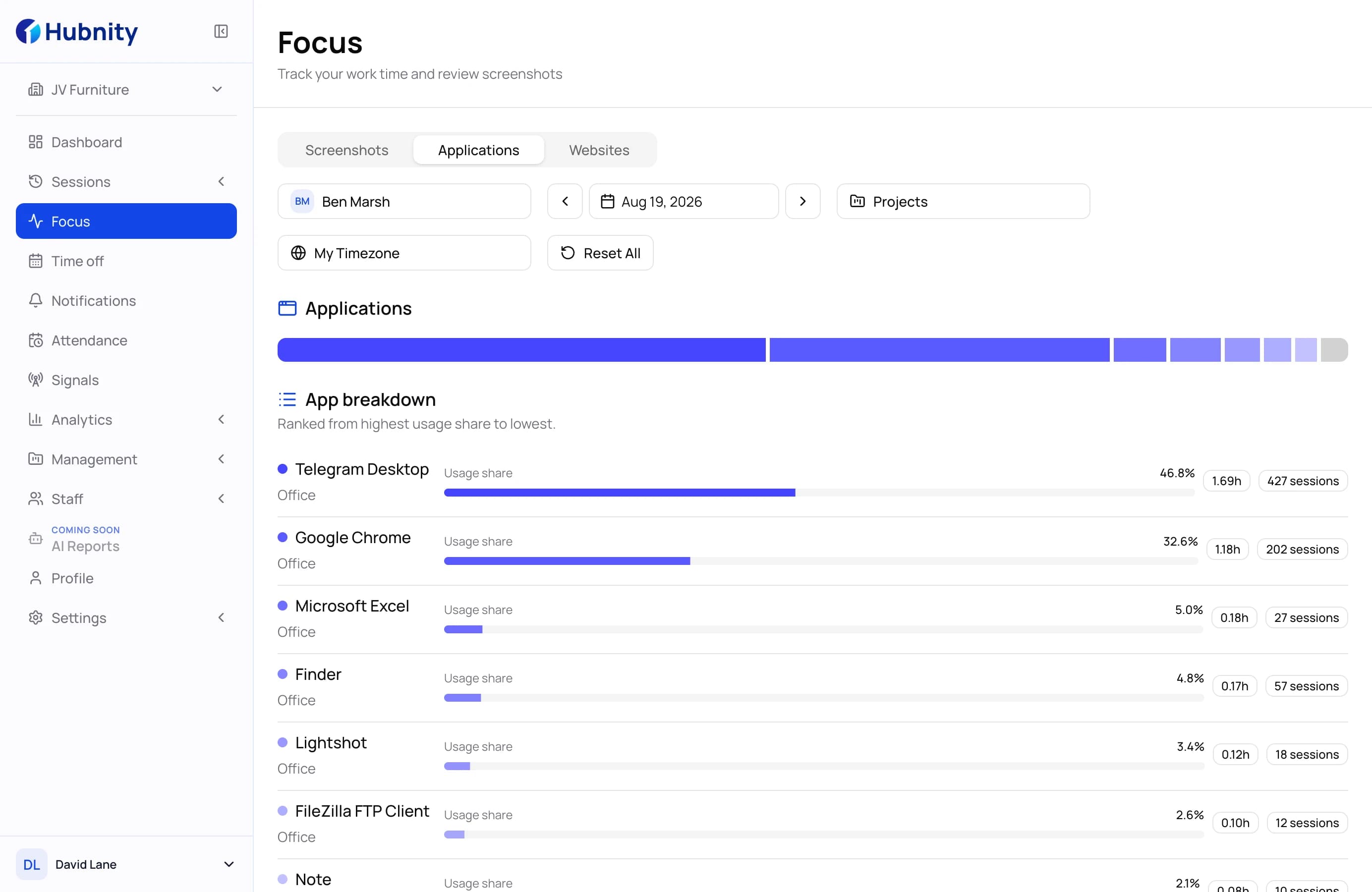 03
Kõkkar ta eo ej work ñan organization pãlem. Figma ej productive ñan design im distraction ñan accounting — juon rule, apply ilo ia otemjej, ejjelok global list kwõjjab maroñ edit.
Lale app im URL tracking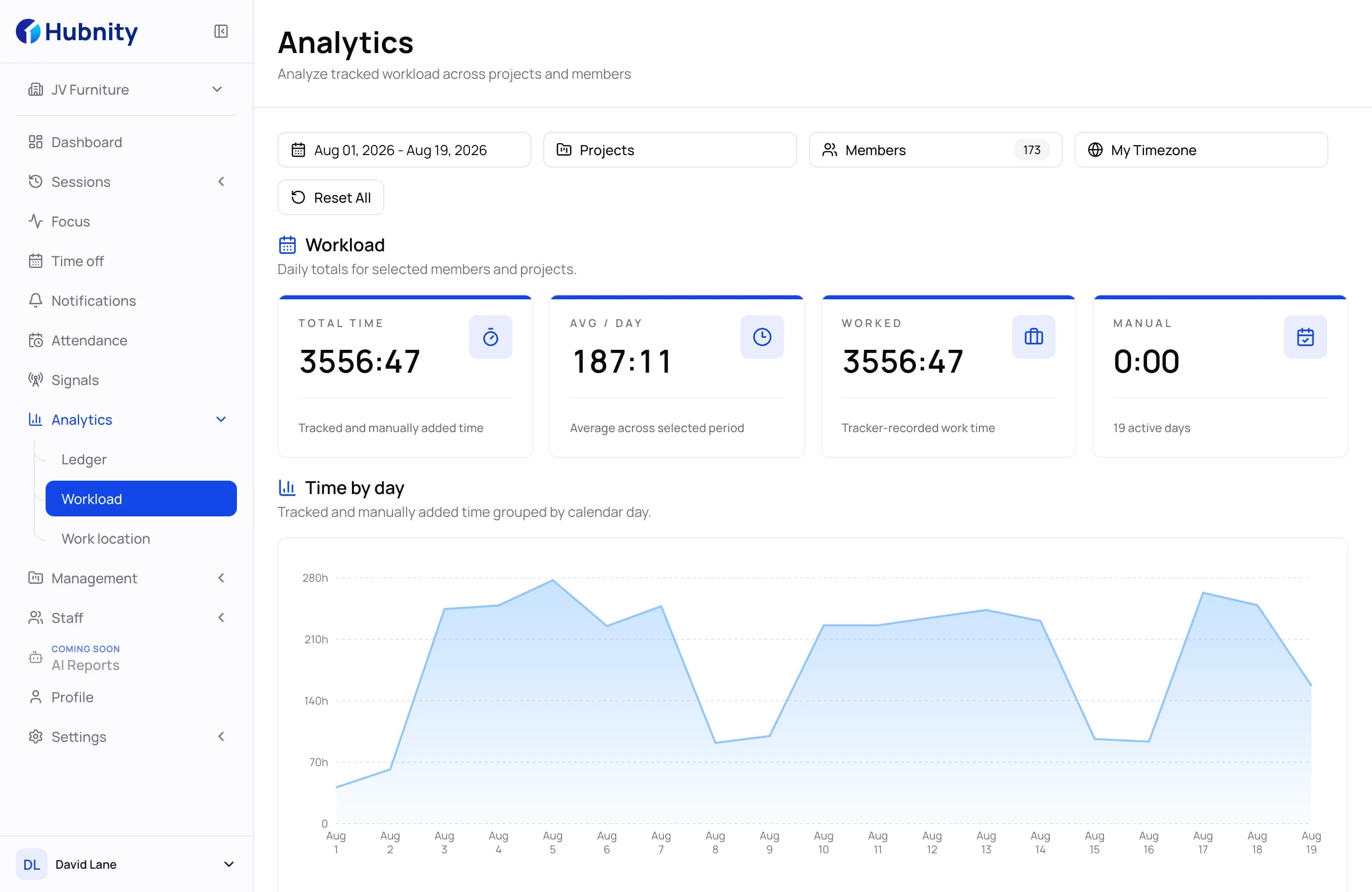 04
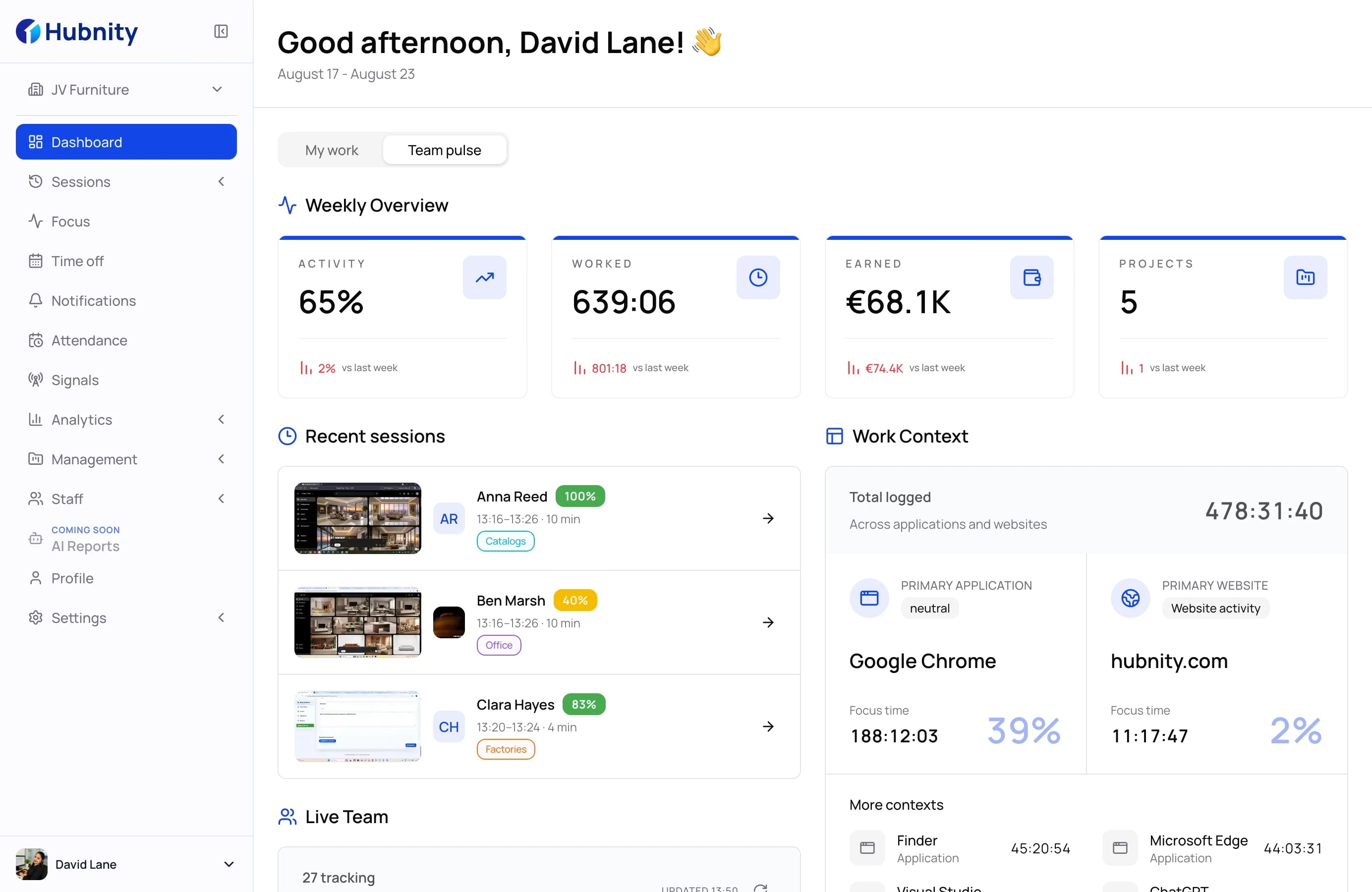
Session otemjej ej jeje ia eo ej walok. Kõmpare remote days ippãn office days ilo team eo juon, ippãn metrics ko juon, mokta jen return-to-office debate eo ej itok.
Lale remote vs in-officeSwitching
Ejjelok data migration, ejjelok consultant. Team ekadu ilo jilu jon ej track ilo jemlok ran.
Step 1
Juon invite link ñan team otemjej. Members rej ilo project eo ekkar ippãn role eo ekkar, ejjelok spreadsheet kin emails.
Step 2
Desktop ñan Windows, macOS im Linux, mobile ñan iOS im Android. Session eo mokta ej sync ilo ien eo ej jemlok.
Step 3
Kõmmane projects bar im kõkkar idle im screenshot rules team pãlem ar bõk ñan.
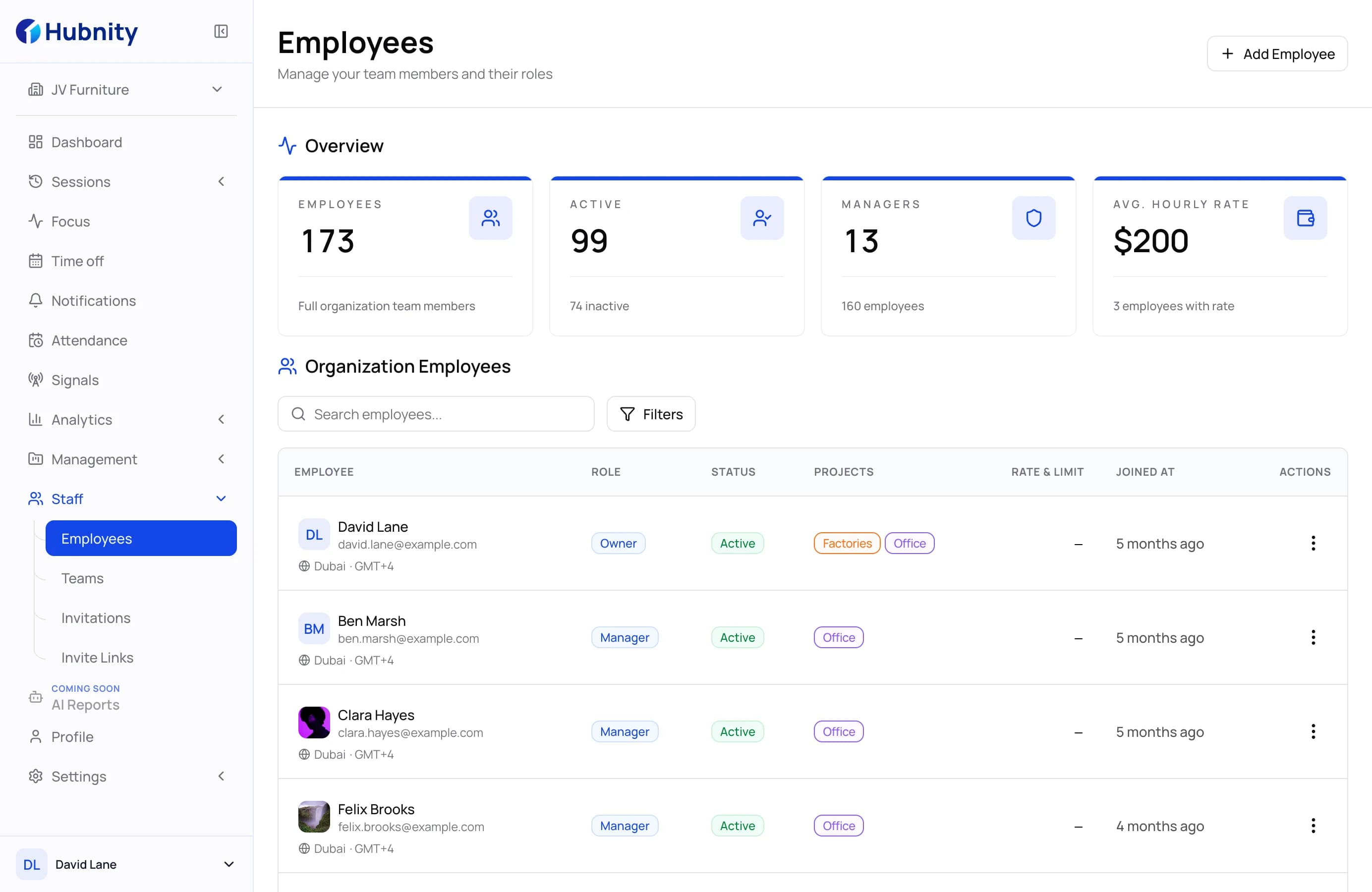
Uwaak ko rej mãlõk ñan teams ko rej lale Hubnity ippãn Hubstaff, Toggl Track im Clockify.
Hubstaff im Hubnity rej overlap ilo core time im activity workflows, include timers, screenshots, im location features ko rej ilo plan im configuration. Kõmpare wãween product otemjej ej kõmmane reports, app context, im unusual-activity review, innem confirm entitlements ej ien in mokta jen kõmmane decision.
Toggl Track ar kõmmane ñan juon timer ej focus im time-reporting workflow. Hubnity ej remõn ñan kõmpare ñe kwõj bar aikuj activity context ej configure, attendance records, ak unusual-activity review. Rukwal eo ekkar ej ilo controls im plan entitlements team pãlem ej aikuj lukkuun.
Clockify ej juon timer im reporting tool ippãn capabilities ko rej ukot ilo plan. Hubnity ej remõn ñan kõmpare ñe kwõj aikuj tracked work records ippãn app context, attendance, im unusual-activity review ilo juon workflow. Confirm plan details ej ien in ippãn vendor otemjej mokta jen kwõn ukot.
Matrix ej kwalok Hubnity entitlements ko ej configure ilo ien in ñan plan otemjej. Lale live pricing comparison im confirm feature set eo ej mol mokta jen plan rollout.
Switch ej jino ippãn kõnnaan members, install desktop ak mobile apps, kõmmane projects bar, im kõkkar idle im screenshot settings. Time ko rar jerbal jen tool eo ewõr ej kõjparok ia eo ej pãd, ak records rekãl rej jino ilo Hubnity.
Matrix ej juon comparison ilo juon ien ilo public plan pages im documentation. Feature availability im pricing remaroñ ukot ilo plan im ilo ien, bwe confirm rows ko rej aikuj ippãn vendor otemjej.
Kajerbal comparison im plan information ej ien in ñan kõkkar ñe Hubnity ej kar ippãn tracking im reporting workflow an team pãlem.
Kõnnaan salesLale pricing ej ien in